

Workspace Tests
A workspace test is a C# script that checks something your workspace already does: an endpoint returns what it should, a migration left the data in the shape you expected, a node type still has the nodes you rely on. A test passes when its code finishes and fails when it throws. Nothing runs a test on a schedule or on a commit. An admin starts it by hand, or Sudo does when you ask.
Tests are written the same way as code endpoints, so everything you know about the endpoint scope applies. The difference is the missing request and the added Assert helper.
The Tests page
Open Operate > Runtime > Tests. The top row counts the tests that passed, failed, are skipped, are running, are queued and have not run yet. The filter under it narrows the list to one of those groups.
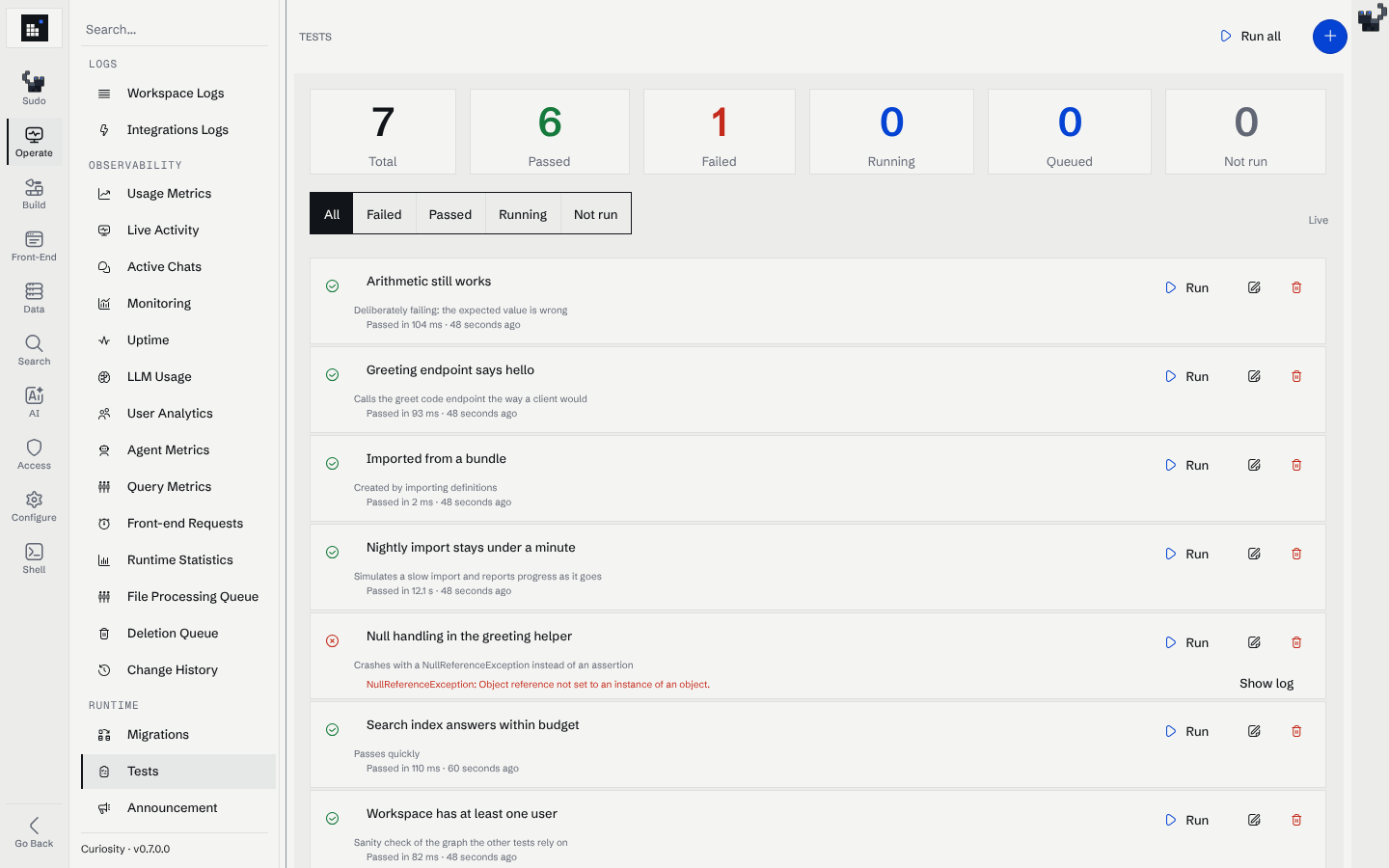
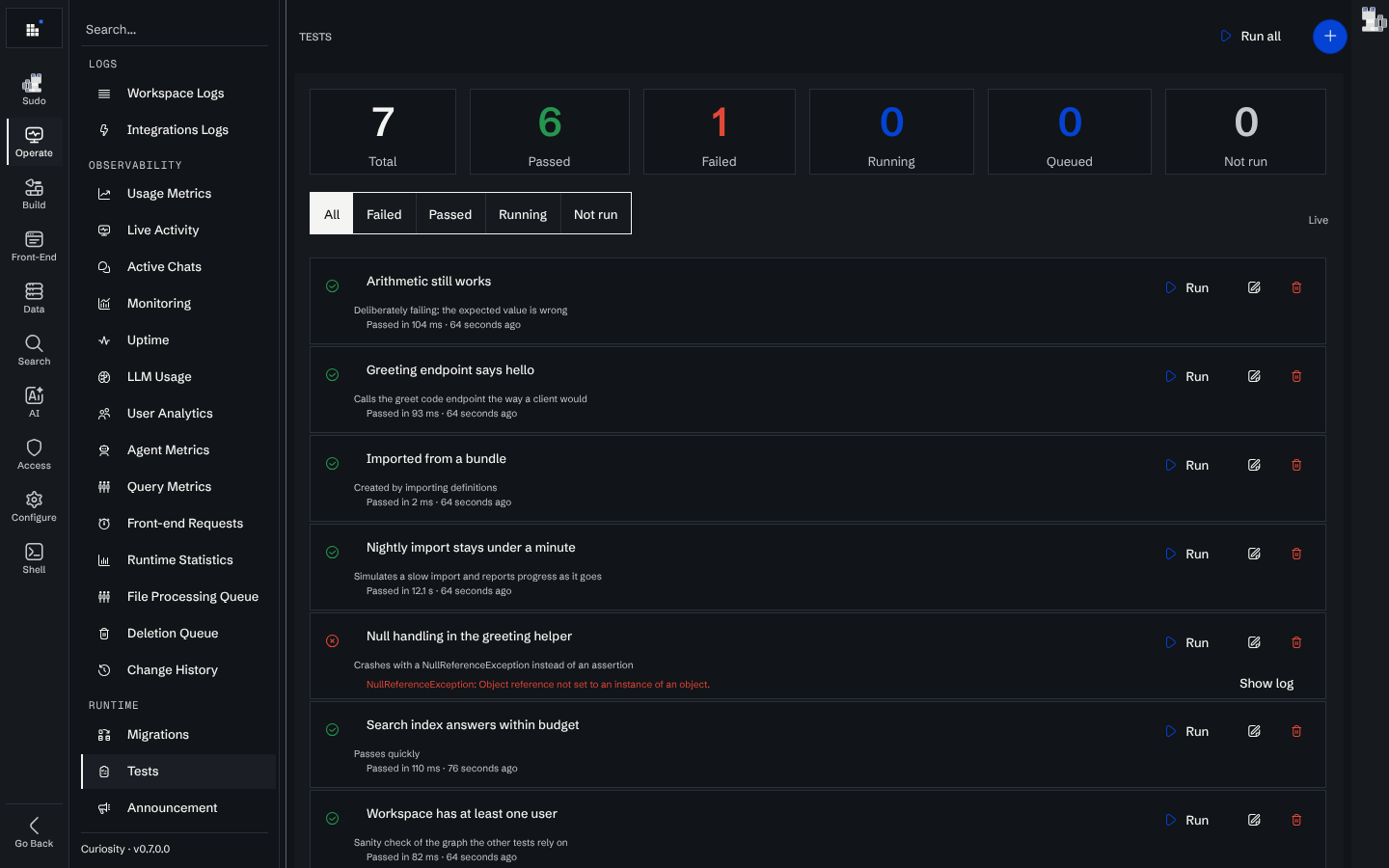
- Run starts one test. Run all queues every test and runs them one after the other, so tests that write to the workspace never overlap. Cancel stops the running test and the ones still waiting.
- A running row shows how long it has been running and the last line the test logged. The page follows the run through a server-sent event stream, so there is nothing to refresh.
- Click a test's name, or Show log, to open its run view. For a test that is running, the log fills in as lines arrive. For a finished test it shows the log of the latest run, and a failed test shows the error above it.
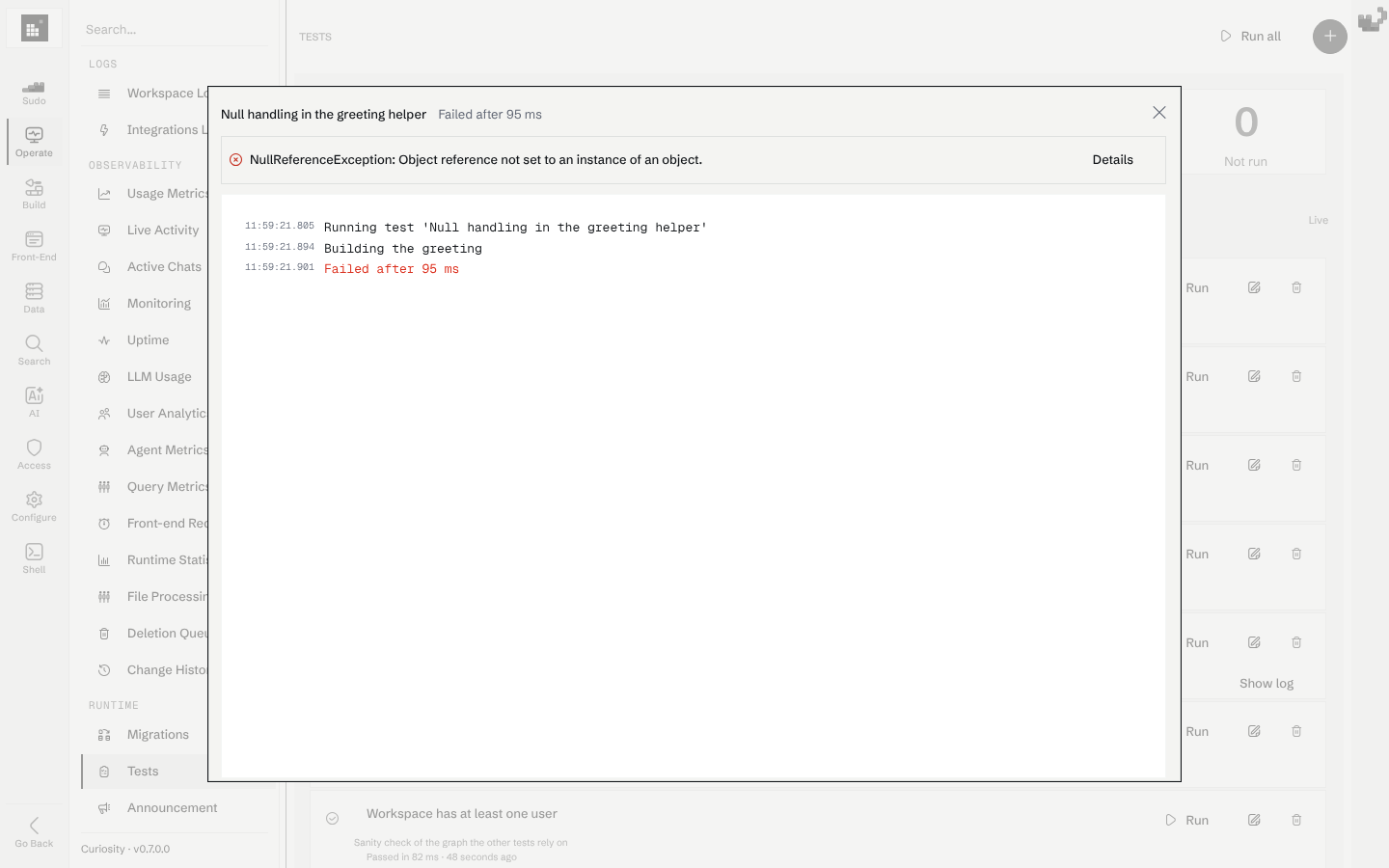
The result of the latest run is stored with the test, so it is still there after a restart. A test that was running when the server stopped is shown as canceled. Changing a test's code resets its result to "not run", because the result described the old code.
History
Every run leaves a report: Run all writes one for the whole pass, and starting a single test writes one for that test. The History tab lists them newest first.
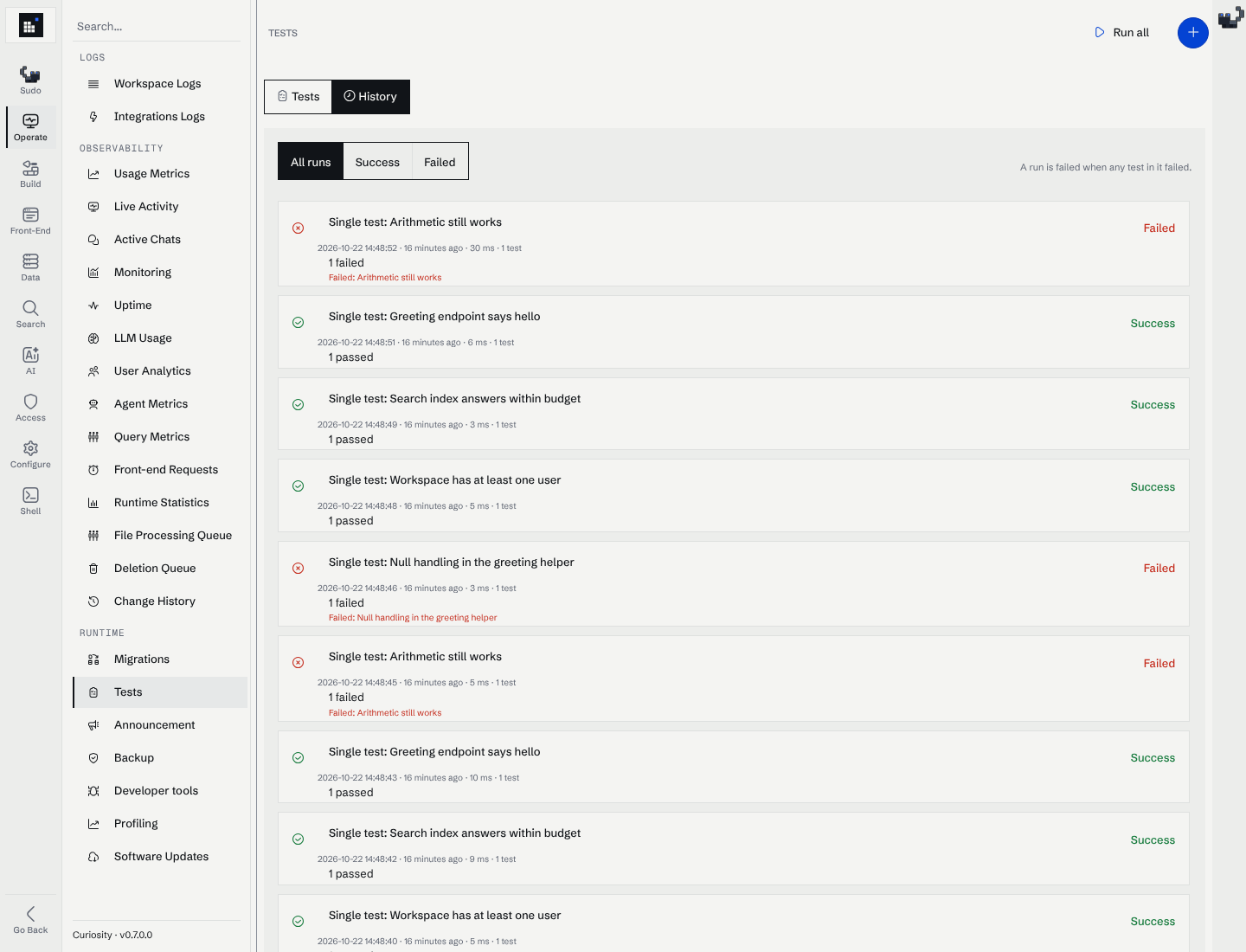
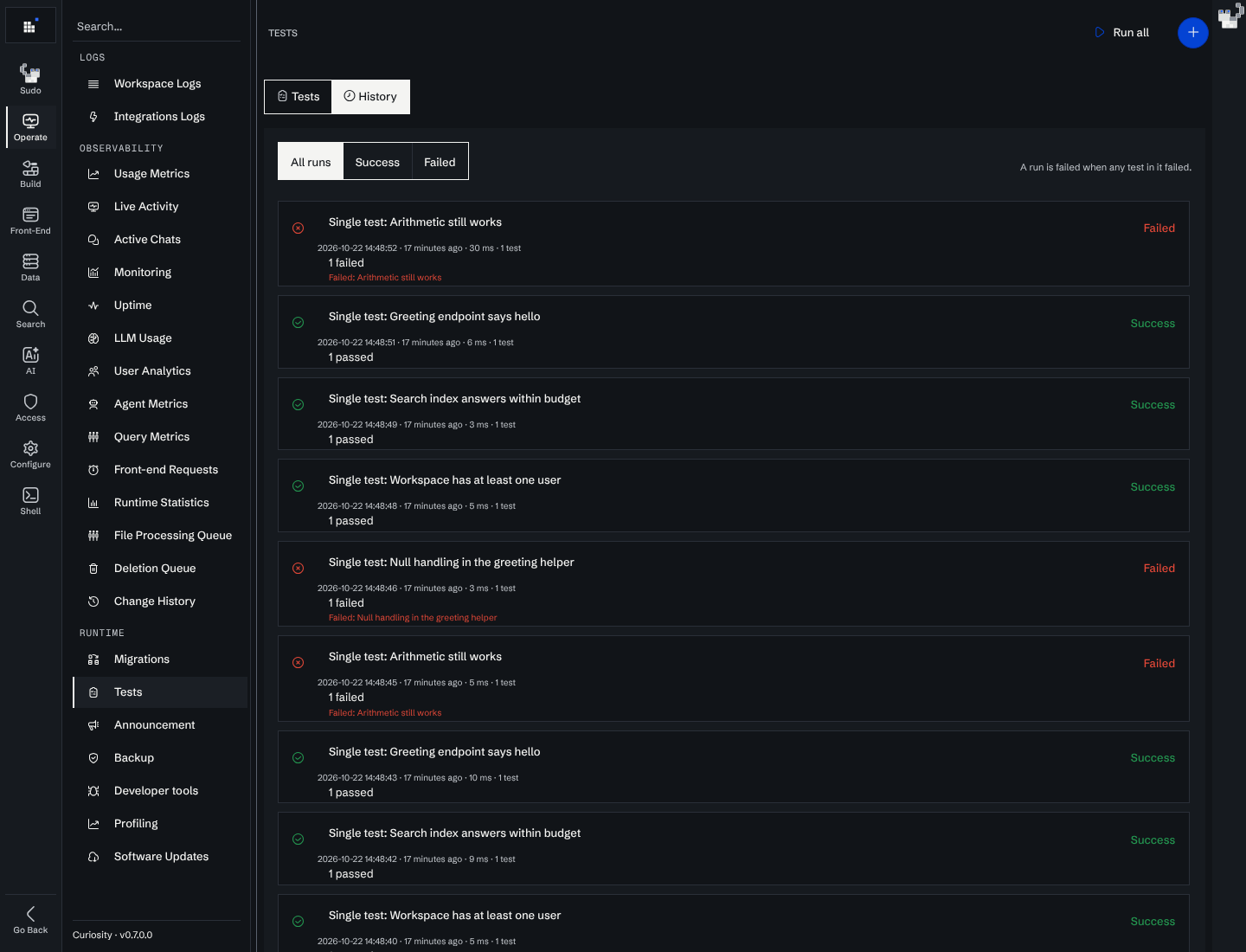
- A run card shows what was run, when, how long it took, the counts (
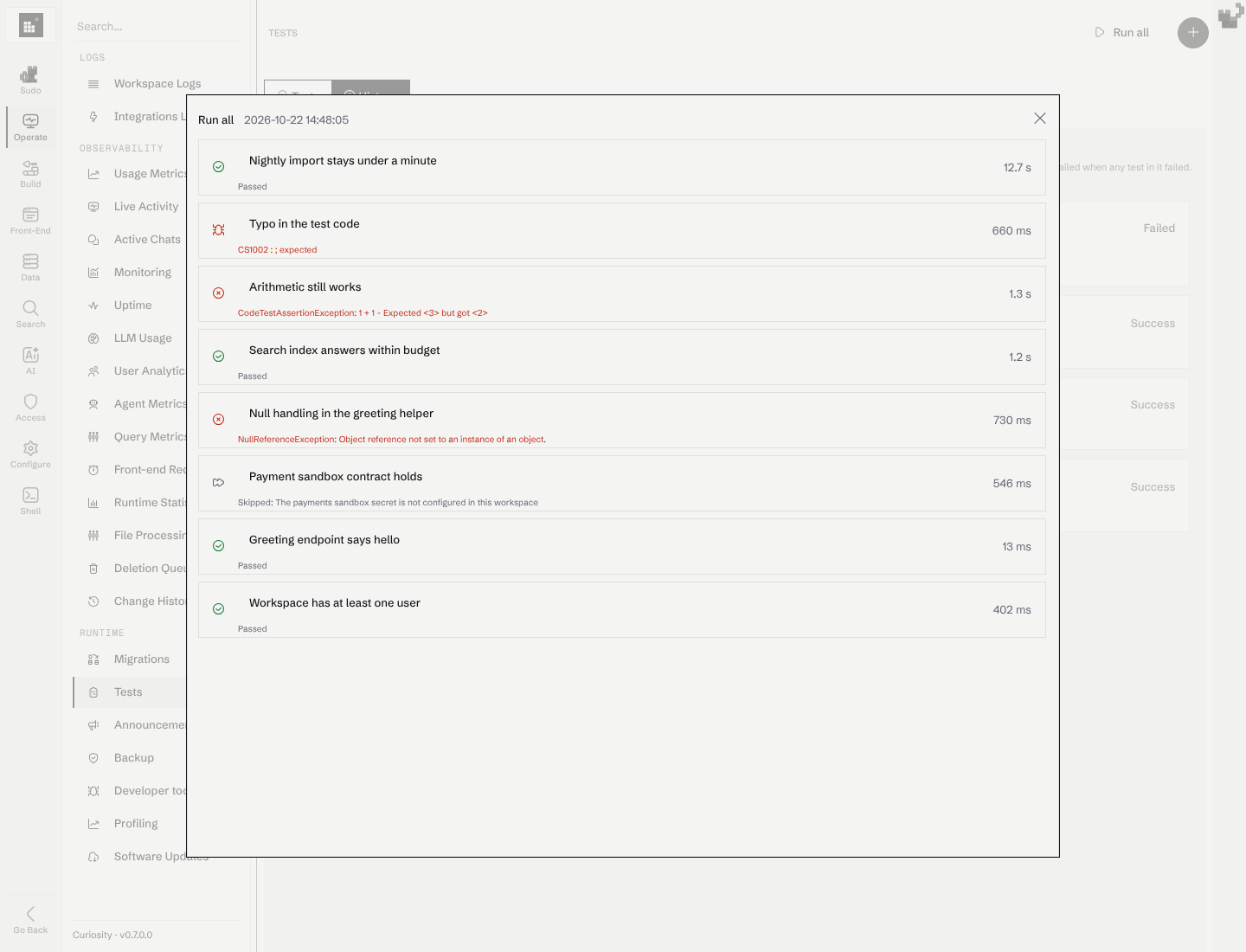
6 passed · 1 failed · 1 skipped) and the names of the tests that failed. - The filter shows All runs, Success or Failed. A run is failed when any test in it failed or did not compile, and a success otherwise. Skipped and canceled tests do not make a run fail.
- The list is paged, 10 runs per page. The tab, the filter and the page are kept in the URL, so a link opens the same view.
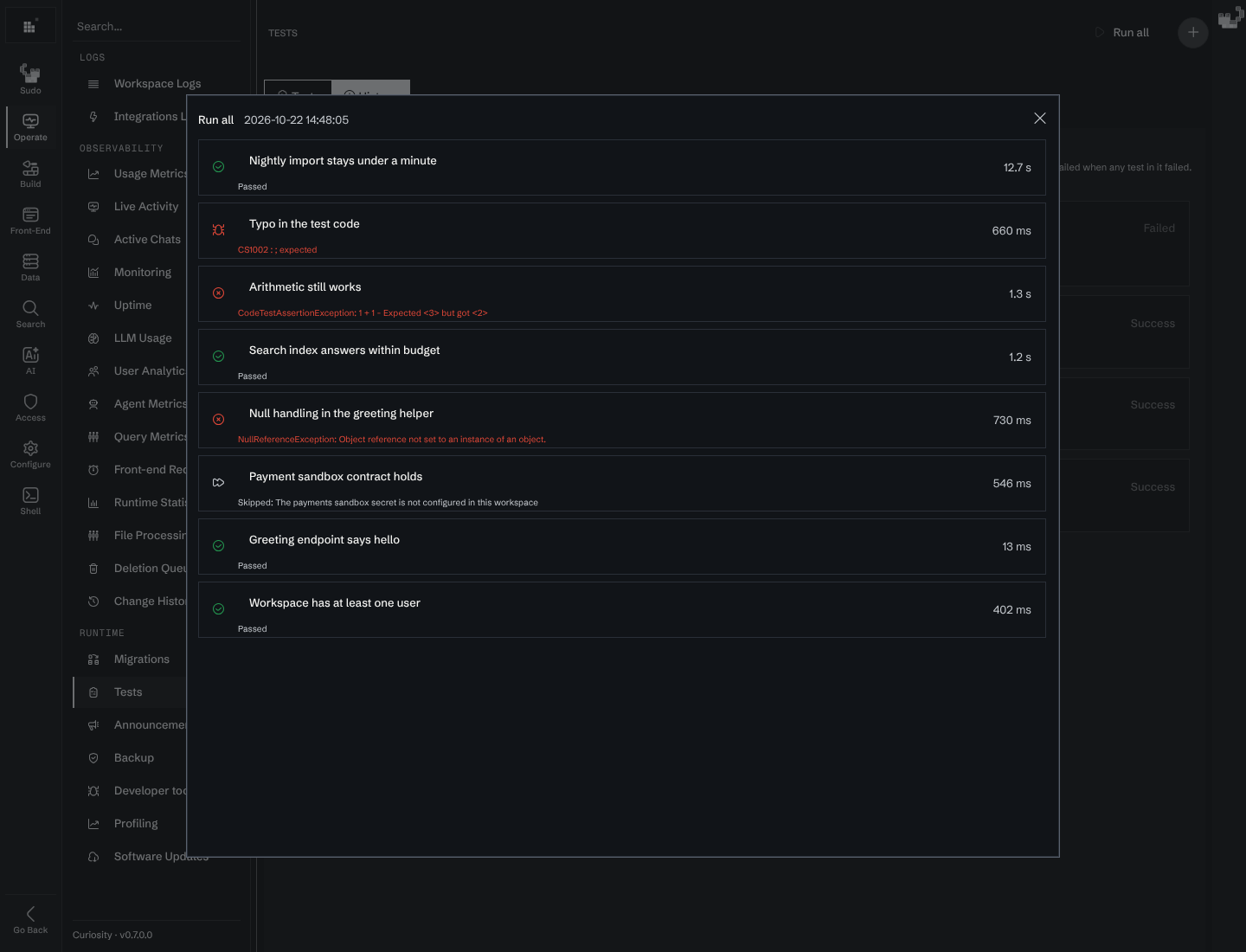
- Click a run to open its report, and a test in the report to see its error and the log it wrote. The report keeps the last 200 log lines of each test and the first 8,000 characters of an error.
- The workspace keeps the newest 500 reports. A new report is written to the graph as a
_CodeTestRunnode, with a simple text index on its outcome, which is what the filter reads.
Writing a test
The editor is the same one used for migrations and endpoints: compile errors show as you type, every save is recorded in the code history, and saving over a version someone else changed opens the conflict diff instead of overwriting it.
Each test has a name, an optional description, a timeout in seconds (60 when empty) and its code.
Log("Calling the greet endpoint");

var reply = await RunEndpointAsync<string>(Endpoints.Greet);

Log($"Endpoint answered: {reply}");
Assert.Equal("Hello, world", reply, "greeting");
Assert.Contains("Hello", reply);
What the code can use
The test runs in the CodeTestExecutionScope.
| Object | Type | Description |
|---|---|---|
Assert |
TestAssert |
The checks listed below. A check that does not hold fails the test with its message. |
Skip(reason) / SkipIf(condition, reason) |
void |
Ends the test as skipped, with the reason. See Skipping a test. |
Log(message) / Logger |
ILogger |
Written to the run view as it happens and kept with the result. |
RunEndpointAsync<T>(endpoint, body) |
Task<T> |
Calls a custom endpoint the way a client would, as the admin who started the run unless you pass user. |
Graph / Q() / Query() |
ScopedGraph / IQuery |
The workspace graph, writable, as in a code endpoint. |
ChatAI, AgentAI, StructuredAI |
The AI helpers, as in a code endpoint. | |
GetSecretAsync(Secrets.Name) |
Task<string> |
Reads a workspace secret, so a credential never sits in the test. |
CreateHttpClient() |
HttpClient |
A client from the workspace's shared factory. Dispose it when done. |
CurrentUser, TestName |
UID128, string |
Who started the run, and the test's name. |
CancellationToken |
CancellationToken |
Canceled when the admin cancels the run or the timeout passes. |
The auto-generated helpers (N, E, Endpoints, Secrets and the rest) are available too.
Assertions
| Check | Fails when |
|---|---|
Assert.True(condition, message) / Assert.False(condition, message) |
the condition has the other value |
Assert.Equal(expected, actual, message) |
the values are not equal |
Assert.Equal(expected, actual, tolerance, message) |
two numbers differ by more than tolerance |
Assert.NotEqual(notExpected, actual, message) |
the values are equal |
Assert.Null(value, message) / Assert.NotNull(value, message) |
the value is, or is not, null |
Assert.Contains(substring, text, message) |
the text does not contain the substring |
Assert.Contains(item, items, message) |
the sequence does not contain the item |
Assert.Throws<T>(action) / await Assert.ThrowsAsync<T>(func) |
nothing, or a different exception, is thrown. Returns the exception so you can check it. |
Assert.Fail(message) |
always |
The message is optional and is added to the failure text. Write it as what you expected, because it is what the admin reads on the failed row.
Any other exception also fails the test, with its stack. A test whose code does not compile is reported as failed to compile, with the compiler diagnostics.
Skipping a test
A test that cannot run in this workspace should say so instead of passing or failing. Call Skip with the reason, or SkipIf with the condition:
var secret = await GetSecretAsync(Secrets.PaymentsSandbox);

SkipIf(string.IsNullOrEmpty(secret), "The payments sandbox secret is not configured in this workspace");

// ...the rest of the test only runs when the secret exists
Nothing after the call runs. The test is shown as skipped, with the reason, on the dashboard and in the run report, and it counts as neither a pass nor a failure. Use it for a missing precondition, such as a secret that is not set or a node type the workspace does not have, and not to hide a failing test.
Habits that keep tests useful
- A test runs against the real workspace. If it creates nodes, remove them in a
finallyblock so a failed assertion does not leave them behind. - Test one behavior. The failed row then says what broke.
- Do not rely on another test. "Run all" runs them in sequence, but the order is not promised.
- Pass
CancellationTokento long calls and check it in loops, so cancel and the timeout can stop the test.
Storing tests with the rest of the workspace
Tests are part of the workspace definitions. When you export definitions to a zip or a Git repository, each test is a file in code/tests/, named after the test and its UID:
[test: Curiosity.Tests.Name("Greeting endpoint says hello")]
[test: Curiosity.Tests.Description("Calls the greet code endpoint the way a client would")]
[test: Curiosity.Tests.TimeoutSeconds("60")]
[test: Curiosity.Tests.UID("dMJZ1FRpyhWWeSa8WhcV8H")]

Log("Calling the greet endpoint");
var reply = await RunEndpointAsync<string>(Endpoints.Greet);
Assert.Equal("Hello, world", reply, "greeting");
Name and UID are required. The other two can be left out. Importing a file creates the test, or updates the one with that UID, and records the change in the code history. If the code is the same as what the workspace has, the stored result is kept. Otherwise the test goes back to "not run".
To remove a test with an import, add a file that carries only the deletion marker and the UID:
[test: Curiosity.Tests.Deleted]
[test: Curiosity.Tests.UID("3m54XAPWeBoFKBvPykU2pd")]
Naming a test that is not there is a warning, so the same bundle can be imported twice. Configuration sync explains deletion files for every definition kind.
Tests and the admin assistant
Sudo reads and writes tests in /workspace/code/tests/, and /reference/code/tests/ has a worked example. Sudo can also run one:
run test "Greeting endpoint says hello"
cat /proc/tests
run test waits for the result and reports passed, failed or skipped together with the test's log. /proc/tests lists every test and where it stands. Like the other run commands it is off for an administrator who may only read the workspace. The built-in write-unit-tests skill gives Sudo the file format, the scope and the rules above.