

Curiosity Orchestrator
Run several Curiosity Studio instances on one machine, behind a single address. Each one is a Docker container that wakes when someone opens it and sleeps when nobody does.
What is the Orchestrator?
The Orchestrator is a server that sits in front of Docker on one machine and hosts Curiosity Studio instances, called workspaces in its console and API. Each workspace is a container of curiosityai/curiosity with its own data volume. The Orchestrator creates the containers, proxies traffic to them, and stops them when they are idle.
It provides:
- A public landing page (
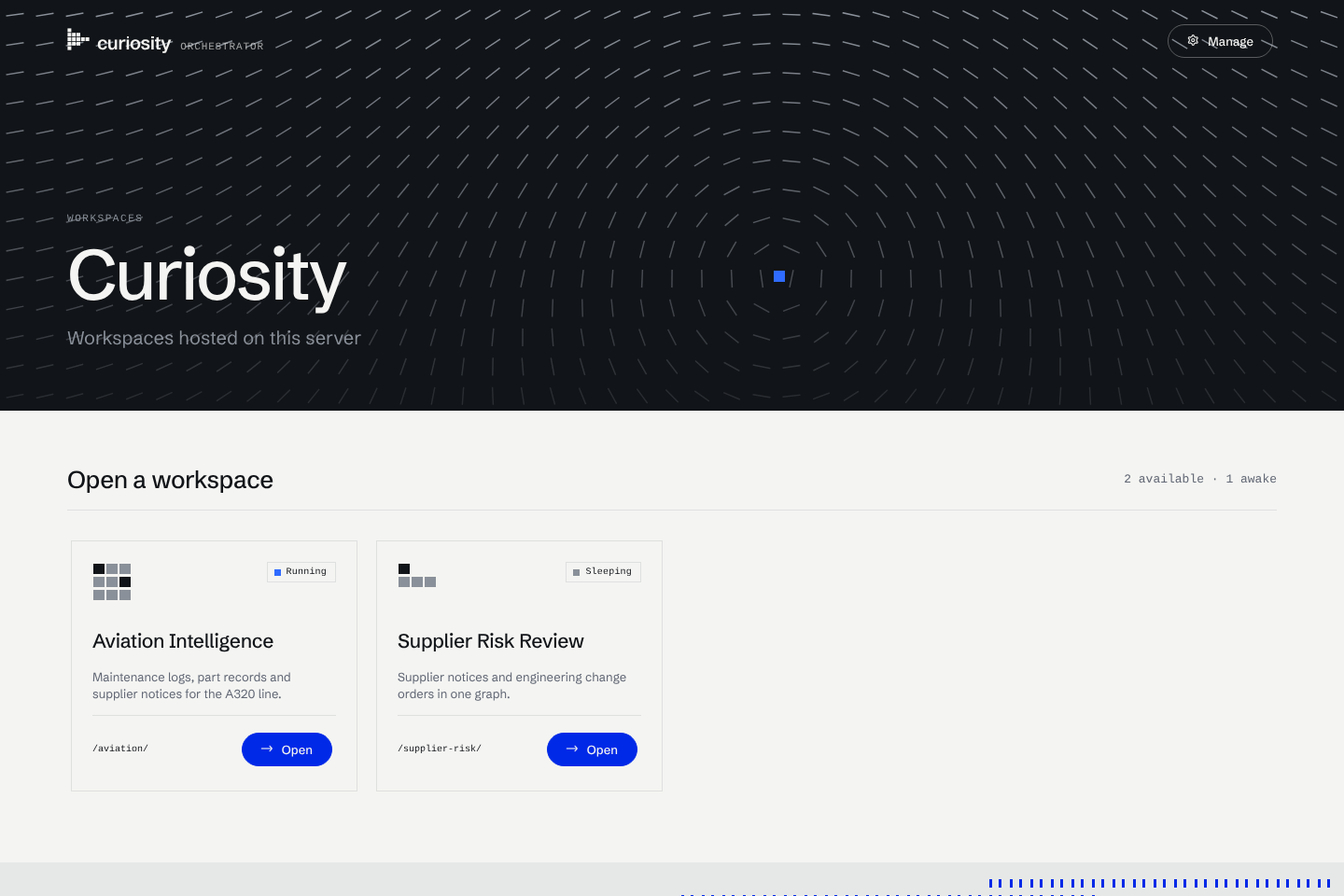
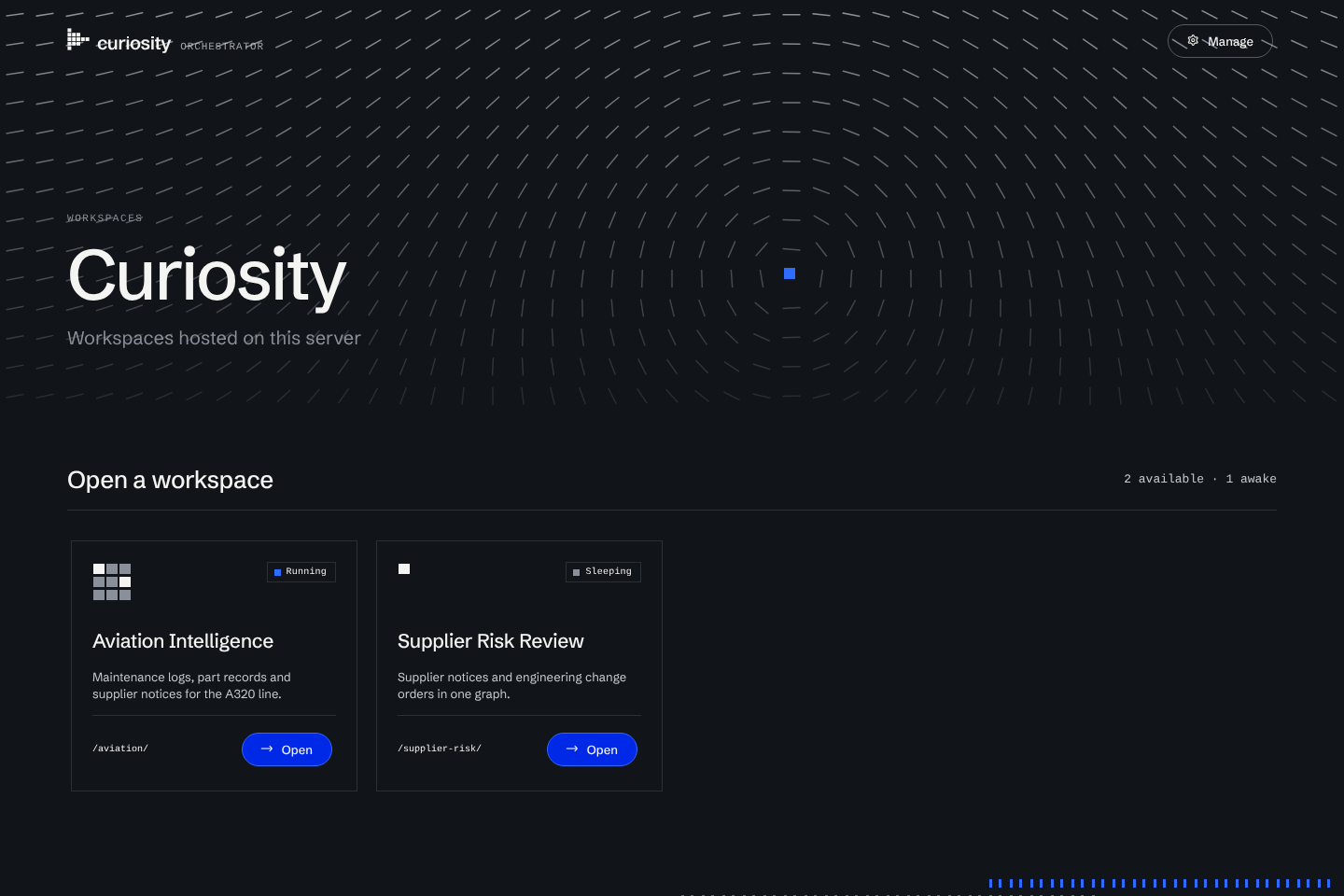
/) that lists the published workspaces. Opening a sleeping one shows a starting page that wakes it and takes the visitor in when it is ready. - A management console (
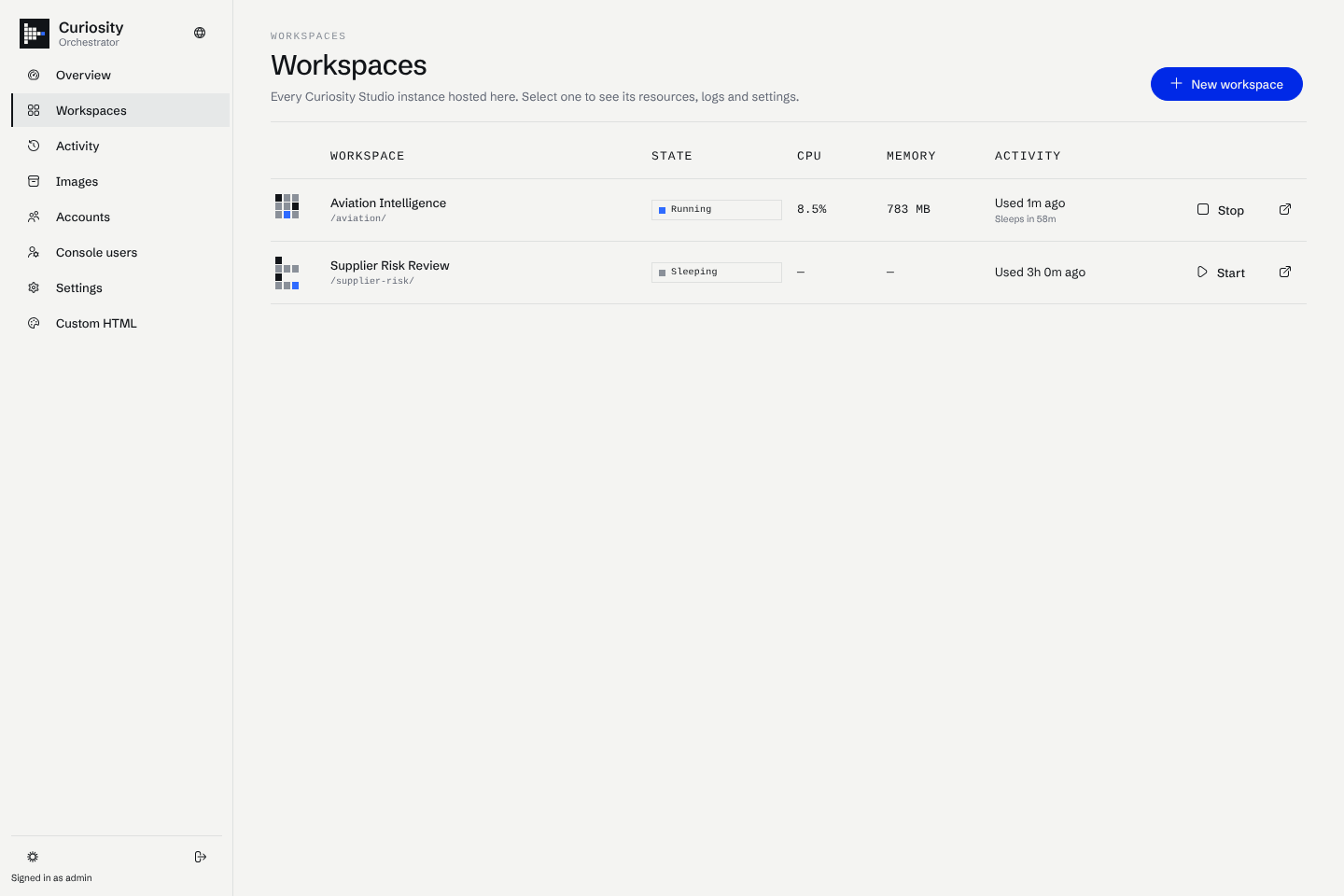
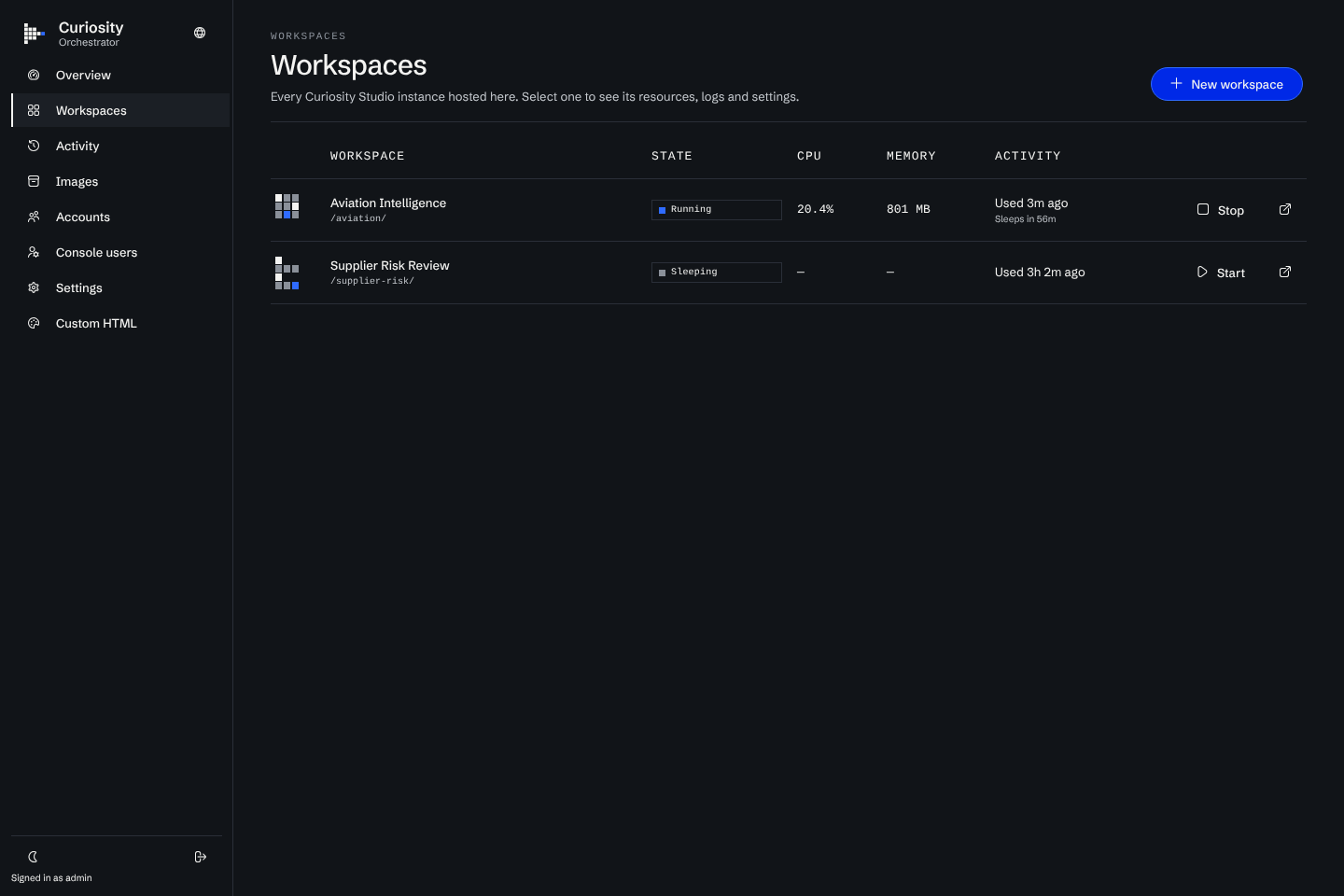
/#/manage, password protected) to create, start, stop, update, back up and delete workspaces, and to watch their CPU, memory, network, disk and logs. - A reverse proxy.
https://example.com/acme/andhttps://acme.example.com/reach the same workspace, HTTP and websockets alike. - Sleep and wake. A workspace without traffic for an hour is stopped. Opening it starts it again. A workspace can be kept warm for up to 7 days, or always online.
- HTTPS with your own certificate, a self-signed one, or certificates from Let's Encrypt that renew on their own.
- A management API that also accepts a bearer token, for scripts.
- Accounts, console users and a fleet. Accounts that every workspace gets, console users who manage only their own workspaces, and a central Orchestrator that manages nodes on other machines.
The Orchestrator is one self-contained program. You do not need a .NET installation, only Docker.
What it is not
- It does not run on Kubernetes. It drives the Docker Engine API of the machine it runs on, or of a Docker daemon it can reach over TCP.
- It is not a high availability setup. One Orchestrator serves one Docker host. A fleet adds machines, but one central holds the catalogue.
- It does not change what a workspace is. Inside the container, Studio is the same product you would install with Docker. See the Studio documentation for what it does.
- It does not reach nodes that sit behind NAT. The central must be able to call each node.
The five minute path
Install it
curl -fsSL https://raw.githubusercontent.com/curiosity-ai/orchestrator/refs/heads/main/install.sh | sh
Start it
ORC_ADMIN_PASSWORD='choose-a-password' curiosity-orchestrator
Create a workspace
Open http://localhost:8080/#/manage, sign in as admin, and create a workspace named acme. The first creation pulls the Studio image, which takes a while.
Open it
Go to http://localhost:8080/acme/ or http://acme.localhost:8080/.
Quick start explains each step and what to expect.
How it fits together
State lives in a RocksDB database under ORC_STORAGE. Each workspace's own data lives in a Docker volume, curiosity-<slug>-data, which the Orchestrator never touches except when you ask it to delete, restore or reset.
Where to go next
- Settings: every
ORC_*variable with its default. - Management API: the endpoints the console uses, for scripts.
- Troubleshooting: what the common failures look like and how to fix them.
- Orchestrator on GitHub: the install scripts, the README and the releases.