

Get Started
The graph + search + AI platform for building AI apps on your own data.
This section is for developers integrating Curiosity Studio into a product. For installing, securing, and operating the platform, see Deploy and manage. For building domain-specific apps on top of an existing workspace — custom interfaces, endpoints, and AI tools — see Build enterprise AI apps.
Curiosity Studio is a single, schema-driven platform that combines three layers — graph, search, and AI — into a unified runtime. Permissions (ReBAC) and relevance are enforced consistently across all three.
You build applications on Workspace by:
- Defining a schema for the entities and relationships in your domain.
- Writing connectors to keep that data fresh.
- Configuring search (text, vector, hybrid) and embeddings for the fields you want findable.
- Exposing custom endpoints and AI tools that wrap retrieval, grounding, and business logic.
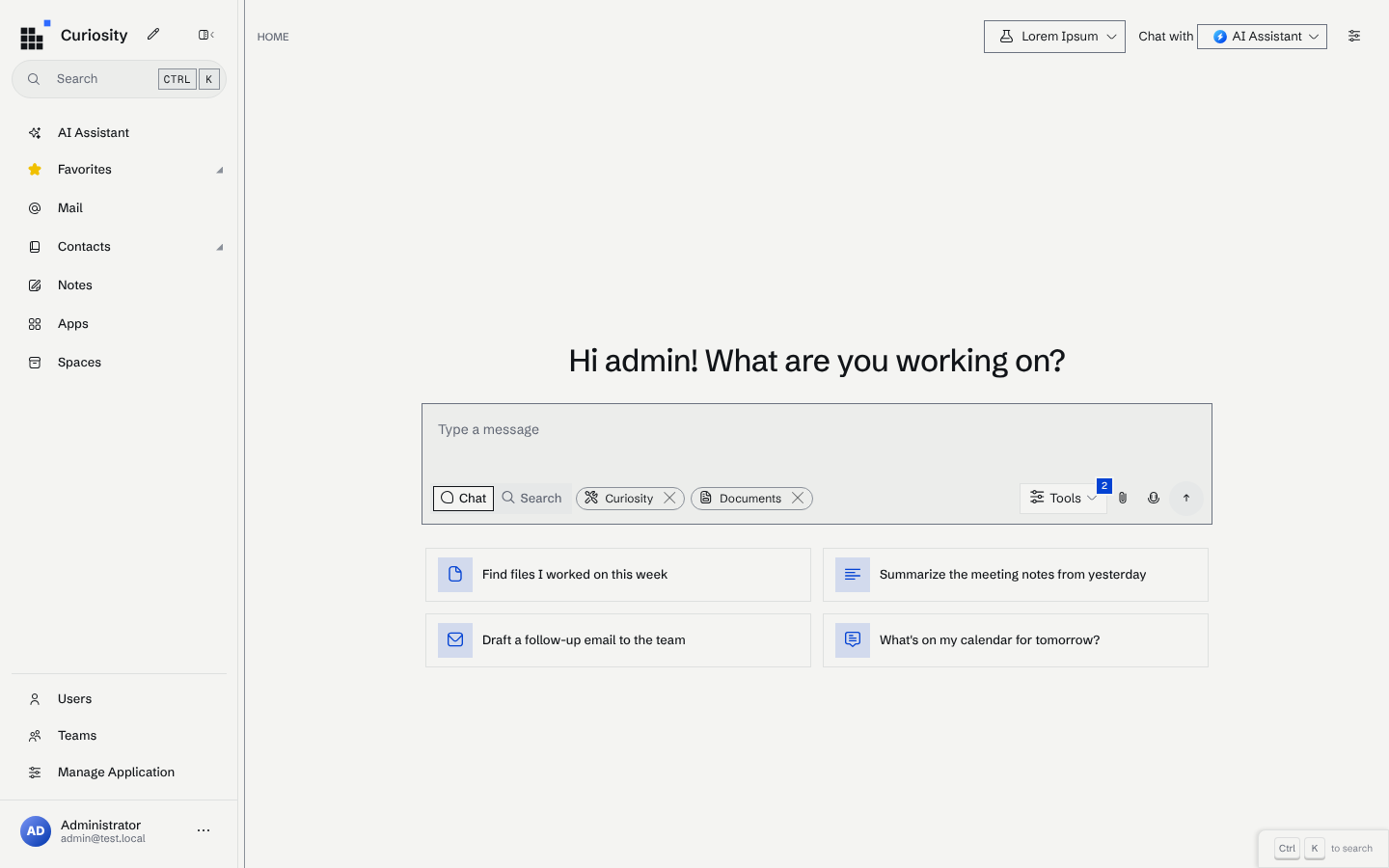
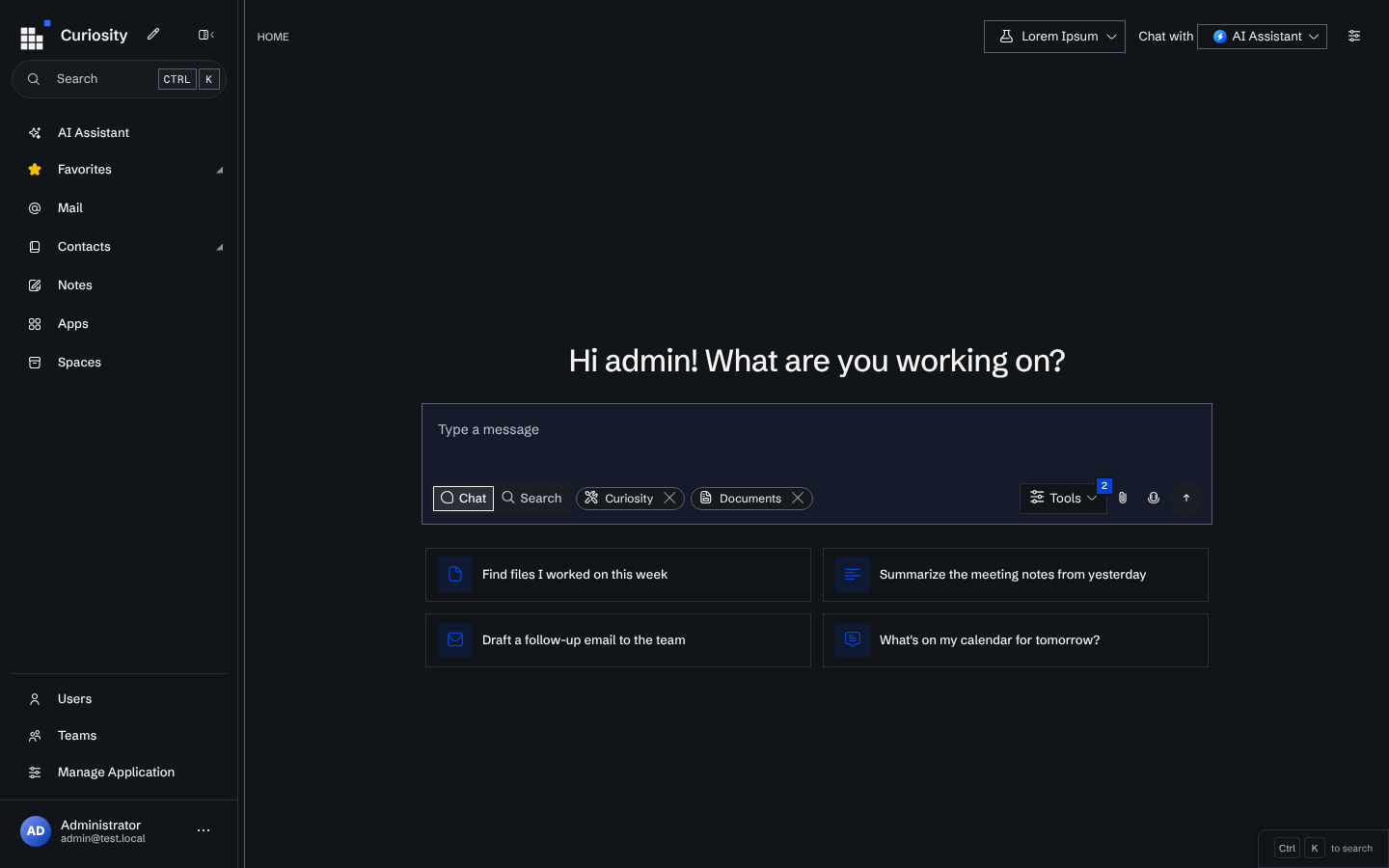
- Building a custom interface — or using the built-in one.
The 30-minute developer journey
A complete end-to-end walkthrough that takes you from docker run to a permission-aware AI app:
Build your first enterprise AI app
If you're new, also read:
- Developer prerequisites — what to install and configure before you start.
- Concepts for developers — a 5-minute orientation to the vocabulary used in these docs.
- Quickstart — the shorter version: get Workspace running locally.
The platform
Graph
Typed nodes and edges with stable keys and explicit schemas. Edges are first-class for navigation, faceting, and constrained retrieval.
What you'll build with
Data Connectors
C# or Python connectors using Curiosity.Library. Stable-key upserts, graph edges, incremental sync, ACL ingestion.
Custom Endpoints
Server-side C# endpoints with full access to the graph, search, and AI runtime. Token-scoped and permission-aware.
Read by topic
Fundamentals
Development & integration
Examples and patterns
Operate and build on Workspace
Need Help?
- Community Support: Ask questions and share your projects.
- Report Issues: Found a bug? Let us know.