

Deep research
Deep research is not a separate mode of the chat. It is an AI tool: the assistant calls it like any other tool, and what comes back is a written, sourced report it answers from. A single call plans the question into steps, searches and reads across them over many model calls, and takes minutes rather than seconds.
Every workspace is seeded with one researcher, Workspace Deep Research, which researches the workspace
itself — searching with search and reading what
it finds with consult. To research something
else, write your own: see
Writing a custom deep researcher.
What a run does
The loop belongs to the workspace; a researcher only says how each phase should be prompted, which tools the gather phase may call, and how much a run may spend. Only the gather phase has tools — the provider drives that tool loop itself, so what comes back is the whole exchange, which is what the findings phase reads.
The shape of a run is bounded before any budget is spent: a plan holds at most 8 steps, a step at most 8 directions, and the "what next" phase may add at most 2 directions per round. A step grows while it still has room, so one step cannot consume a whole run's budget and leave the rest of the plan unresearched.
Each phase is an editable prompt
The six phases are ordinary prompt templates, listed under Settings → AI → Prompt Templates:
| Template | Phase | Placeholders |
|---|---|---|
| Deep Research · Plan | Turns the question into steps and starting directions | ${QUESTION}, ${CONTEXT} |
| Deep Research · Queries | Turns one direction into search queries | ${QUESTION}, ${STEP}, ${GOAL}, ${FINDINGS}, ${COUNT} |
| Deep Research · Search | Drives the gather phase — the one that calls tools | ${QUESTION}, ${GOAL}, ${QUERIES} |
| Deep Research · Findings | Distils what was gathered into findings with sources | ${QUESTION}, ${GOAL}, ${RESULTS} |
| Deep Research · Next Directions | Decides what is still worth exploring in this step | ${QUESTION}, ${STEP}, ${EXPLORED}, ${FINDINGS}, ${COUNT} |
| Deep Research · Report | Writes the markdown report | ${QUESTION}, ${CONTEXT}, ${PLAN}, ${FINDINGS} |
They are seeded create-if-missing, so edits survive restarts and upgrades. Editing one changes every researcher that points at it; a researcher that wants different behaviour for one phase points at a copy of its own.
The templates also get the substitutions every prompt template gets (${TODAY}, ${LANGUAGE}, …).
What the user sees
The whole run is drawn as one plan card inline in the reply — the steps, their directions, and which one is being worked on right now, updating as the run progresses. Its title is a short one the calling model supplies alongside the question ("File type distribution", "2024 pricing changes"), and its footer carries how many steps are complete and how many tool calls the run has made so far. A run still waiting for a slot says so, with its position in the queue.
The searches the run makes are deliberately not also listed as tool chips over the plan they are already steps of. The exception is a call that failed: the card is live-only, so a failure keeps its chip for the user to open.
While a research is in flight the conversation takes no further messages — posting or queueing one is refused, and the refusal says why: "A deep research is running in this conversation. Wait for it to finish, or cancel it, before sending another message." The run is the turn. Cancelling the chat cancels the research: a queued run is dropped before it starts, an executing one stops at its next checkpoint and gives its slot back.
Nothing is persisted
A run has no graph schema. It lives in memory for as long as the tool call does, is reported to the chat as progress, and is gone when the turn ends. What outlives it is the report, which is already part of the reply.
The shared queue
A run costs many model calls, so runs are admitted by one shared, workspace-wide queue rather than started on demand — every user's runs go through the same queue. A run that cannot be admitted right away waits in arrival order and reports its position to the chat, so the user sees a queue rather than a stalled assistant.
Once the queue itself is full, further calls are refused immediately with an explanation the assistant can relay — "The workspace already has N deep research runs waiting for a slot. Please try again in a few minutes." — rather than being queued indefinitely. A second run on a conversation that already has one is refused the same way.
Settings → AI → Deep Research is where the queue is configured. It holds four sections:
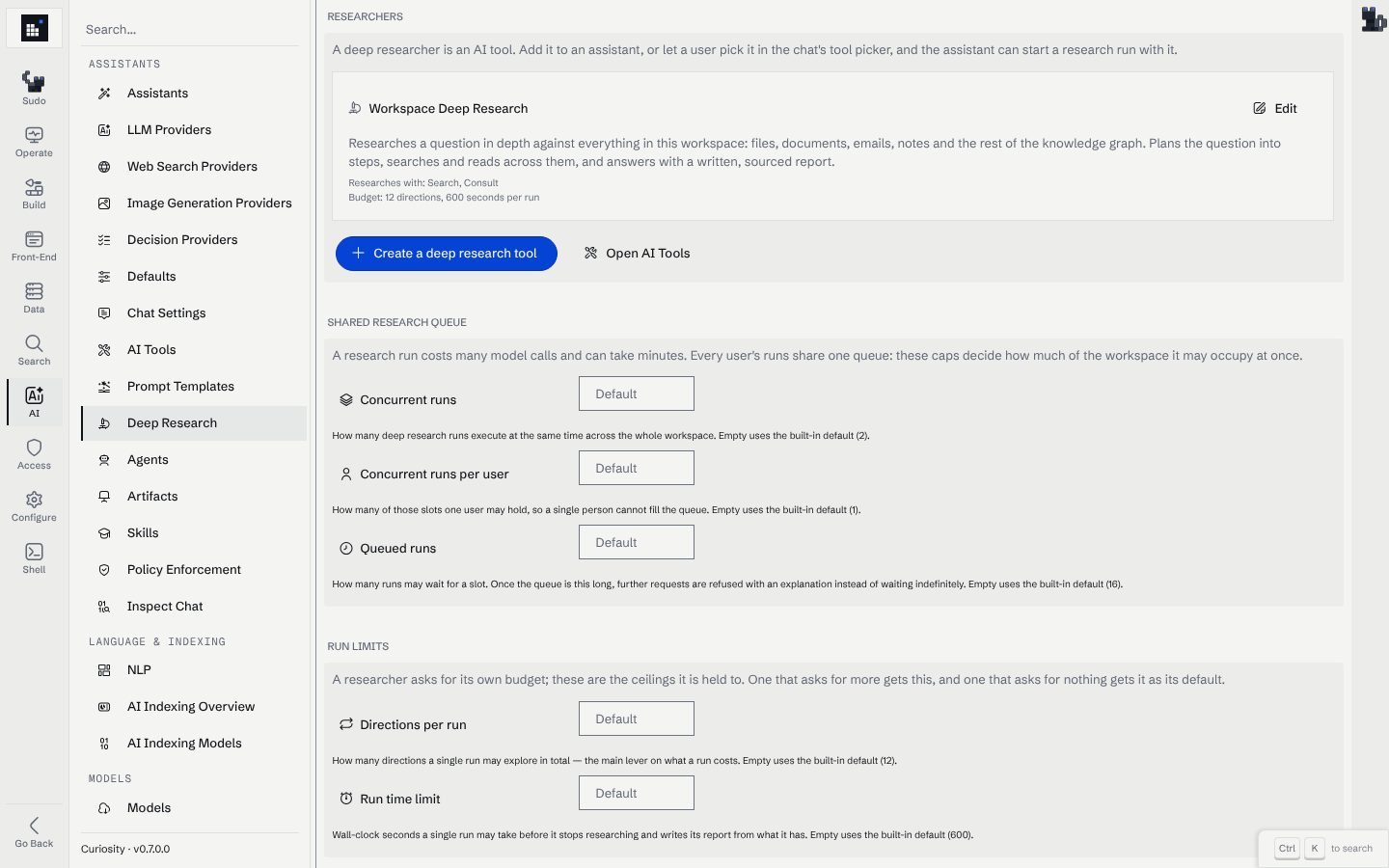
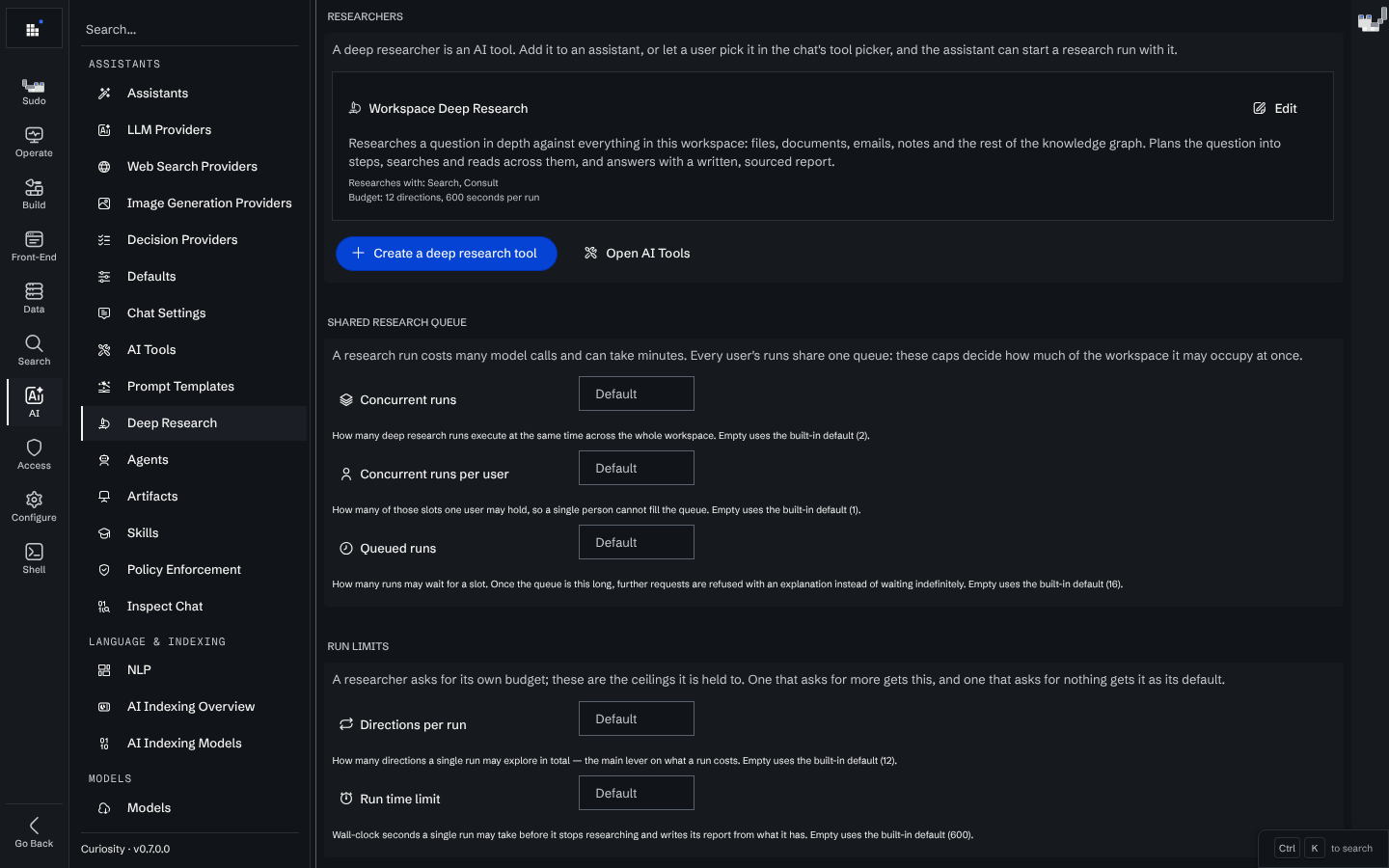
- Researchers — every deep research tool the workspace has, with what it gathers with and the budget it asks for. There is no researcher editor here: a researcher is an AI tool, so Edit opens it in the AI tool editor. Create a deep research tool starts a new one from a working example.
- Shared research queue — concurrent runs, concurrent runs per user, queued runs.
- Run limits — directions per run, and the run time limit.
- Running now — what is queued or executing, each with its researcher, stage or queue position, and directions used so far.
Every limit is a number or empty; empty means the built-in default:
| Setting | Default | Maximum | Meaning |
|---|---|---|---|
| Concurrent runs | 2 | 32 | Runs executing at once, workspace-wide |
| Concurrent runs per user | 1 | 32 | How many of those slots one user may hold |
| Queued runs | 16 | 512 | Runs allowed to wait for a slot before calls are refused |
| Directions per run | 12 | 200 | Directions a run may explore in total |
| Run time limit | 600 s | 7200 s | Wall clock for a whole run |
The last two are ceilings, not settings for a run: a researcher asks for its own budget and the workspace caps it, so a tool an admin wrote can never spend more of the shared queue than the workspace allows, and a researcher that asks for nothing gets the ceiling as its default. A run that reaches either limit stops researching and writes its report from what it has.
Running now carries a Cancel on each entry, so an admin can stop a run in a conversation that is not theirs — dropping it if it is still queued, stopping it at its next checkpoint if it is executing.
The six phase prompts are not on this page: they are ordinary prompt templates, edited under Settings → AI → Prompt Templates — see Each phase is an editable prompt.
Access
The gather phase calls the researcher's tools as the user who asked. Every tool is checked against that user's access before the run starts, and a run whose tools are all inaccessible to them fails with an explanation rather than researching with fewer tools. A researcher is configuration, not an escalation path: it can never read what its caller could not.
Related
- Writing a custom deep researcher
- The search tool and the consult tool — what the seeded researcher gathers with.
- Sub-agent workflows — the other way to spend several model calls on one request, when the shape of the work is known in advance.