

Search Configuration
The workspace ships one unified search engine that runs full-text and vector retrieval over the same nodes, with graph relationships available as facets and constraints. This section is the operator-facing reference for tuning that engine — which fields are searchable, how they rank, where embeddings apply, what facets users see.
The page-by-page UI walkthrough lives inside the workspace itself; this section concentrates on what each lever does so you can pick the right one.
The settings pages describe themselves
Each tab under the Search, Facets and Synonyms hubs shows a description of what that page configures above its content, and every individual setting carries a hover (?) tooltip saying what it controls — units included, and which direction raising or lowering it moves the result. That covers the search pipeline options as well as the index options behind them: the full-text and file-content indexes, the text / time / numeric property-facet indexes, the sentence and raw embedding indexes behind vector search, the graph-similarity index, and the word-similarity model behind AI synonyms.
Two settings on the Search Parameters page are wired up but read by nothing, and their tooltips say so rather than describing behaviour that does not exist: DisableContactsAndOrganizationFilters and InnerMatchPenalizationFactor. Changing either has no effect.
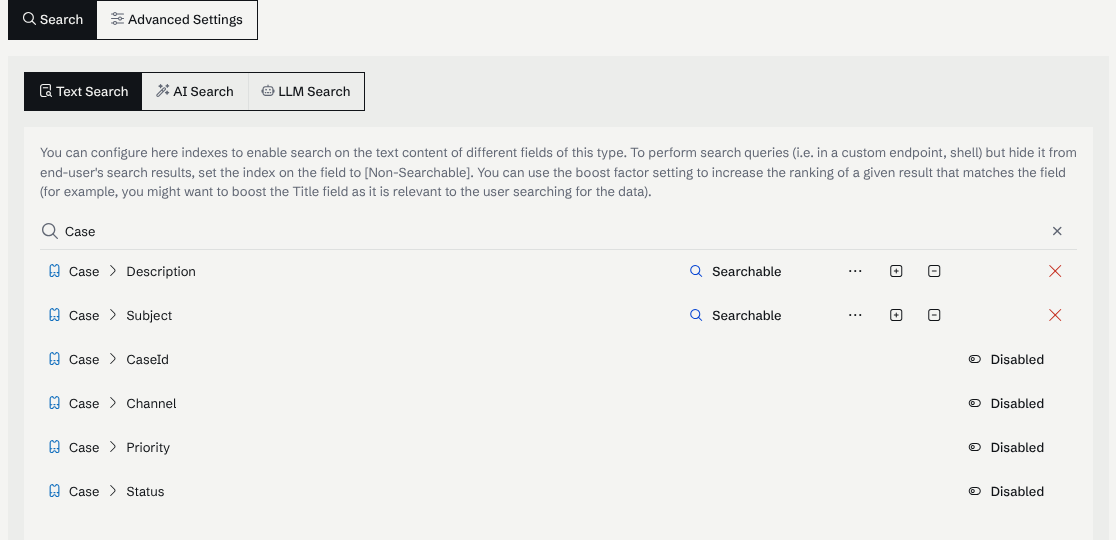
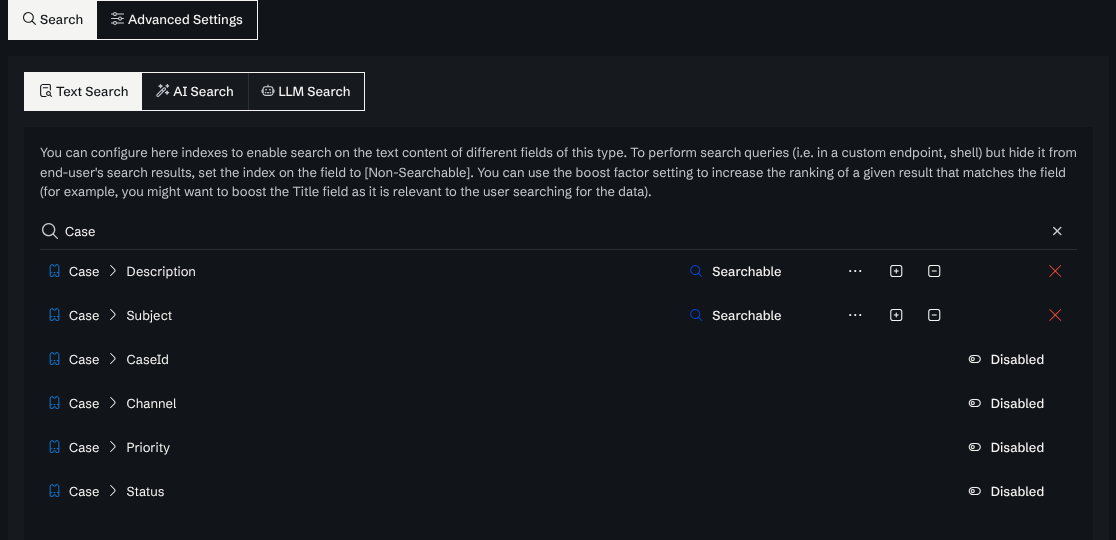
The Text Search tab, filtered to the Case type of the Technical support sample workspace, shows the description of the page and one row per field:
Engine, in one diagram
Each arrow corresponds to a setting you control:
| Arrow | Configured under |
|---|---|
| Indexed fields | Full text search |
| Query-term expansion | Synonyms |
| Field weights / ranking | Ranking and boosting |
| Facets and time filters | Filters and facets |
| Embeddings + chunking | AI search |
| Semantic rerank | AI search |
| Caller ACL | Permission-aware search |
| Custom index code | Search execution scopes |
In this section
Programmatic counterparts
The settings here map 1:1 to fields on SearchRequest, which custom endpoints use to drive search:
var req = SearchRequest.For("battery drain");
req.BeforeTypesFacet = new HashSet<string> { N.SupportCase.Type };
req.TargetUIDs       = devicesUIDs;
req.HybridSearch     = true;

var query = await Graph.CreateSearchAsUserAsync(req, CurrentUser, CancellationToken);
return query.Take(20).Emit();
See Custom endpoint from scratch for the full request shape and Permission-aware search for the ACL half.