

Integrations
Integrations connect Curiosity Studio to external systems for ingestion, synchronization, and workflow automation.
Common categories:
- Data source integrations: import content from storage, databases, and SaaS systems
- API integrations: pull or push data via REST APIs
- Event-driven integrations: react to changes (webhooks, queues)
- Downstream integrations: send signals/actions to other systems (tickets, notifications)
Choosing the right integration approach
- Use a connector when you need full control over mapping and graph relationships.
- Use a configured integration when the source system is standard and configuration is sufficient.
- Use scheduled tasks when data changes periodically and near-real-time sync is not required.
See Data Integration → Connectors.
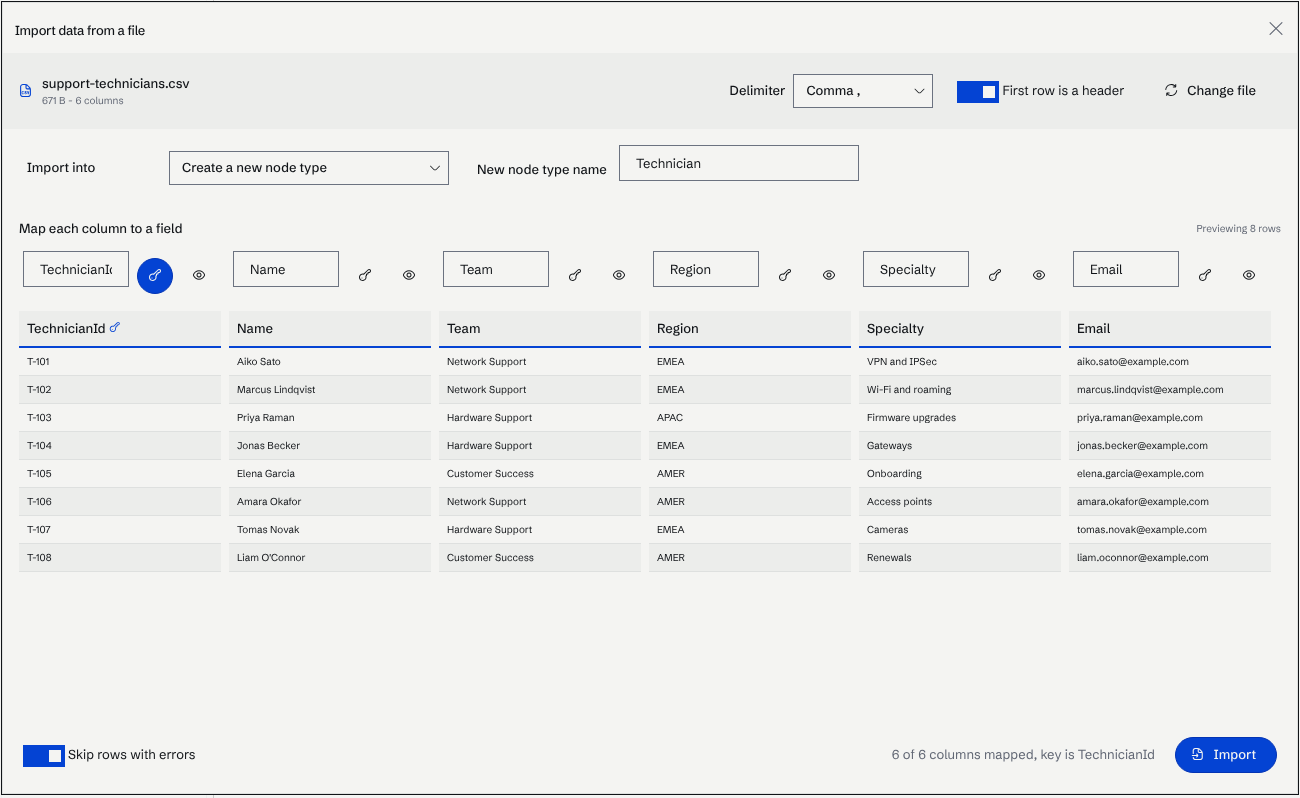
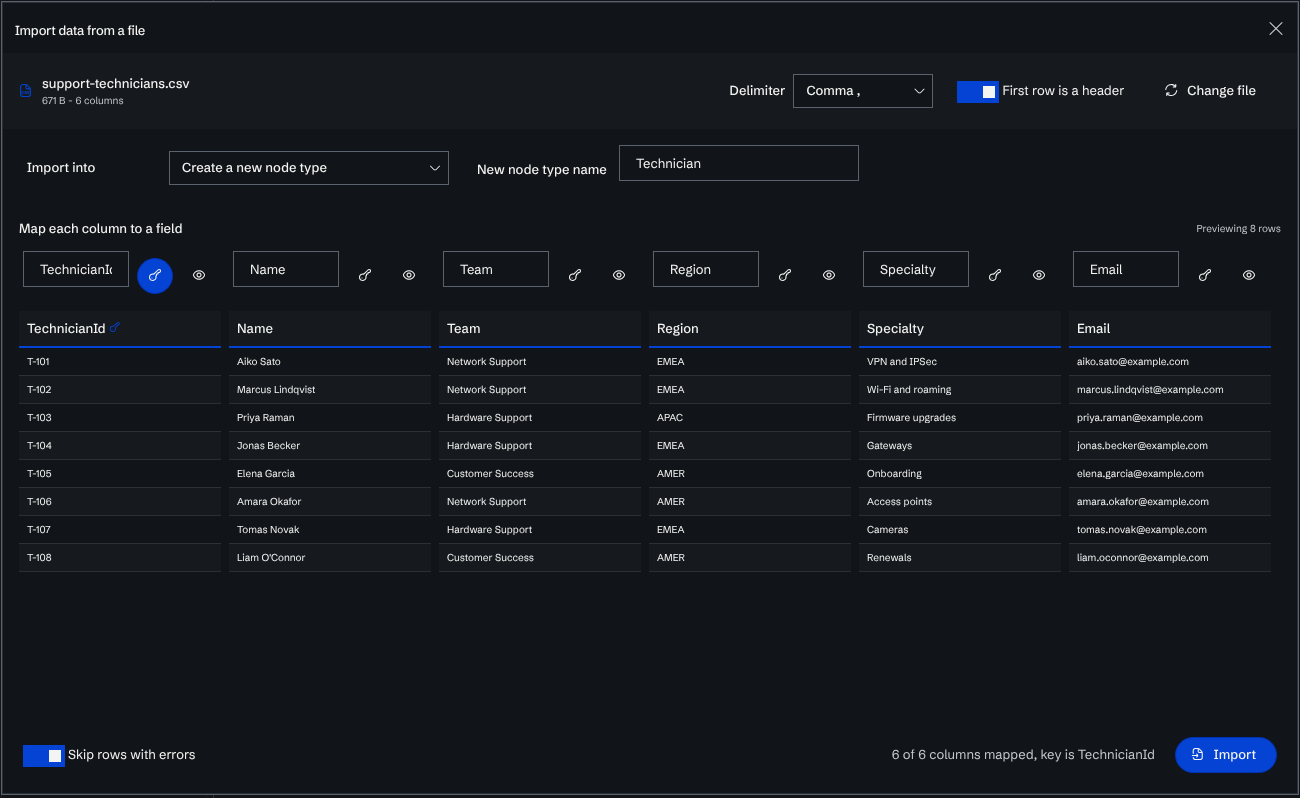
For a one-off CSV file, Data → Import Data maps the columns to the fields of a new or existing node type, with no connector to write:
Integration design principles
- Idempotent writes: repeated runs should not create duplicates.
- Stable identity: consistent keys for nodes and edges.
- Incremental updates: sync deltas where possible.
- Observability: log counts, failures, and latency.
- Security: store credentials in a secret manager; minimize token scopes.
Common patterns
Ingest → index → enrich
- ingest structured records
- index key fields for search
- apply NLP/embeddings where beneficial
Retrieve → decide → act
- retrieve candidates (graph + search)
- decide using business rules and/or LLM assistance
- act through an endpoint that writes back or calls external APIs
Next steps
- Automate periodic sync and maintenance: Scheduled Tasks
- Add custom API logic: Custom Endpoints