

Audit logs
A workspace records who did what: who signed in, who opened or downloaded a file, who searched, who chatted
with an AI assistant, and which sensitive administrative actions ran. This page covers where those records
are kept, what an entry contains, how the files are protected against tampering, and how to archive, verify and
export them with curiosity-cli.
The audit trail is a set of files
Audited events are written to signed files on the server's disk, in the folder set by MSK_AUDIT_LOG_PATH. Those
files are the audit trail. The Audit Log tab in the workspace reads them, and so does curiosity-cli. Nothing
about an audited event is stored in the workspace graph.
- What is written. The events whose type is selected under Audit Types. A Viewed event is written only for a node whose type is also listed under Audit node types. With no type selected, nothing is written.
- Licence. Audit entries and configuration-change lines are written only when the workspace's licence includes auditing.
- Retention. The workspace never deletes the
.jsonlaudit files. Rotate or archive them under your own policy. The configuration-change.logfiles are pruned; see Where the files are. - Tamper evidence. Each line is chained to the one before it with SHA-256. See How the files are protected.
Upgrading from a version that kept audit records in the graph
Earlier versions also stored a copy of audit events in the graph, as _AuditActivity nodes. That copy had its own
Retention Period setting and an Excel export. Both are gone. A workspace that still holds those nodes deletes
them by itself over its first two restarts after the upgrade. The audit log files are unaffected.
Configuring auditing
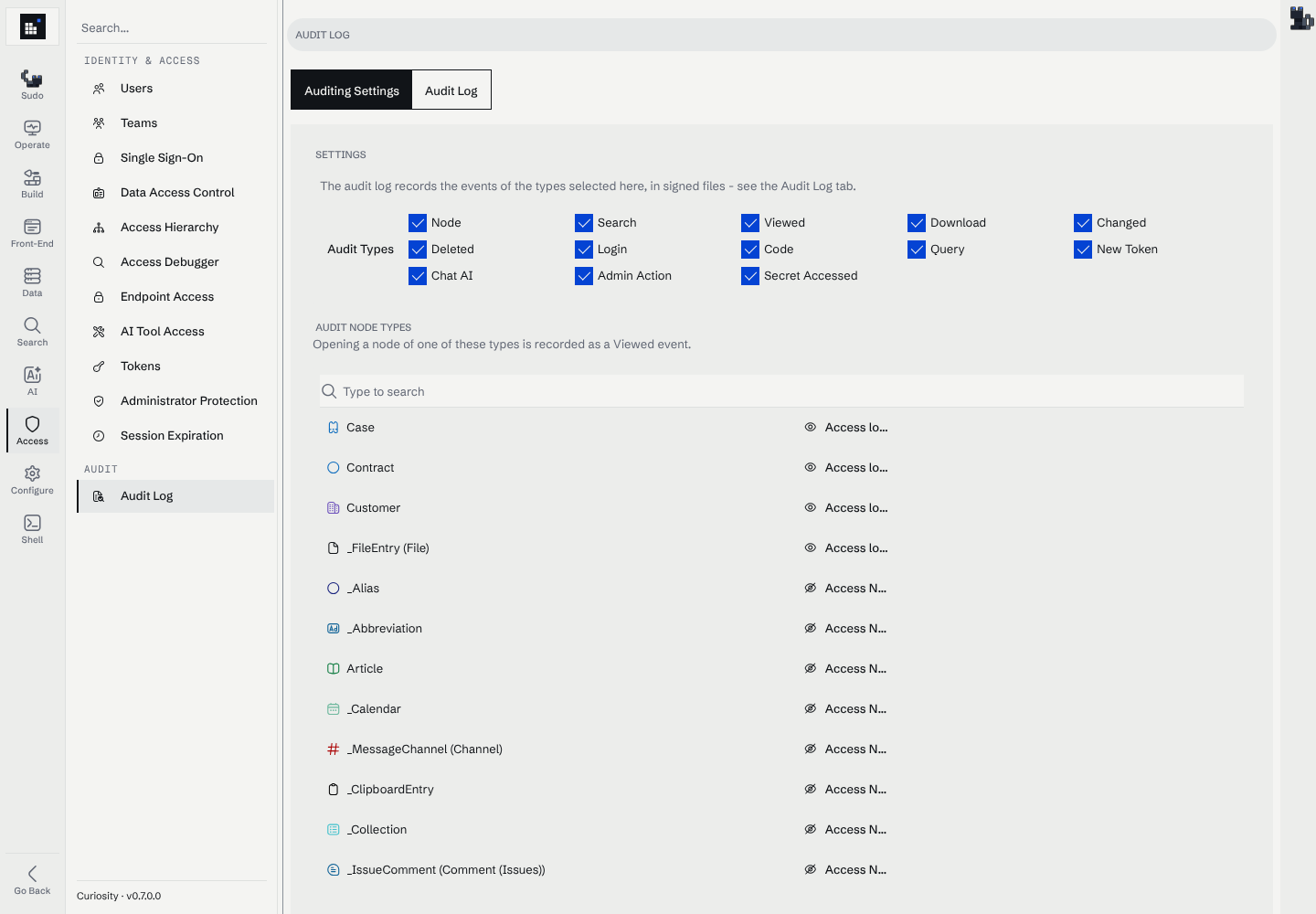
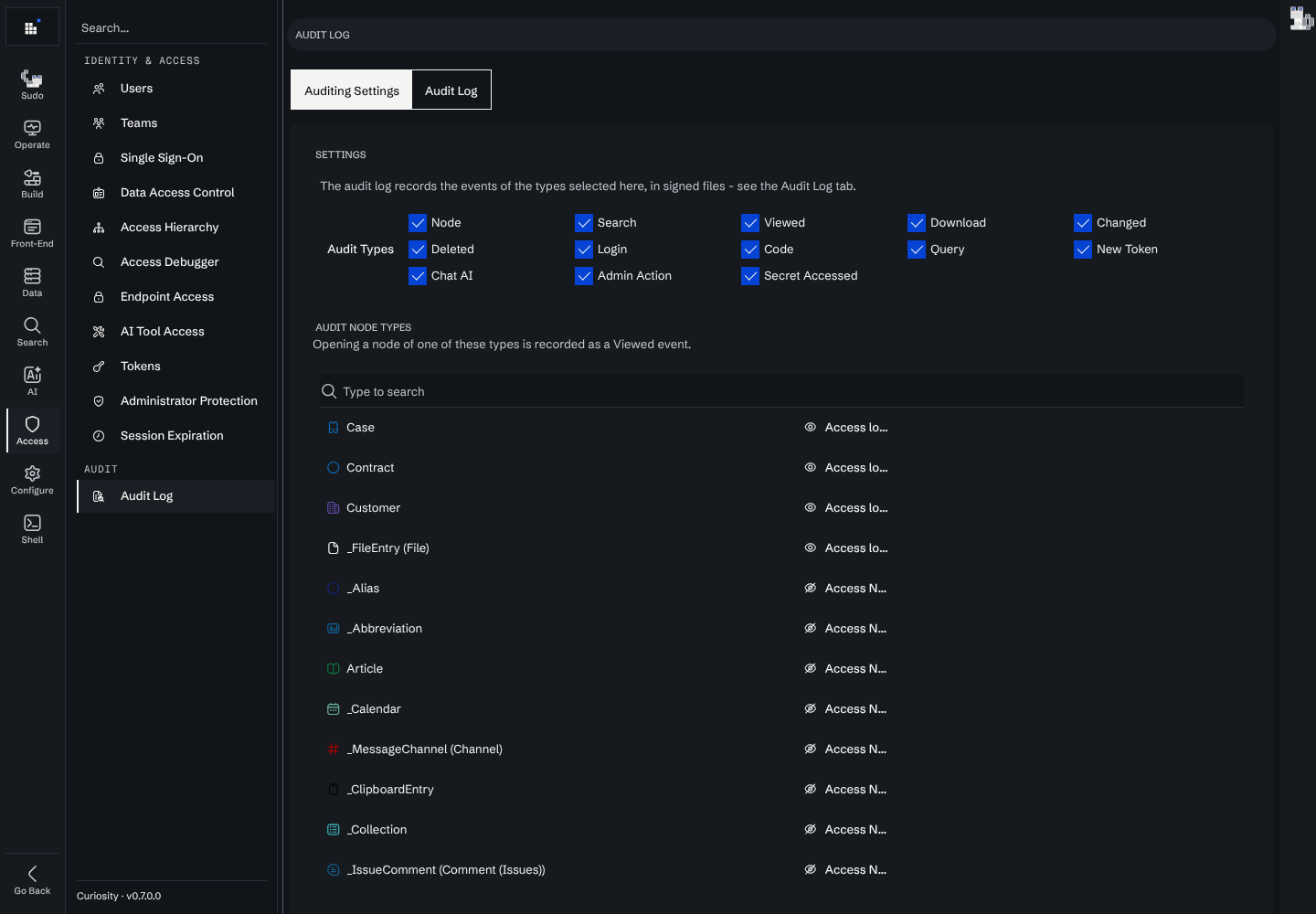
Open Manage → Access → Audit log (#/manage/access/audit). The Auditing Settings tab has two settings:
- Audit Types: which kinds of event are written to the audit log. The types are listed below.
- Audit node types: opening a node of one of these types writes a Viewed event, when Viewed is selected. Opening a node of any other type is not recorded.
On a workspace where nothing is configured yet, Configure Auditing applies the default set. It selects the types
Node, Search, Viewed, ChatAI, Download, Login, Changed, Deleted, Admin Action and Secret Accessed, and lists the
_FileEntry node type.
What is recorded
Each entry carries its type in the k key (see What an entry contains).
| Type | Recorded when |
|---|---|
| Node | A node or field is read directly. |
| Search | A node is returned in search results. |
| Viewed | A user opens a node whose type is listed under Audit node types. |
| Download | A user downloads data. |
| ChatAI | An AI assistant or agent finishes a reply. The entry carries the conversation sent to the model and the reply, including its tool calls and their results. A reply that fails with an error is not recorded. |
| Login | A user signs in (password, SSO, OTP, …), and again for a signed-in user making requests, at most once an hour per user and network address. The latter entries carry the IP address. |
| Code | Code is executed. |
| Query | A query is executed. |
| NewToken | A token is created. |
| Changed / Deleted | Data is modified or deleted. |
| AdminAction | A system administrator performs a sensitive administrative operation. See Security. |
| SecretAccessed | Endpoint or AI tool code reads a stored workspace secret. The value never appears in the entry. |
Where the files are
The folder is set by MSK_AUDIT_LOG_PATH (see the
configuration reference). When it resolves to the
same folder as MSK_LOG_PATH, the workspace writes the audit files into an audit subfolder so they are not
mixed with the application logs.
| File | Contents |
|---|---|
2026-09-24_audit_logs_000.jsonl |
Audit events. |
2026-09-24_audit_config_logs_000.log |
Configuration changes made through the admin pages, one Configuration Sync (<method> <path>) line per change with the user who made it. |
…_audit_logs_replica-<uid>_000.jsonl, …_audit_config_logs_replica-<uid>_000.log |
The same, written by a read-only replica on its own disk. |
The date in a file name is the server's local date. The number at the end counts up within a day:
- A new file starts on the first write of each day, so a day with no events has no file.
- A new file also starts when the current one has reached 1 MB. The check runs before each write, so a file can end slightly over 1 MB.
- A server that restarts appends to the latest file of the day if that file is under 1 MB.
The .jsonl audit files are never deleted by the workspace. The configuration .log files are pruned: beyond the
500 most recent (100 in the desktop app), files started more than 30 days ago are deleted.
The Audit Log tab lists the .jsonl files only. The configuration .log files are read with
download-audit-logs or straight from the folder.
What an entry contains
Each line is one entry. It is written as a single-quoted object followed by its signature:
{'i':'42','t':'20260924101503123','k':'Viewed','u':'Bq3r5sx8Tb9aWnFP1uLcKd','s':'Nd1111111111111111111a','d':'viewed','sig':'mJ3…='}
| Key | Meaning |
|---|---|
i |
Counter for the server process. It restarts when the server restarts, and the audit and configuration files share it, so gaps in one file are normal. |
t |
Time in UTC, as yyyyMMddHHmmssfff, from the server's clock. |
k |
Audit type, such as Login, Viewed or ChatAI. -1 marks a server start (see below). |
u |
UID of the user who acted. |
s |
UID of the node the event is about, when there is one. |
d |
Details text, JavaScript-escaped. |
p |
JSON payload, used instead of d by events that carry structured data (ChatAI messages). |
un, ue, uf, ul |
On Login entries only: the user's user name, email, first name and last name. |
sig |
The entry's signature. |
An entry names its user only by UID. The user's name and email are written on their login entries. A signed-in
user making requests gets a login entry at least once an hour, so a file normally contains one for each user active
in it. curiosity-cli convert-audit-log uses those lines to fill in the user on every entry.
Files written by earlier versions carry every entry's details in p, as a JSON string, instead of in d, and
their login entries name no user, so only UIDs are known for them. convert-audit-log reads both forms.
Because t is UTC and the file name uses the server's local date, an entry near midnight can carry a different
date from its file.
A configuration-change line in the .log files holds a complete JSON object with i, t, k, u, m (the change
message) and p, followed by the same signature: {{"i":7,"t":"…","k":"ChangedSettings","u":"…","m":"…","p":{…}},'sig':'…'}.
How the files are protected
Every line carries a signature that depends on the line before it, so the lines a server process writes form a hash chain. Changing a line breaks the chain from that point on. This makes the files tamper-evident: an alteration can be detected, but nothing prevents it, and the scheme has no key.
What each signature covers
A line is written as { + data + ,'sig':' + signature + '}, followed by a line break (\r\n on Windows,
\n elsewhere). Data is everything between the opening { and the last ,'sig':'.
sig(line n) = Base64( SHA-256( sig(line n-1) || UTF-8(data of line n) ) )
sig(line n-1)is the previous line's signature as its 32 raw bytes, not as Base64 text.- Data is hashed as the UTF-8 bytes written to the file. The outer braces,
,'sig':'…'and the line break are not part of it. - The signature is standard Base64 with padding: 44 characters for 32 bytes.
A start entry begins each chain. A server process writes one when it starts, before any event:
{'i':'0','t':'20260924080000000','k':'-1','d':'ws-1','sig':'…'}
Its data is 'i':'0','t':'<start time, UTC>','k':'-1','d':'<host name>', and its signature is
Base64(SHA-256(data)): there is no previous signature.
One chain per server process and per stream
- Each stream has its own chain. A server process writes two streams, the audit
.jsonlfiles and the configuration.logfiles, with a start entry at the top of each. A replica writes its own two streams, named withreplica-<uid>. - A chain runs across files. When a stream rolls over to a new file, at the day boundary or at 1 MB, the first line of the new file is chained from the last line of the file before it.
- A restart begins a new chain. The new process writes a start entry and signs everything after it from there. Because the server appends to the day's latest file, the start entry can sit in the middle of a file. Nothing links the new chain to the end of the old one.
Verifying the chain
To verify a line, recompute its signature from the line before it and compare. A file on its own holds everything needed for every line except the first: unless that line is a start entry, its signature depends on the last line of the previous file of the same stream. So verify a contiguous run of files, starting with the file written before the period you care about.
Both verifiers find that file the same way. They group files into streams by name (<date>_<stream>_<number>),
order each stream by date and then number, and take the previous file of the same stream. Every start entry begins a
new chain, wherever it is in a file. A first entry with nothing before it is reported as unanchored: it is trusted
as the starting point, and every entry after it is still checked.
curiosity-cli verify-audit-logchecks any set of files and carries the chain from one file to the next.--strictfails the run on an unanchored first entry. Seeverify-audit-log.- Verify Signature in the Audit Log tab checks one
.jsonlfile, seeded from the last line of the previous file of its stream on the server.
What verification detects
Within one chain, any change to the lines that is not followed by recomputing every later signature:
| Change to the files | Detected? |
|---|---|
| A line edited | Yes, at that line, or at the next line if its own signature was recomputed. |
| A line deleted, inserted or moved | Yes, at the first line whose predecessor changed. |
| A whole file deleted between two others | Only when the file after the gap does not begin with a start entry and is verified together with the file before the gap. verify-audit-log then reports that the entry does not chain from the previous file. |
| The first lines of a file deleted, verified alone | No: the first remaining line is reported as unanchored. --strict fails on it. |
| The last lines of the newest file, or the newest files, deleted | No. Nothing comes after them to break. |
| The last lines a process wrote before a restart deleted | No. The new chain does not refer to the old one. |
| Lines rewritten from some point on, with every later signature recomputed | No. |
| An extra start entry, followed by fabricated, correctly signed lines | Not as a broken chain. It appears as an extra server start in the verify-audit-log report. |
Neither verifier checks the counter i, the order of the times in t, or gaps in the file numbers. Compare the
server starts in the report with the restarts you know about, and look for missing file numbers yourself.
What the chain does not prove
- There is no secret key. The signature is a plain SHA-256 chain, not an HMAC or a digital signature. Anyone with write access to the audit folder who knows the algorithm, which this page describes, can rewrite a file and recompute every signature after the change.
- It does not identify who wrote a line. "Signature" here means a chained hash. No certificate or identity is involved.
- Times are not anchored.
tcomes from the server's clock, and nothing ties it to an external timestamp authority. - It does not prove completeness. Lines dropped at the end of a chain, and events the server never wrote, leave no trace.
Assumptions
A VALID result means the files are as they were when written, provided all of the following hold:
- The server process was not compromised while writing: it signs whatever it is given, including false entries.
- The copy you verify left the server's control before anyone who could rewrite the originals had the chance, and has been held unchanged since.
- You verify a contiguous run of files, including the file written before the period you care about, and use
--strictso an unanchored first entry fails the run. - The server's clock was correct, if you rely on the times.
Archiving, verifying and exporting the files
In the workspace
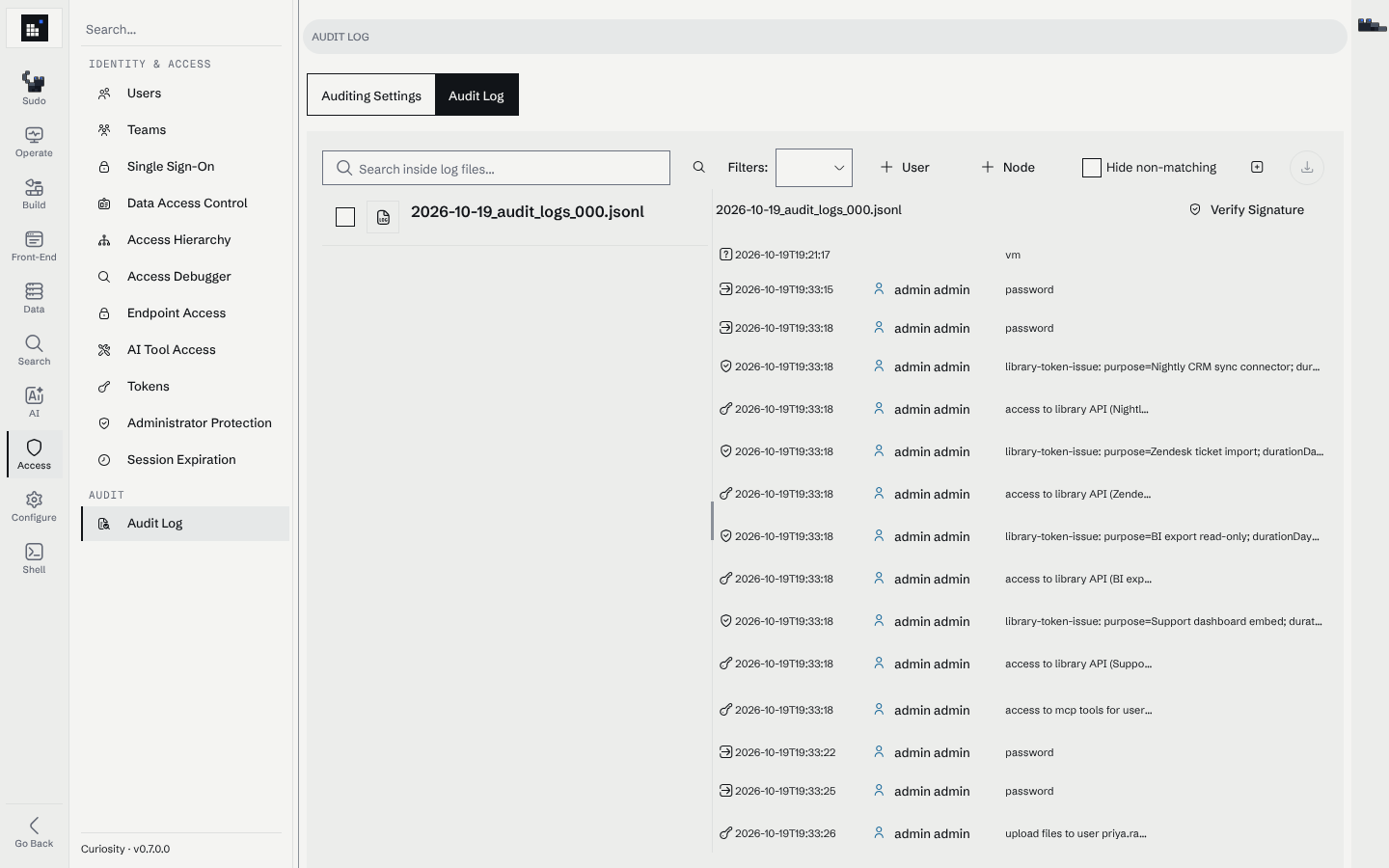
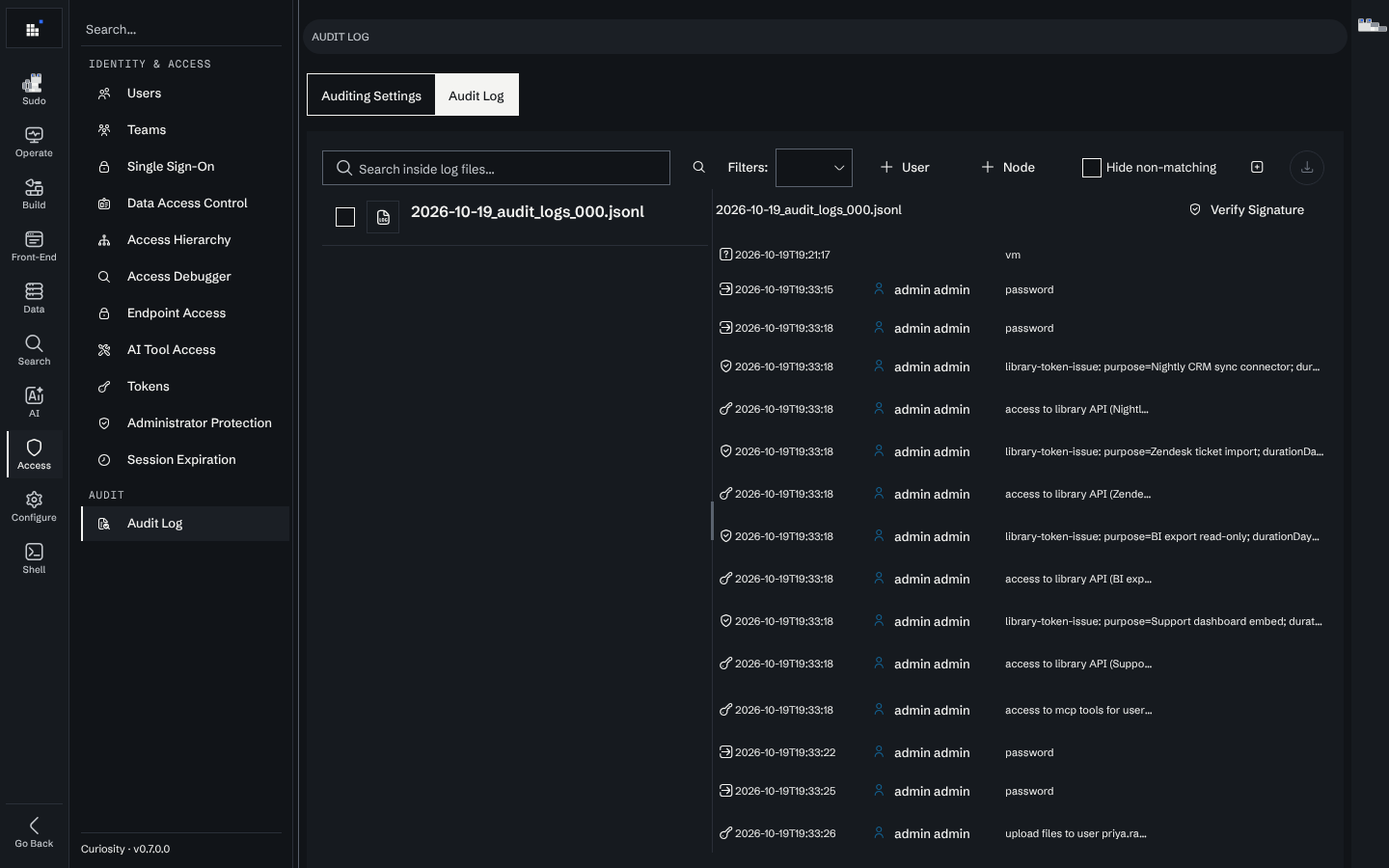
The Audit Log tab lists the .jsonl files. You can:
- search inside the files, and filter by user, node or audit type;
- select files and download them as they are on disk (several at once arrive as a zip);
- press Verify Signature to check a file's chain. The check also reads the last line of the previous file of the same stream, so the file's first entry is verified too. See Verifying the chain.
With curiosity-cli
download-audit-logs copies the files from the server with a Library Token. The other
two commands work on local copies, offline:
# Copy new and changed files into the archive
curiosity-cli download-audit-logs --server https://my-workspace.example.com/ --token auto --output ./audit

# Check the chain across every file in the folder
curiosity-cli verify-audit-log ./audit --strict

# Export to CSV with names and emails, refusing to convert if anything was tampered with
curiosity-cli convert-audit-log ./audit --template ./who-did-what.template --output ./audit.csv --verify
download-audit-logsdownloads the.jsonland.logfiles, optionally for a date range. A file the folder already holds with the same length is skipped, so the command can run every hour.verify-audit-logreplays the chain across any set of files, reports server restarts and exits with1when an entry was altered. Use it to check an archived copy, or in a scheduled job.convert-audit-logturns the files into CSV, TSV, JSON Lines or JSON. A small template picks the columns. It fills in each user's name and email from their login entries.
Pulling the files off the server on a schedule
The chain only proves something about a copy made before anyone could rewrite the originals, so ship the files off the server as they are written. Two ways:
- Forward the folder to a SIEM or log shipper that tails the files.
- Run
download-audit-logson a schedule from a machine the workspace's administrators cannot write to, then runverify-audit-log --strictover the whole archive. Each run fetches only new files and the ones that have grown.download-audit-logshas a cron and a Task Scheduler example.
Either way, keep the archived copies where they cannot be changed (WORM storage, a bucket with object lock), or record your own checksums of each closed file when you archive it.
Recommendations
- Point
MSK_AUDIT_LOG_PATHat storage outside the data volume, and ship the files off the server as they are written. - Archive the
.jsonlfiles on a schedule. The workspace does not delete them, and your retention policy decides how long to keep them. Archive the configuration.logfiles too: the workspace prunes them. - Verify archived copies periodically with
curiosity-cli verify-audit-log ./archive --strict, and keep the report. - Select every audit type your compliance obligations require, and list under Audit node types every node type whose opening has to be on record. An event of a type that is not selected is not written anywhere.
- Treat the files as personal data. Login entries carry names and email addresses, and ChatAI entries carry message content.
Related
- Monitoring: forwarding logs to your observability stack.
- Security: the administrative audit entries and incident response.
- Read-only replicas: replicas write their own audit files.
download-audit-logs,verify-audit-logandconvert-audit-log: command reference.