

Use with Studio
A Curiosity Studio can connect to an Atlas server. Sudo, Studio's admin assistant, then reads the code of the Atlas applications you link to a conversation or a task, and builds Studio applications from what the old system does, citing the file and the line he followed.
Sudo can only read through the connection. He cannot change anything in Atlas, and he sees only the applications you link.
Connect Studio to Atlas
Create a token in Atlas
In Atlas, open Manage > Access > Tokens and create a token. The token sees the applications its creator may read.
Add the connection in Studio
In Studio, open Integrations, choose Curiosity Atlas and enter the Atlas server's address and the token. The token is stored as a secret of the Studio workspace.
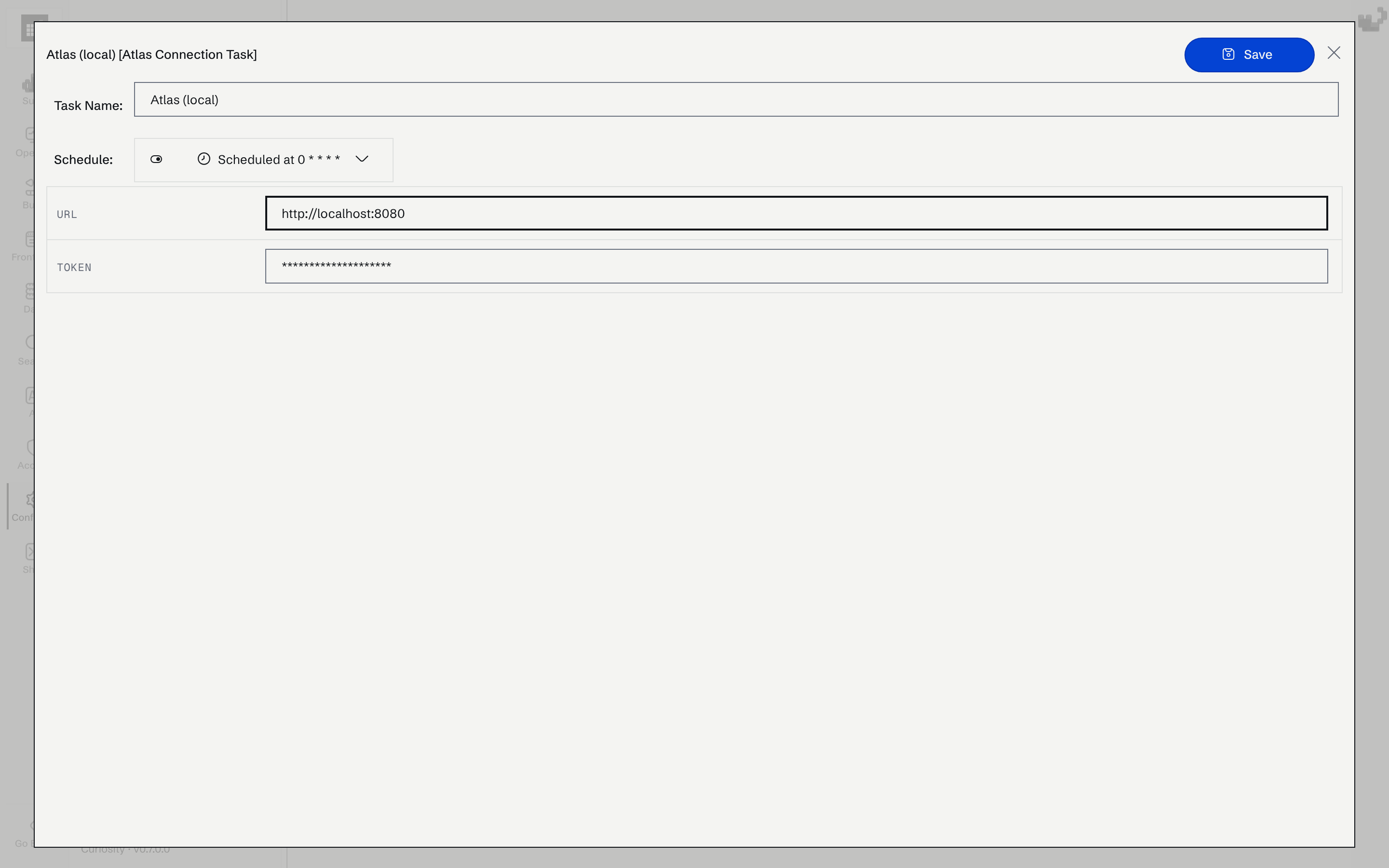
Check it
The connection lists the Atlas server's applications. It reads the list again every hour; Refresh in the link sheet reads it at once.
Studio calls Atlas from the Studio server, so the Studio server has to reach the Atlas address. Sudo's own sandbox still has no network access.
Link applications
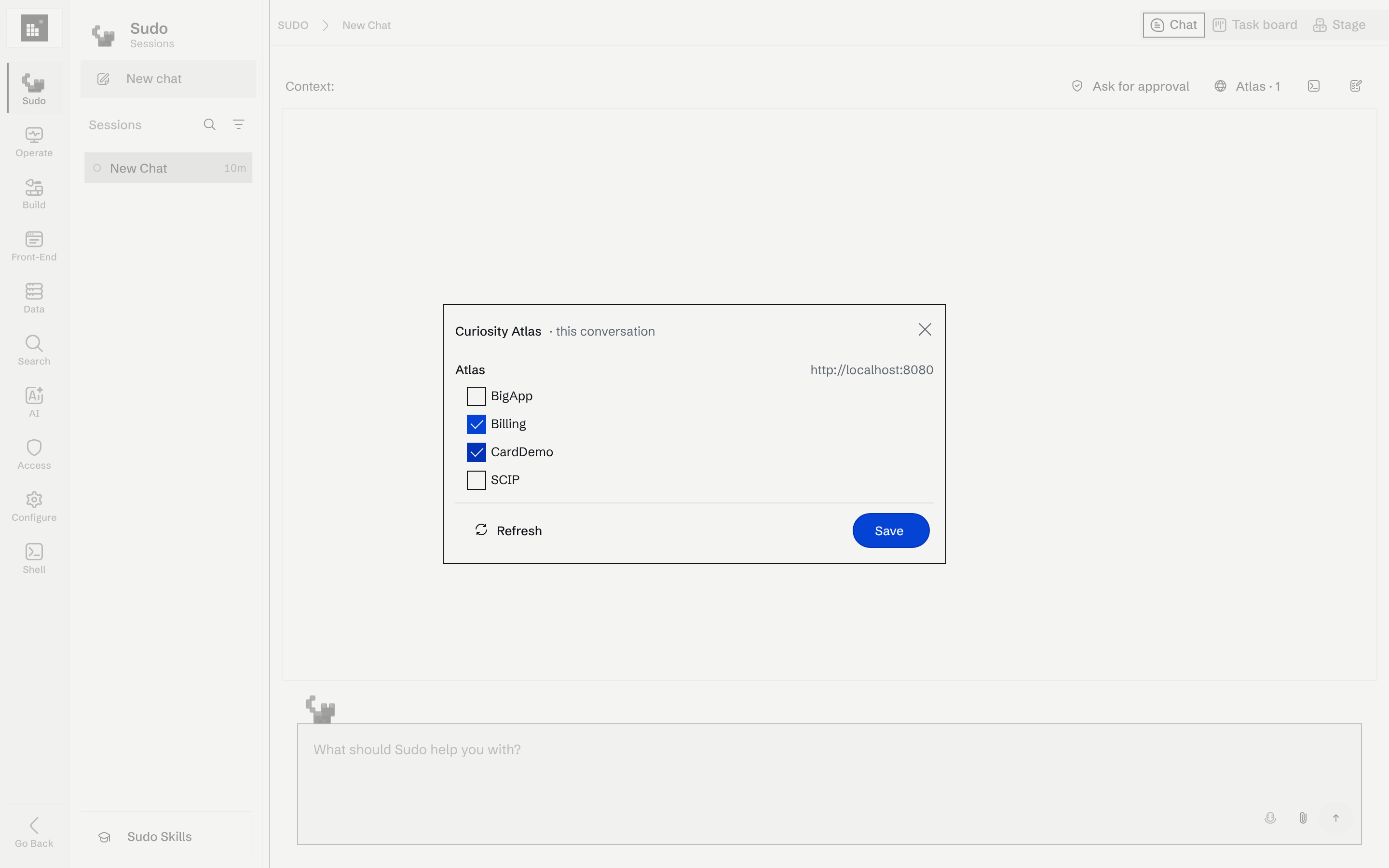
To a conversation. The Atlas button in the header of Sudo's chat opens a sheet with a checkbox per application. Its count shows how many are linked. You can link before the first message.
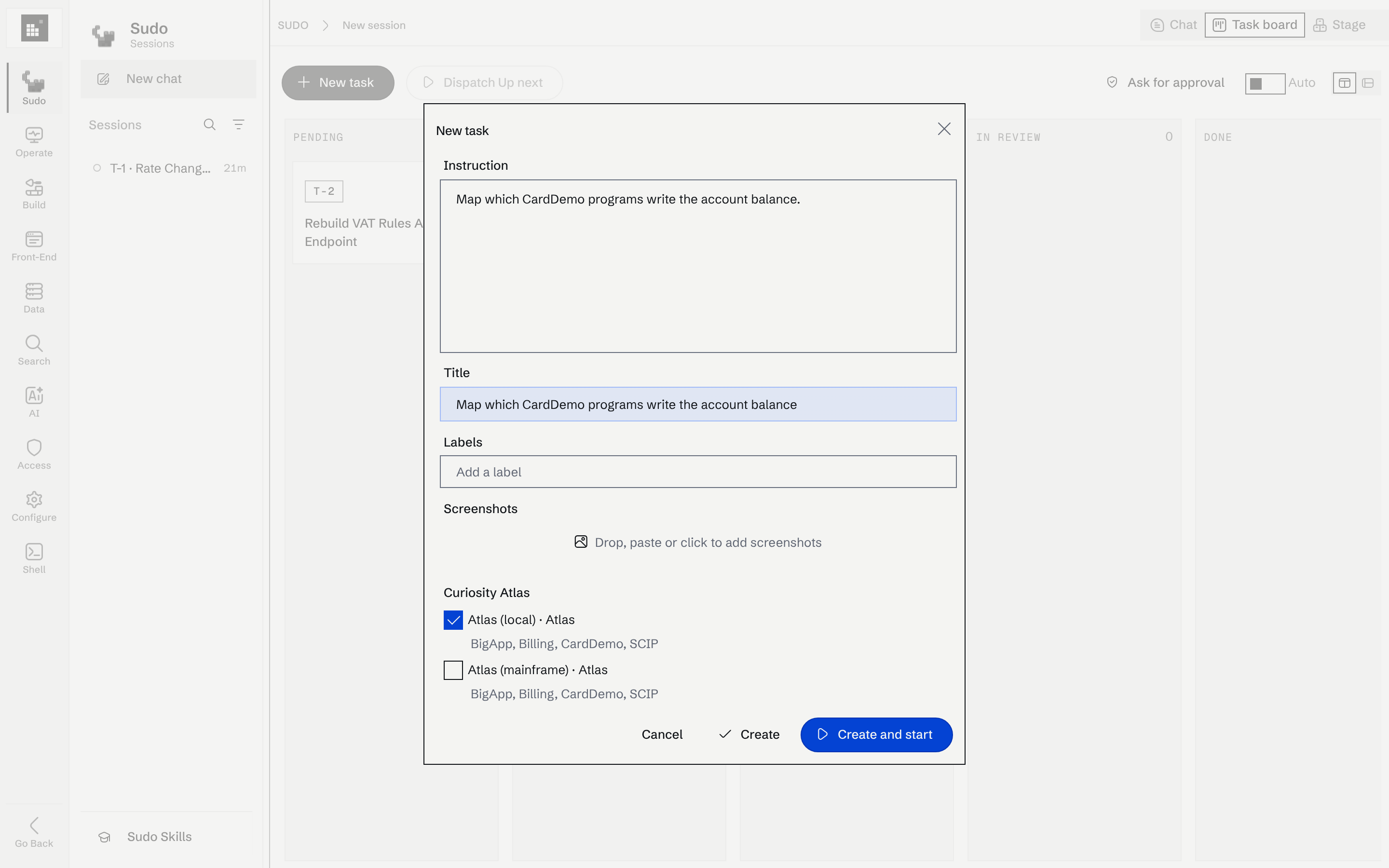
To a task. A new task on Sudo's board has a Curiosity Atlas field with a checkbox per connected server. Checked, the task links every application of that server. A task started from the board passes its links to the conversation it starts.
What Sudo does with it
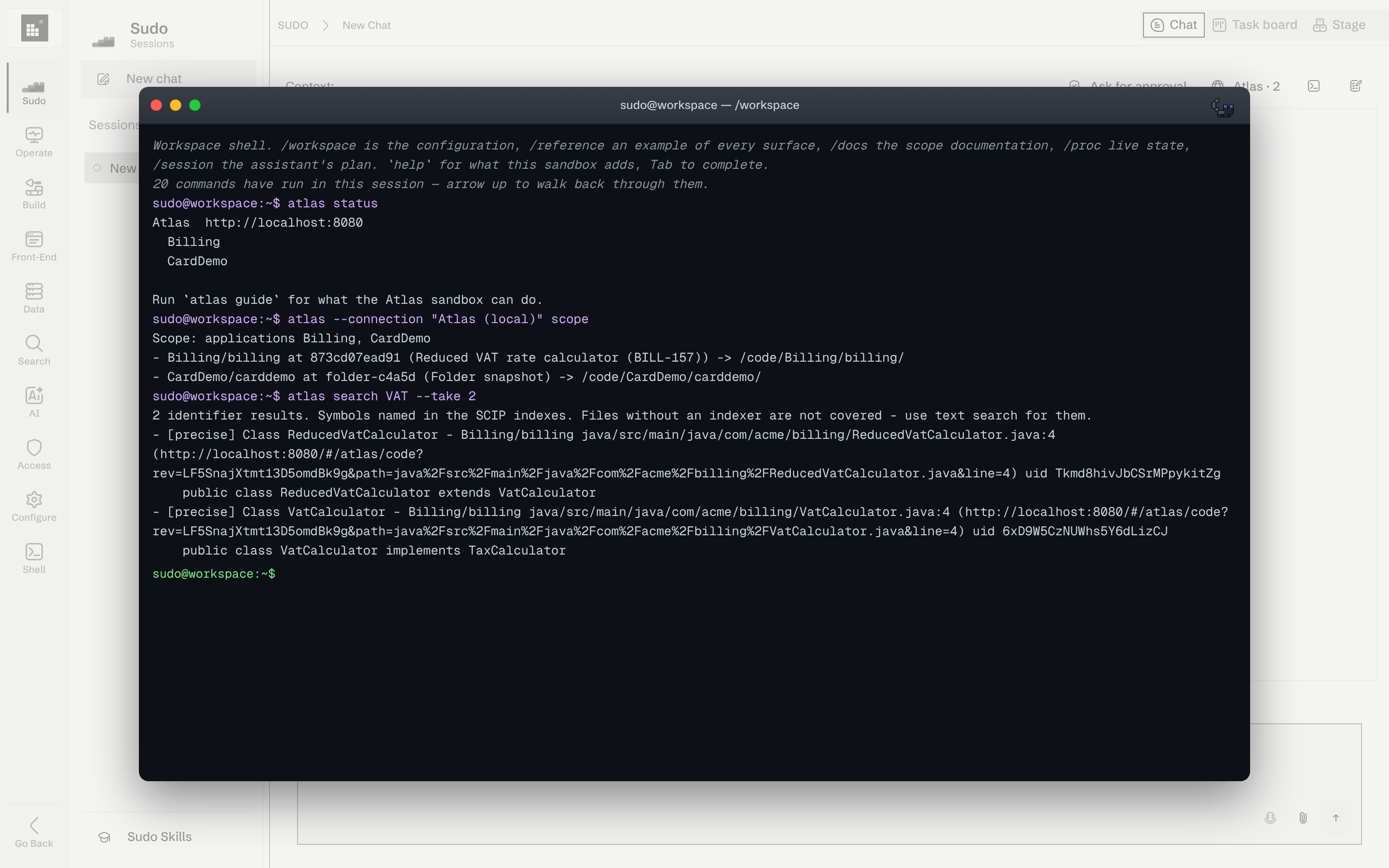
Sudo has an atlas command in his sandbox. It runs a script in Atlas's own sandbox, limited to the linked applications, and returns the output with links back to Atlas:
atlas status                      # the connection and the linked applications
atlas 'search LateFee'            # one command
atlas <<'SCRIPT'
symbol BILLRUN.CHECK-ELIGIBILITY
refs BILLRUN.CHECK-ELIGIBILITY
SCRIPT
Every Ask Atlas command works there: search, symbol, refs, impact, outline and the rest. With more than one Atlas connection linked, Sudo names one with --connection <name>.
What Sudo builds from it goes through his usual approval: every change to the Studio workspace waits for you. See Approvals.