

Connected knowledge
Tickets and pages say why code is the way it is. Atlas reads Jira issues and Confluence pages, or records pushed from any other system, and links each record to the code it names.
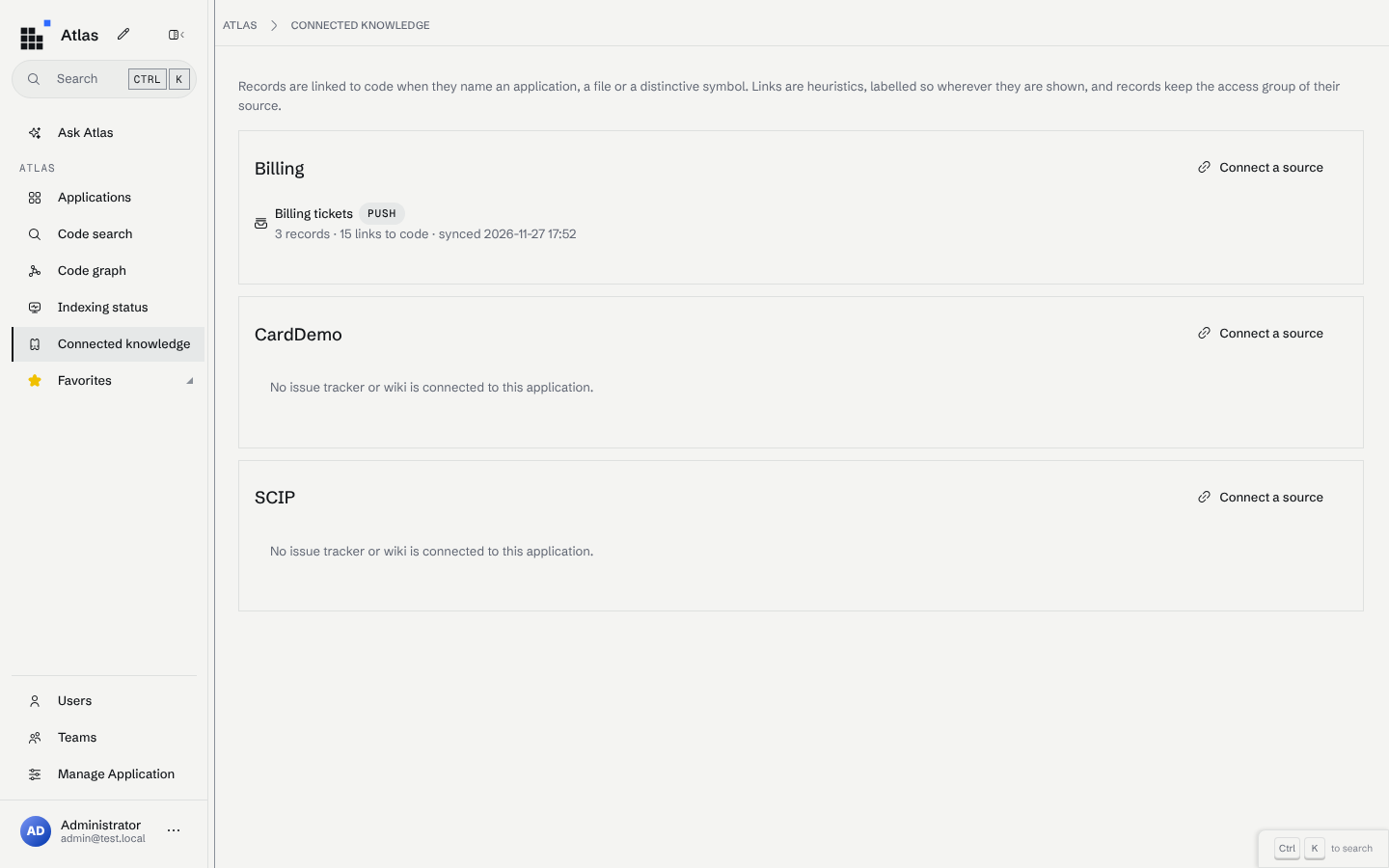
Connect a source
Choose Connect a source on the application page.
| Field | Jira | Confluence |
|---|---|---|
| Server | https://your-company.atlassian.net, or your server's address |
The same |
| Project | The project key | The space key |
| User name | The e-mail of the account, on Atlassian Cloud. Leave it empty for a personal access token on a server. | The same |
| Token | An API token. Stored as a workspace secret and never shown again. | The same |
| Access group | Optional. Only members of this team see the source's records. | The same |
The source is read when it is connected. Sync on the application page reads it again; there is no schedule.
How records are linked
A record is linked to the application, the files and the symbols it names. To keep the links useful, only distinctive names count: the application's name, file names, and symbol names with an inner capital letter or an underscore, or of eight characters or more. Total does not link; CalculateLateFee and LATE-FEE-CALC do.
Links are heuristics, made by name, and are labelled so wherever they appear: on a symbol's page, in the graph and in the assistant's answers. Records are linked again whenever a new revision is indexed.
Push records
For a system Atlas has no connector for, push records through the API or the client library (PushRecordsAsync, see Push from a build). Each record has an external id (pushing the same id again updates the record), a title, the content that is searched and matched against the code's names, and optionally a kind, a status, a link back to where it lives, and when it last changed. A pushed source is linked like any other.