

Exploring code
Every view answers from the index, and says when an answer is not from the index. Precise means an indexer stated it: a definition, a reference, an implementation. Text means a match on the file's text. Heuristic means a link Atlas made by name, such as a ticket that mentions a symbol. A reference the index did not record is shown as "none recorded", never as "unused".
The code browser
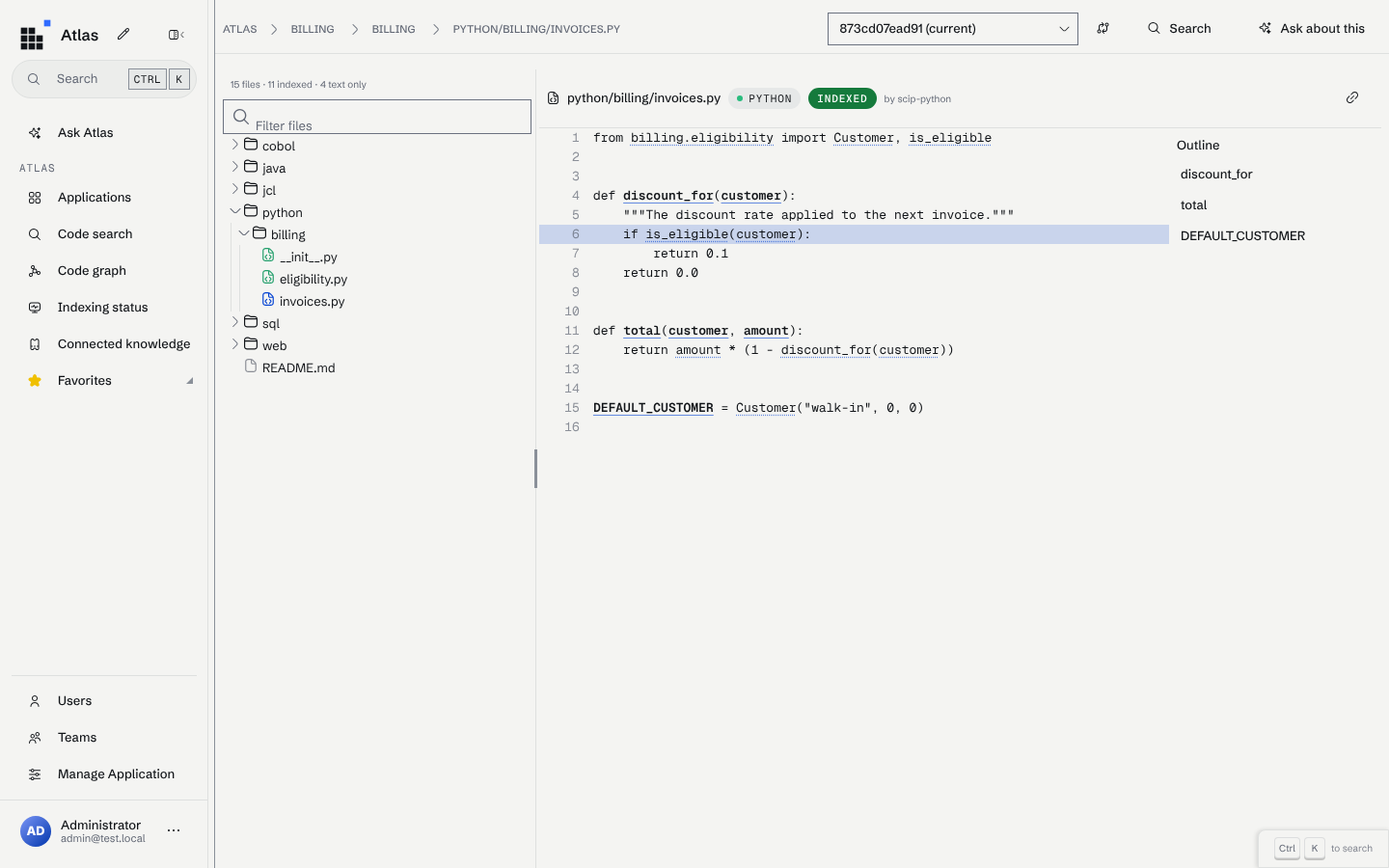
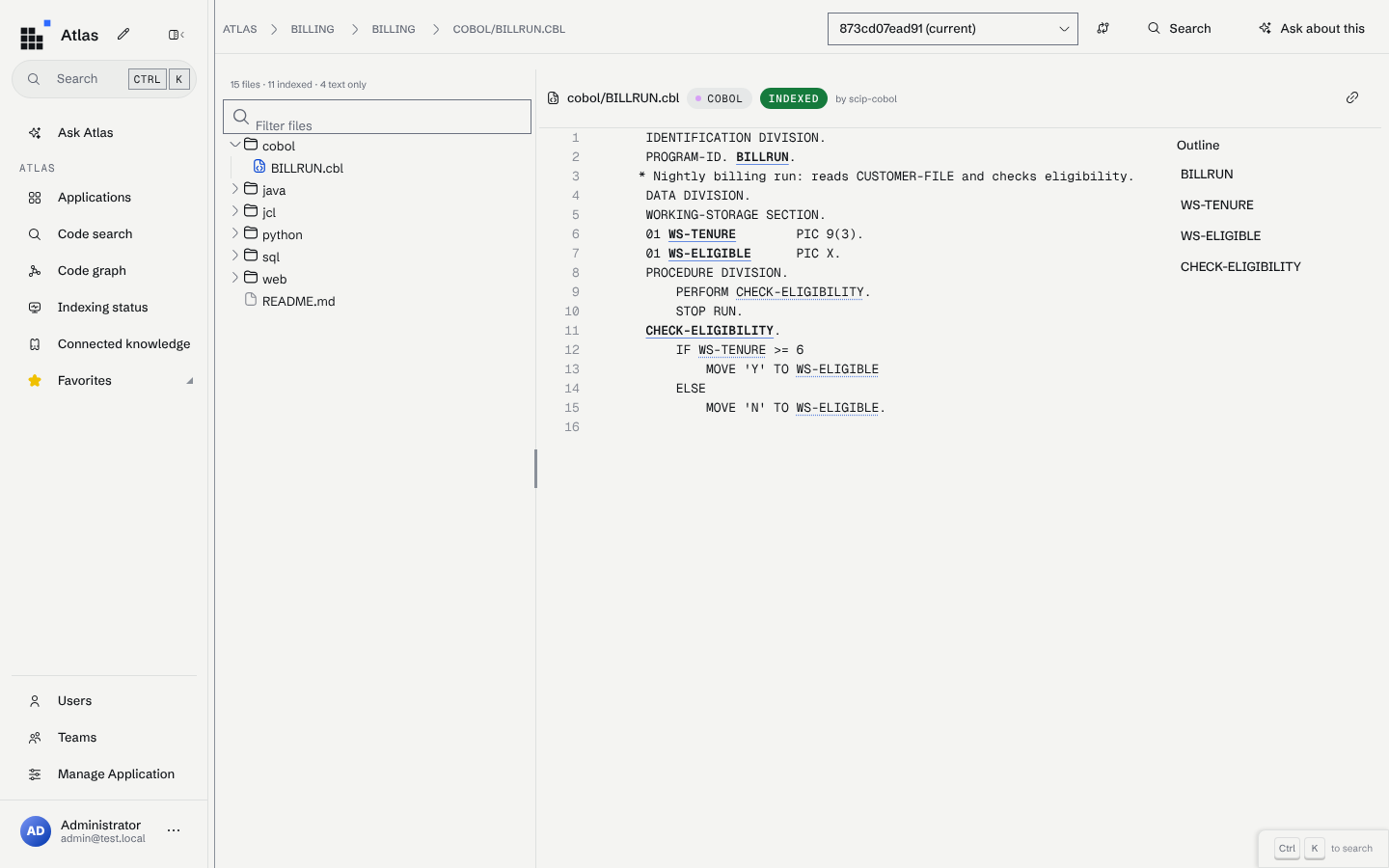
Browse code on an application, or Code search results, open the code browser: a repository and revision selector, the revision's file tree, the source and the file's outline.
- Select a name to go to its definition or list its references. Positions come from the index, so a name in a comment or a string is not a reference.
- A file no indexer covered is marked Text only. It can be read and searched, but has no navigation.
- Compare with the previous revision opens the comparison for the file's repository.
- Copy a link to this file copies a link that opens the same file at the same revision.
Symbols
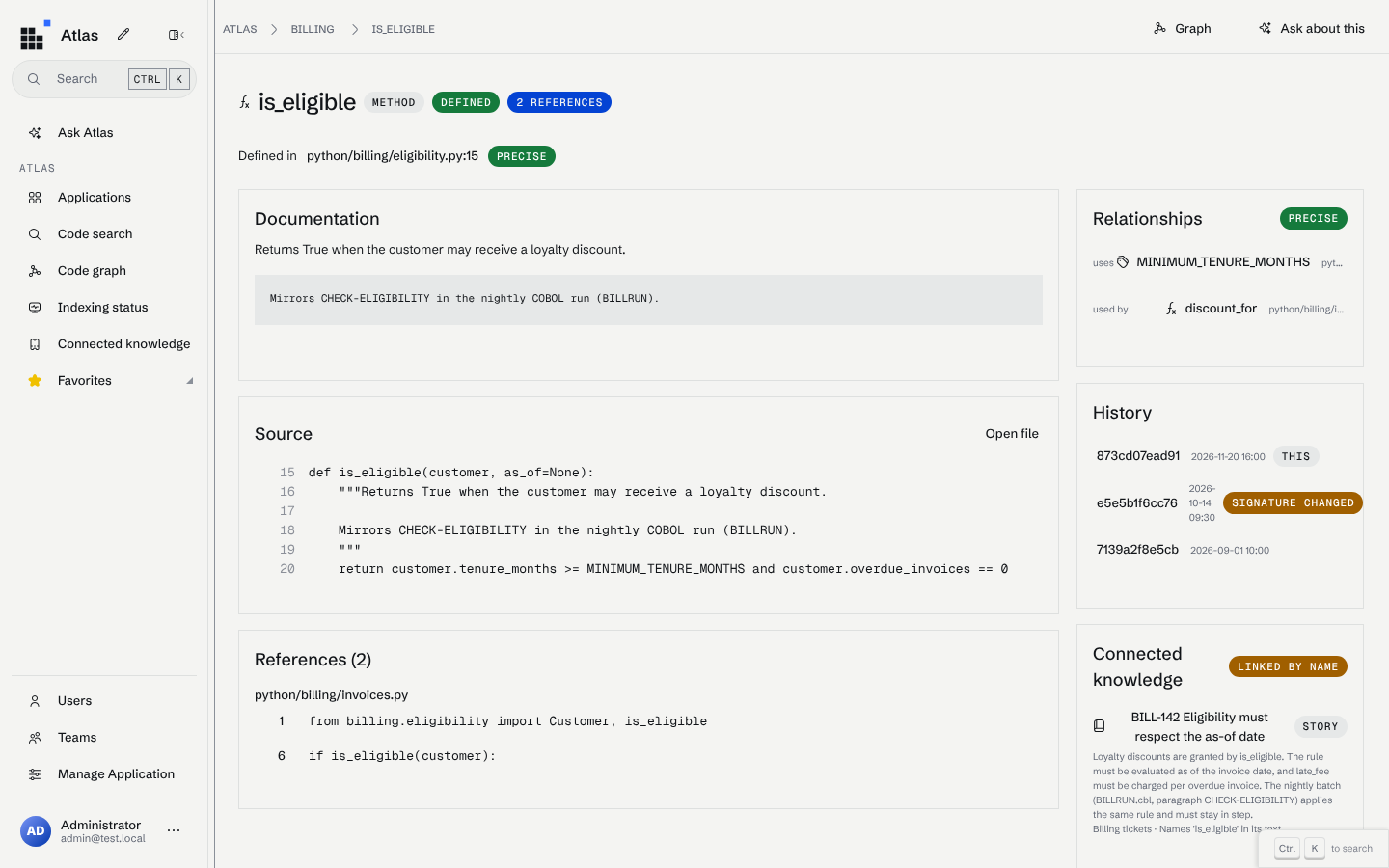
A symbol's page shows its definition, signature and documentation, the file that defines it, every reference the index records (as path:line with the line's text), its relationships (implements, type of, uses, encloses), its history across revisions, and the connected records that name it.
Text matches lists the same name found in files no indexer covers: a COBOL paragraph named in a JCL step, a table named in a shell script. They are labelled as text, not references.
Search
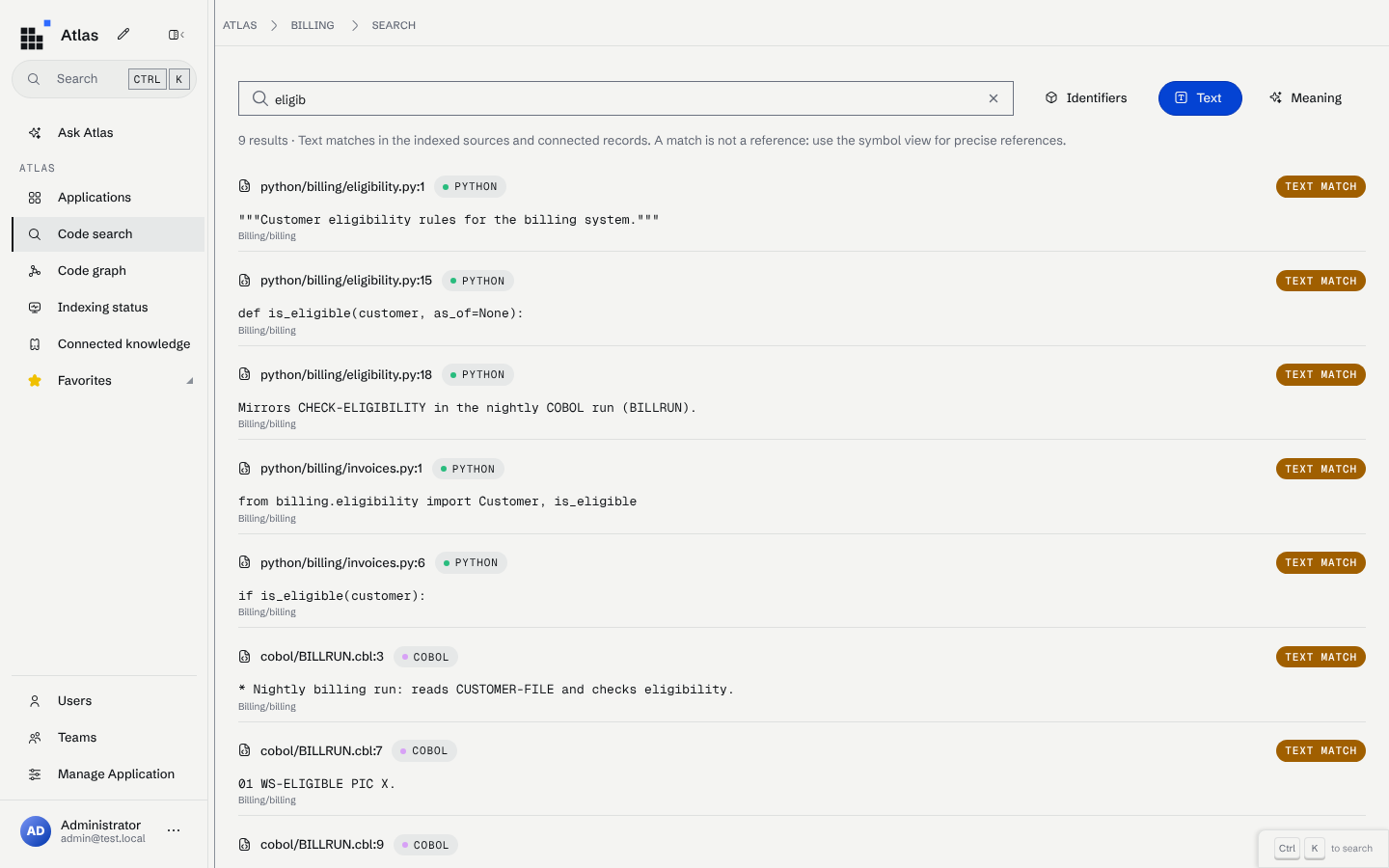
Code search has three modes:
| Mode | Finds | Precision |
|---|---|---|
| Identifiers | Symbols the indexes define and reference, by name. | Precise |
| Text | Lines in any file, including files no indexer covers, and connected records. | Text |
| Meaning | Symbols ranked by what their name, signature and documentation say they do. Needs ATLAS_SEMANTIC_INDEX (on by default). |
A ranking, not a match |
The graph
Code graph opens from a symbol, a file or an application. Click a node to expand from it. A filter limits the relationships followed and the number of nodes; when not every neighbor fits, the view says so.
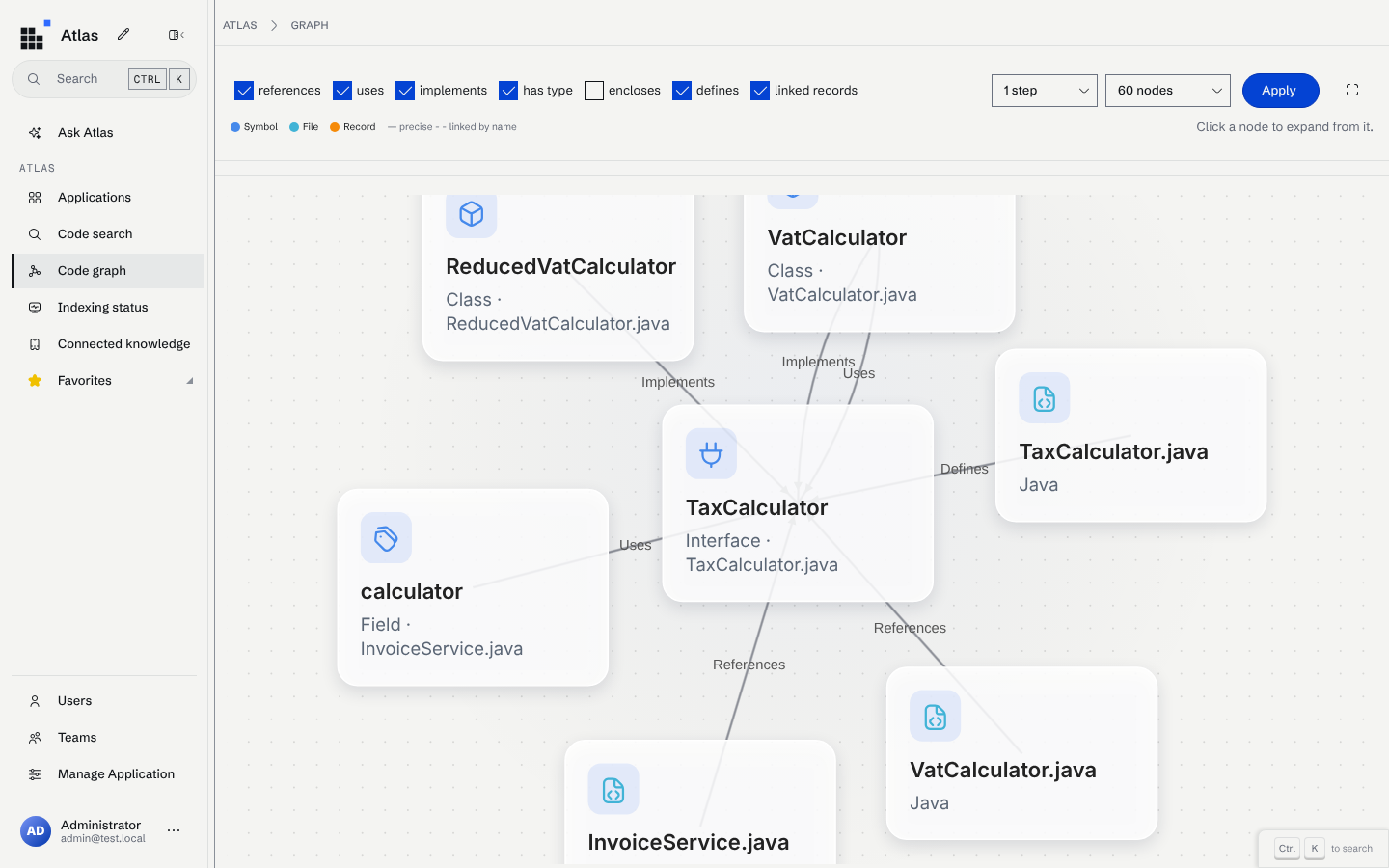
The code map
The application page and a revision's overview show a code map: folders nest, each file is a rectangle colored by language, and its area is a choice of lines of code, symbols defined, references made, dependencies (files it uses) or dependents (files that use it). Click a file to open it. A toggle highlights the files that stayed text only.
The map is streamed and drawn as it arrives, so a revision with hundreds of thousands of files shows its first files at once.
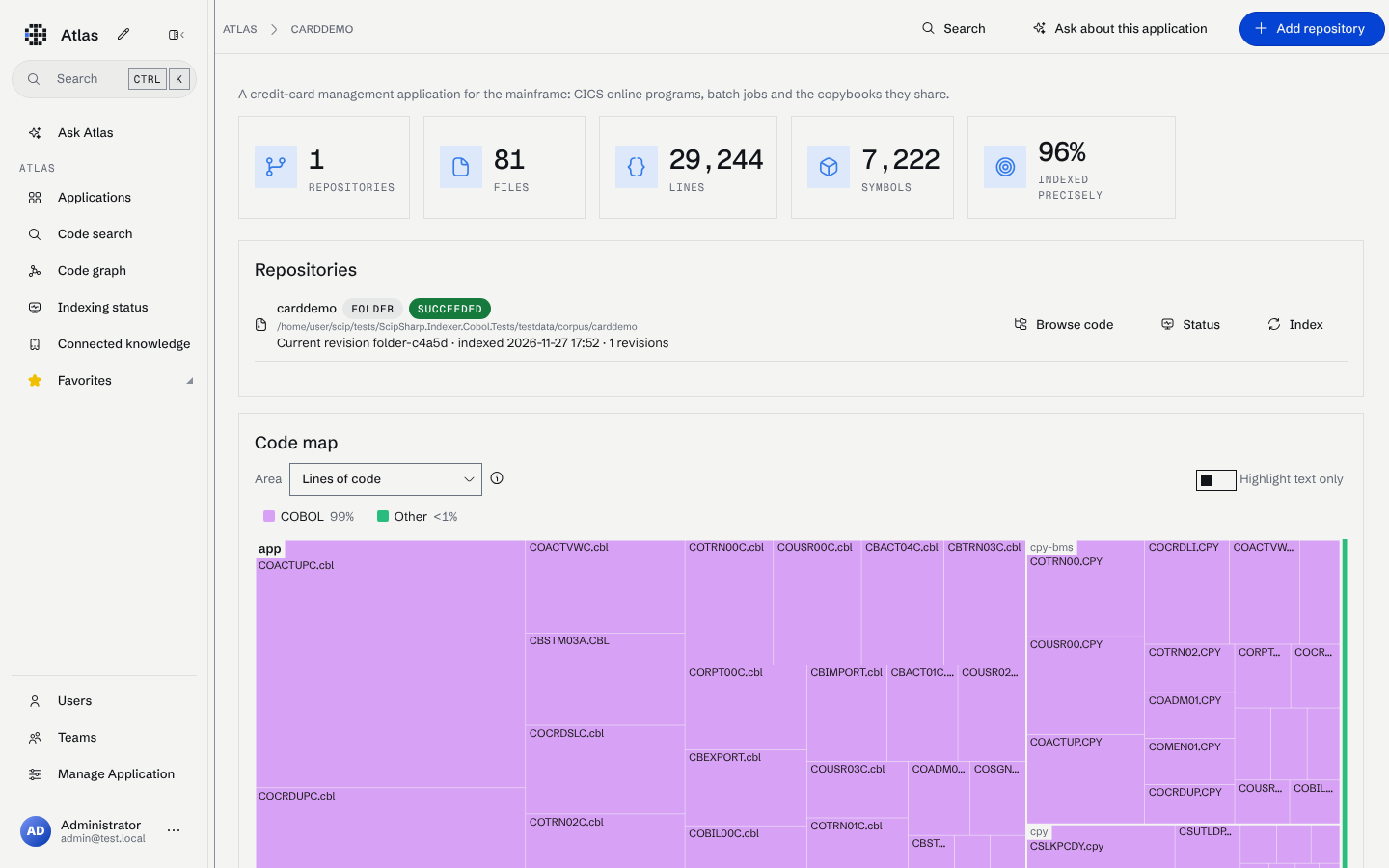
Coverage
Each revision records which indexers ran, what they covered and what stayed text only. Coverage in the code browser shows it for one revision, and Indexing status for every run. Read it before relying on a "no references" answer: a language whose indexer is partial records fewer references than exist. See Languages.