Quick start
This page takes a new Atlas server from the first sign-in to a first answer about your code. It assumes the container is running; see Installation.
The first-run setup
The first time an administrator signs in, Sudo walks through the setup, one question at a time. You can leave and come back: the setup resumes where you stopped.
Password
If the server still has the shipped administrator password, Sudo asks you to change it.
Model
Choose the model the assistant and analyses use, hosted or on your own hardware, or skip it and add one later under Manage > AI > LLM Providers. Without a model, indexing, the views and search work; Ask Atlas and analyses do not.
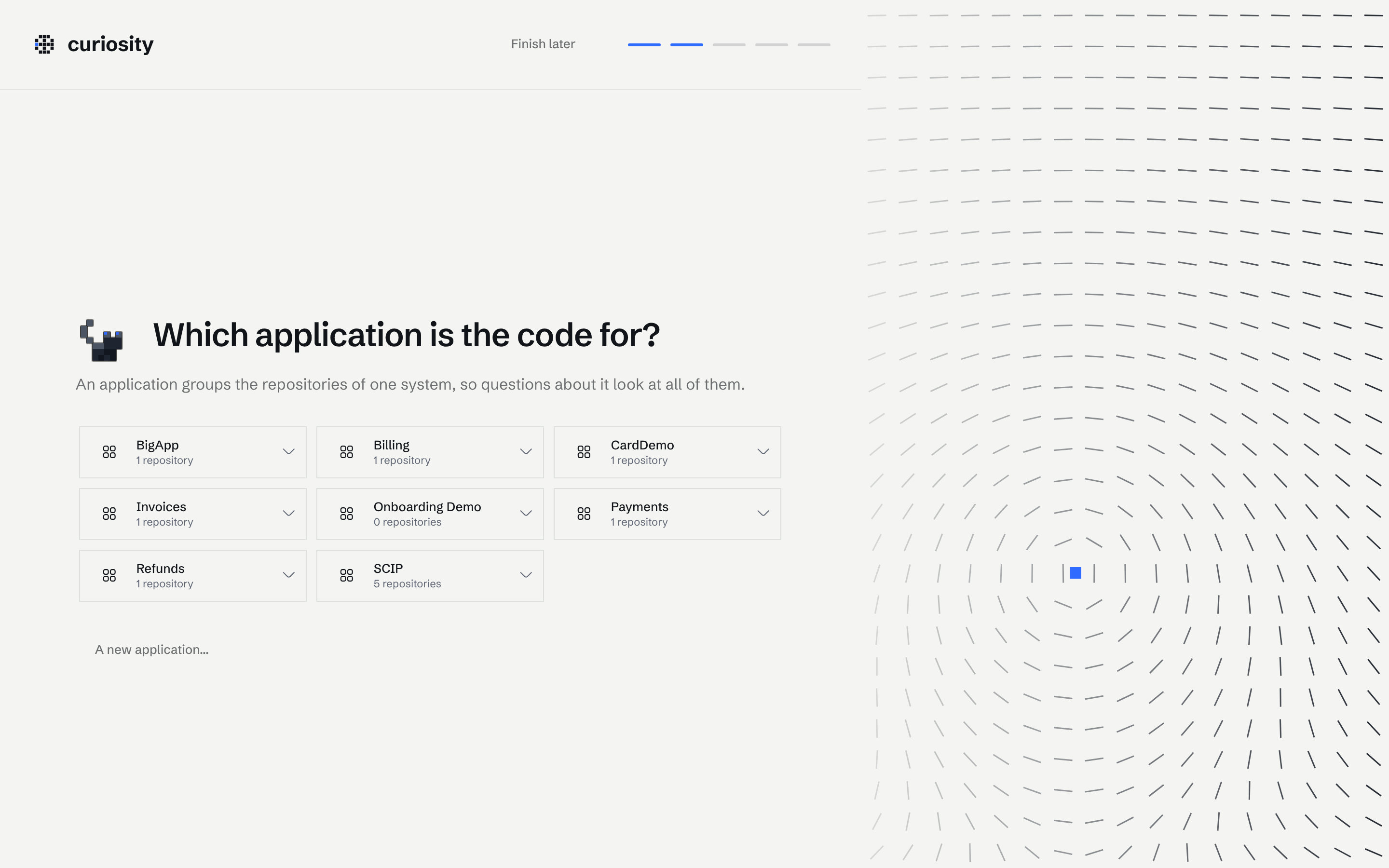
Application
An application is the system you want to understand. Pick one the server already has, or name a new one.
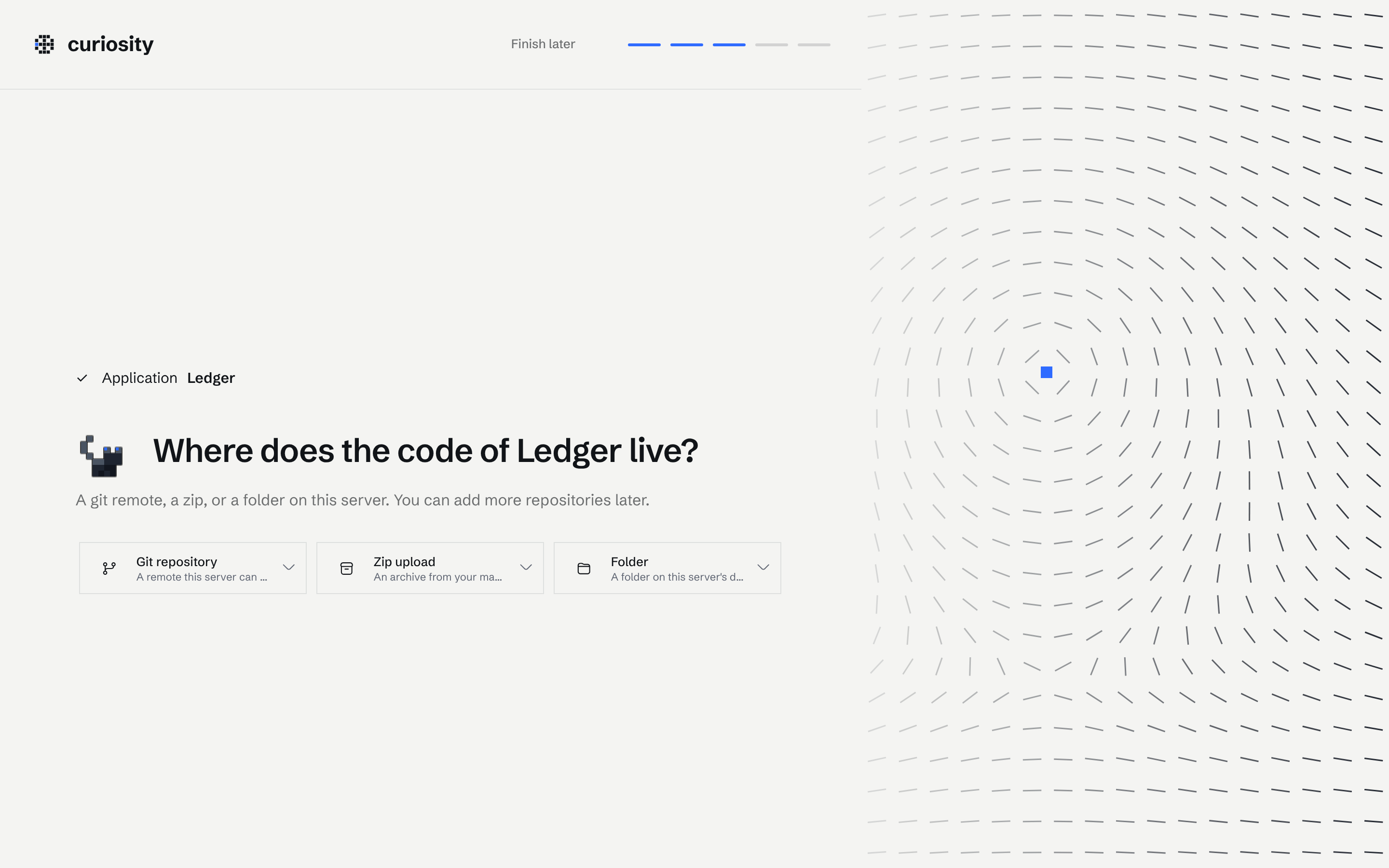
Repository
Say where its code lives: a git address (with a user name and token for a private one), a zip you upload, or a folder on the server.
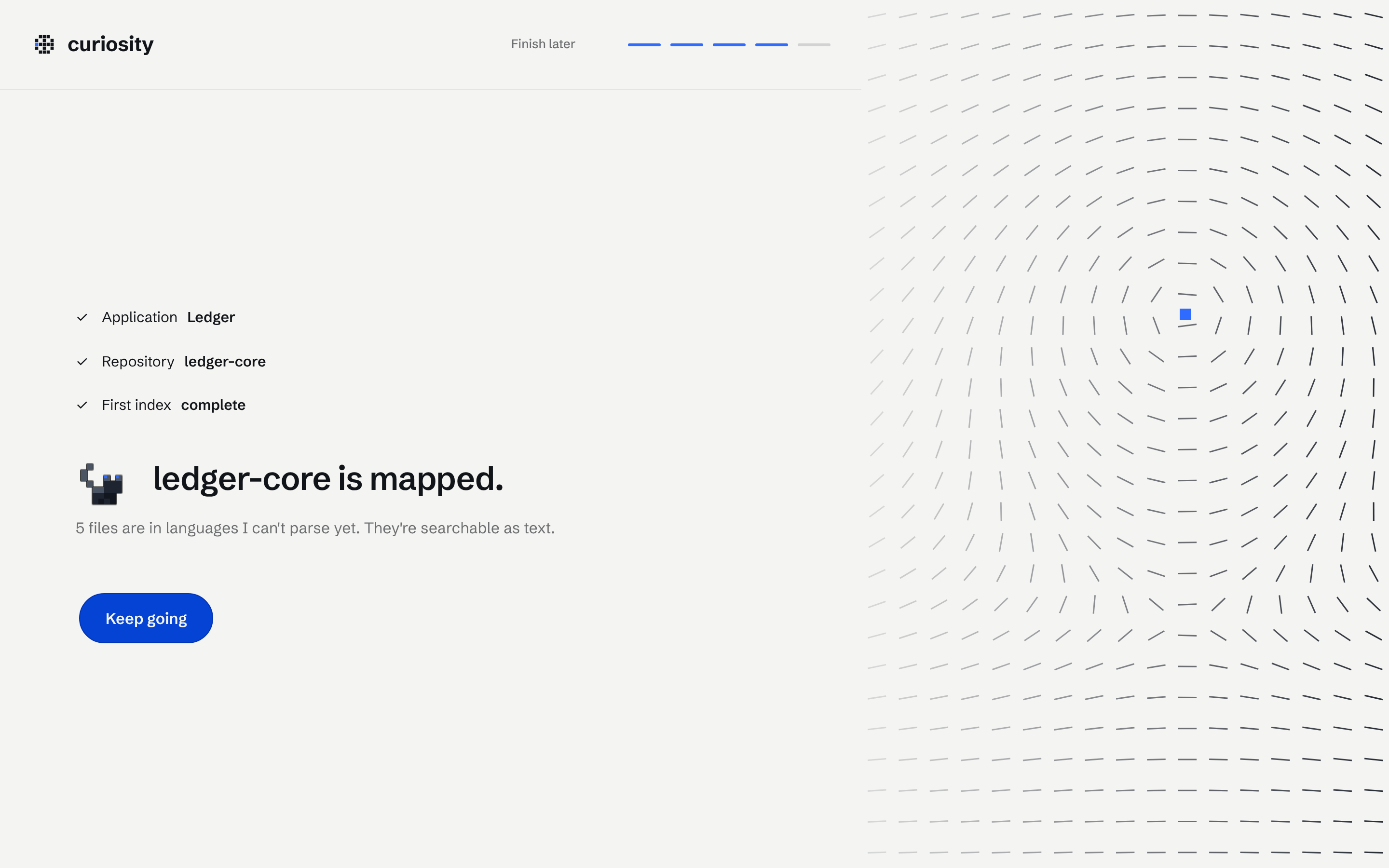
First index
The setup shows the indexing run as it goes. When it fails, it offers another source or the run's log. Don't wait moves on and leaves the run going.
Ready
Open the application, or ask a question about the code.
Find your way around
- The application page lists its repositories, the code map of the current revision and the connected knowledge sources.
- Code search finds symbols by name, lines by text, or code by what it does.
- Open a file and select a name to go to its definition or list its references.
See Exploring code.
Ask a question
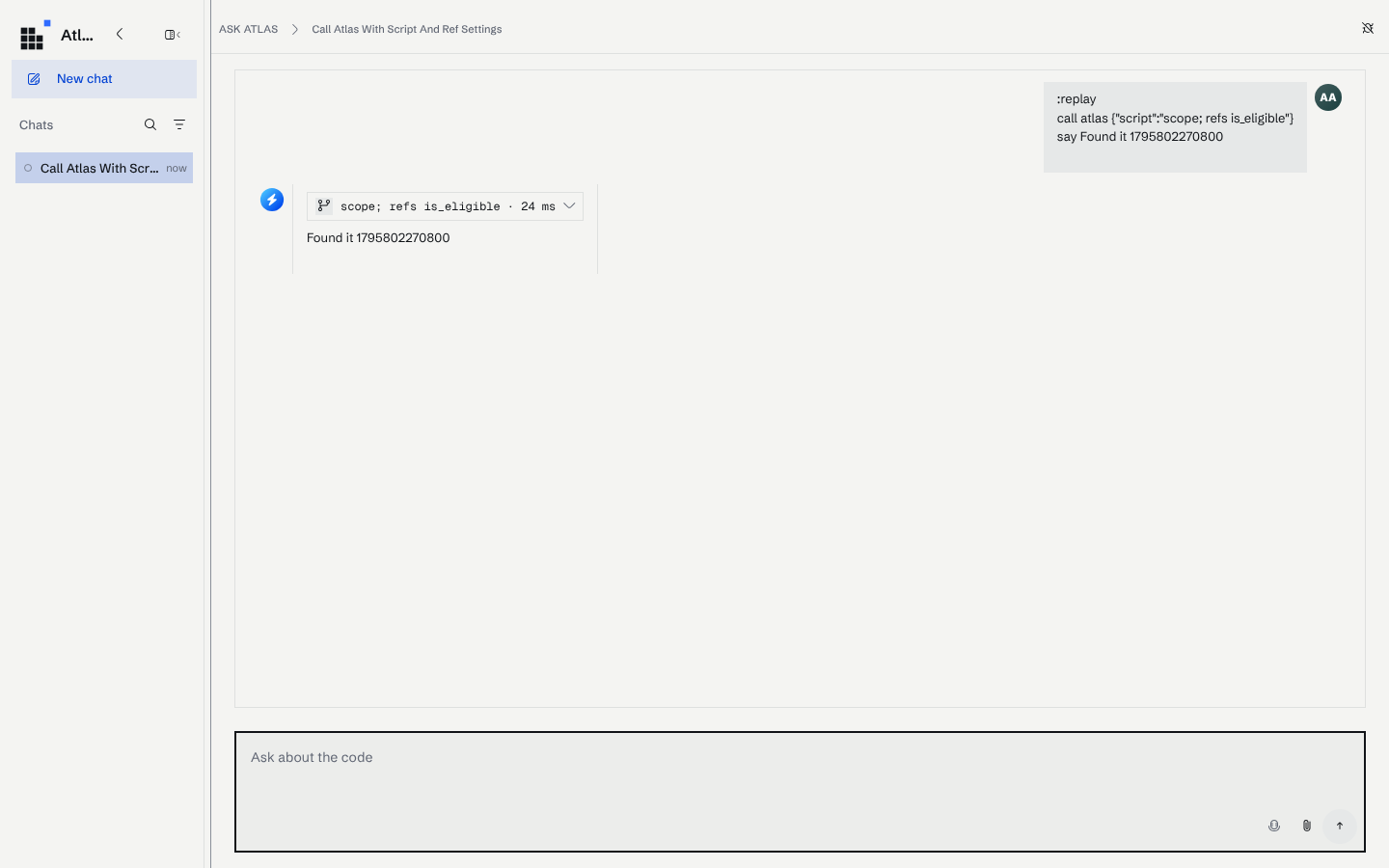
Open a file or a symbol and choose Ask about this. The conversation is limited to what you opened it from. Answers cite the file and the line, and say what the index could not see.