Access
Atlas uses the users, teams and single sign-on of Curiosity Studio, under Manage > Access. An application is either open to everyone signed in, or restricted to one team.
Restrict an application to a team
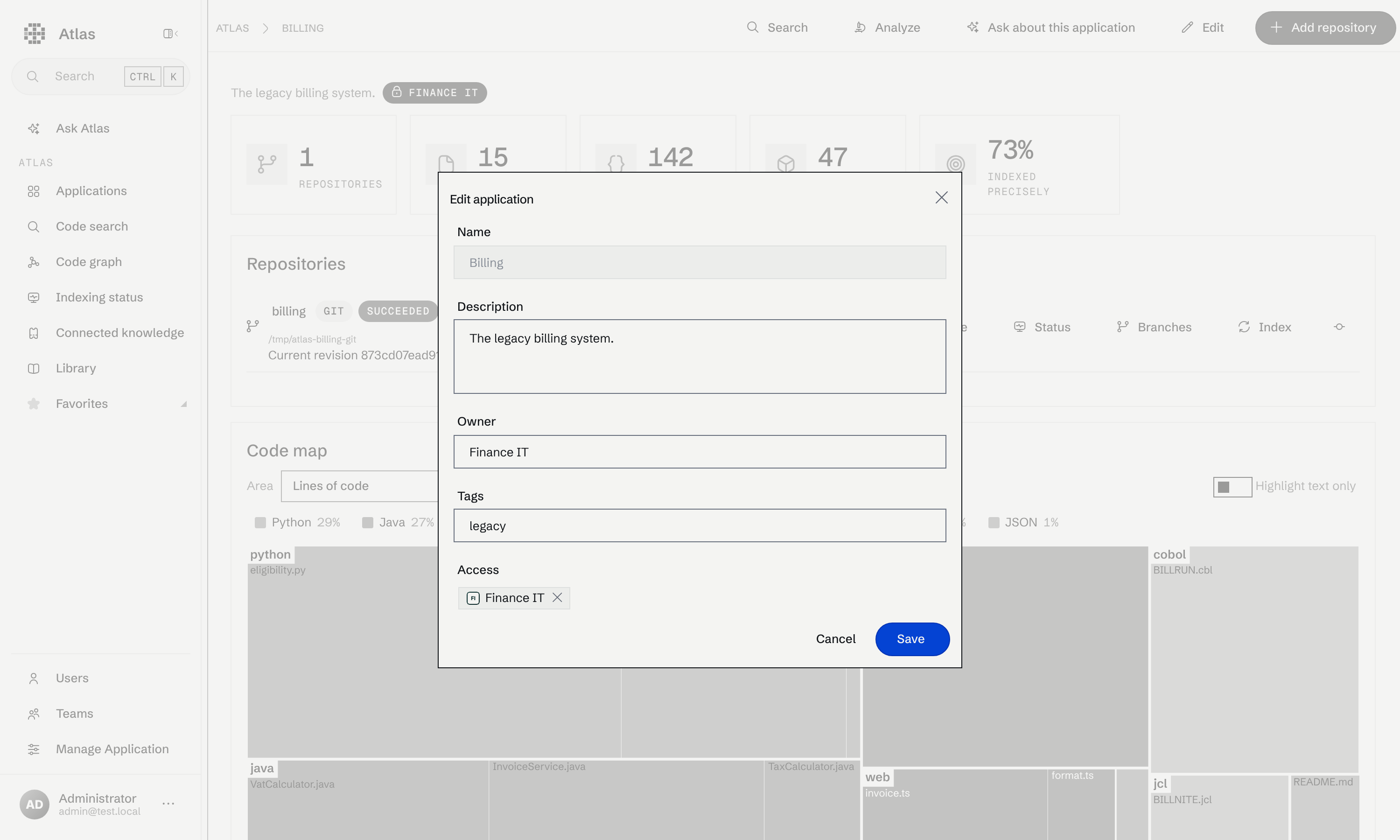
Set Access when you create the application, or later with Edit on its page. The application page and its card show the team.
What a restricted application covers:
- its repositories, revisions, files and their text, and symbols;
- its indexing runs;
- its knowledge sources and their records, unless a source has a team of its own (below);
- its analyses, with their tasks, findings, events and documents.
Someone outside the team does not see the application on the dashboard, in search, in the graph or in Ask Atlas, and a link to any of it answers that they may not open it. A system administrator sees everything.
Changing the team takes effect at once, for everything above: nothing is copied or re-indexed.
Who can do what
| Read and search | Ask Atlas | Edit Library documents | Start analyses, add repositories, change applications | |
|---|---|---|---|---|
| Signed-in user, application open to everyone | Yes | Yes | No | No |
| Member of the application's team | Yes | Yes | No | No |
| Admin of the application's team | Yes | Yes | Yes | No |
| System administrator | Yes | Yes | Yes | Yes |
Knowledge sources with their own team
A Jira or Confluence source can name a team of its own when it is connected. Its records are then visible to that team only, whatever the application's setting, so a restricted Jira project stays restricted. See Connected knowledge.
Tokens
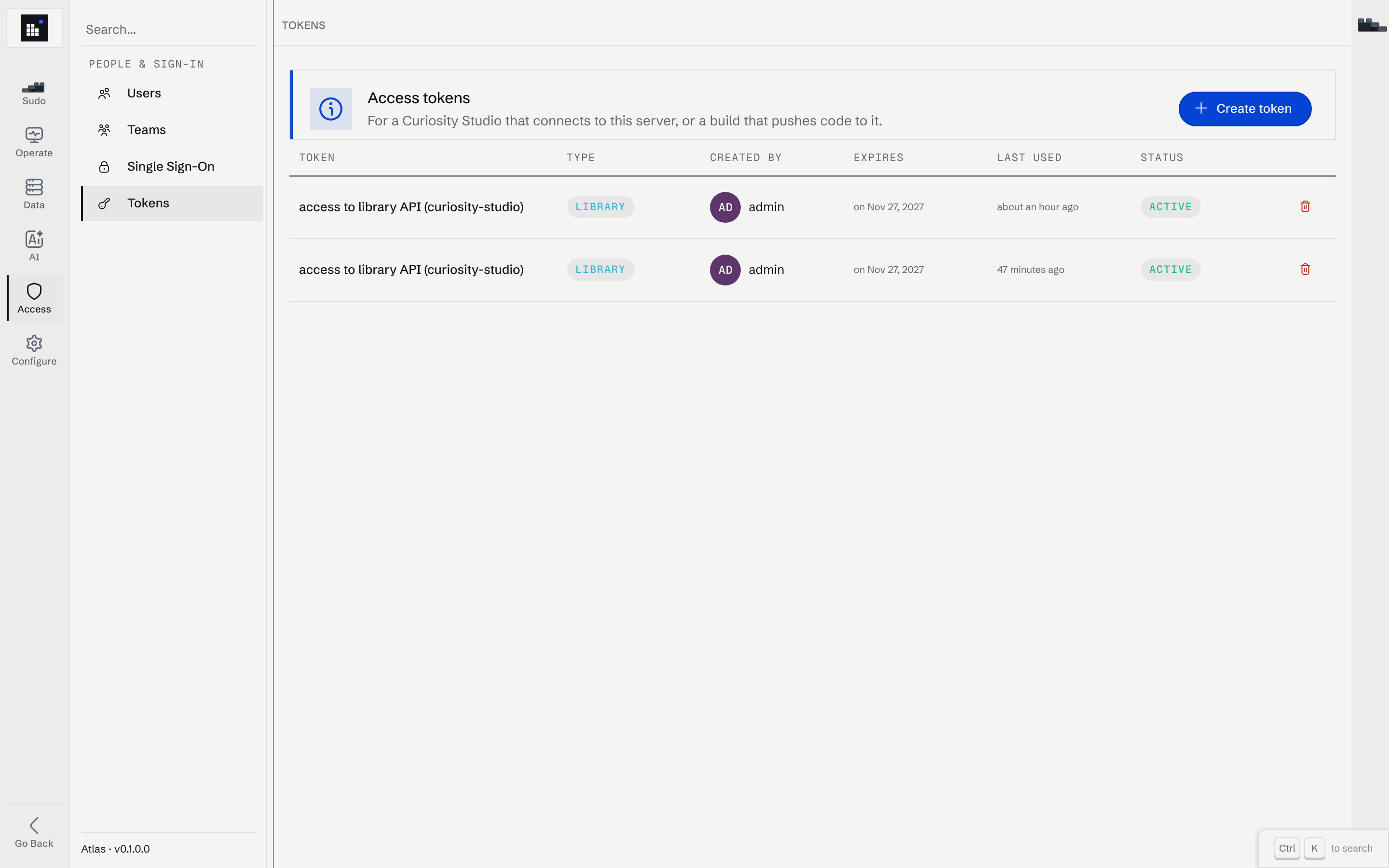
Manage > Access > Tokens creates the one kind of token an Atlas server hands out: a library token. A build that pushes code and a Curiosity Studio that connects to Atlas sign in with one. A token acts as the user who created it, and sees the applications that user may read. Pushing code needs a token created by a system administrator.