

Curiosity Atlas
Index the code your business runs on, from COBOL to TypeScript, into one graph of every definition and reference. Browse it, compare revisions, link your tickets, analyze an application, and ask questions answered with the file and the line.
What is Atlas?
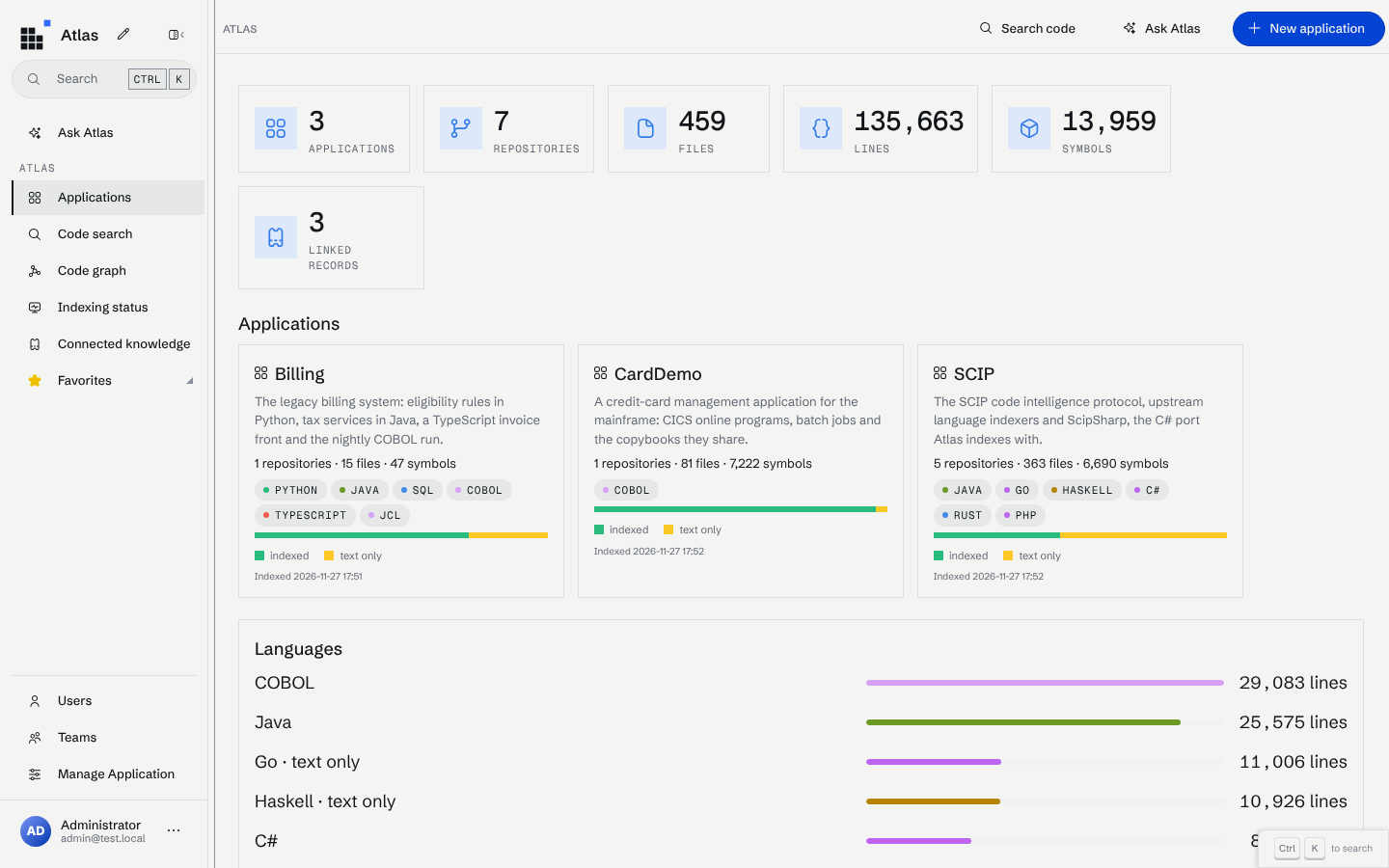
Atlas is a server for understanding established software systems. It reads a system's source code from git, a zip, a folder on the server or a build, indexes it with one indexer per language, and stores the result as a code graph: every file, every definition, every reference and how they connect, for each revision you keep.
It provides:
- Code views. A code browser with linked definitions and references, a page per symbol with its references, history and linked tickets, three kinds of search, a graph you can walk, a code map of each revision, and a symbol-by-symbol comparison of two revisions.
- Ask Atlas. An assistant that works on the code you opened it from, cites the file and the line for what it says, and says what the index could not see.
- Analysis. A run that maps an application, explores it from its entry points, writes the document you asked for (a specification, the documentation of one feature) and checks every claim against the source.
- The Library. The documents analyses write, edited together by people and the assistant.
- Connected knowledge. Jira issues and Confluence pages linked to the code they name.
- Access by team. An application can be restricted to one team, and everything indexed or written for it follows.
Atlas is built on Curiosity Studio. Users, teams, single sign-on, AI providers and chat work as they do in Studio, and a Studio can connect to an Atlas server so that Sudo reads the code of the applications you link.
What it is not
- It does not run or build your code. Indexing reads source files. Only the C# and Visual Basic indexer loads projects, and it needs the .NET SDK on the server.
- It does not prove that code is unused. A reference the index did not record is shown as missing, never as evidence of dead code. How complete each indexer is depends on the language; see Languages.
- It does not change your repositories. It reads them, and keeps its own copy of what it indexed.
- An analysis is not a finished specification. Every claim carries the lines it rests on, and a person decides what to keep.
The five minute path
Start the container
docker run -d --name atlas -p 8080:8080 \
-v atlas-data:/data \
-e MSK_GRAPH_STORAGE=/data/atlas \
-e MSK_ADMIN_USER=admin \
-e MSK_ADMIN_EMAIL=you@example.com \
-e MSK_ADMIN_PASSWORD='choose-a-password' \
curiosityai/atlas:latest
Sign in
Open http://localhost:8080 and sign in as admin. The first-run setup asks for a model, then an application and its repository.
Index a repository
Give it a git address with a token, upload a zip, or name a folder on the server. The setup shows the first indexing run until it finishes.
Ask about it
Open a file or a symbol and choose Ask about this. The answer cites the file and the line.
Quick start walks through each step.
How it fits together
Everything lives in the server's storage folder: the code graph, the copy of each indexed revision, and the documents. The model you configure is the only thing Atlas sends code to, and only the code the assistant or an analysis reads.
Where to go next
| To | Read |
|---|---|
| Install and sign in | Installation, Quick start |
| Add a system and keep it current | Applications and repositories, Branches and revisions |
| Find your way around the code | Exploring code, Ask Atlas |
| Reverse engineer an application | Analysis, The Library |
| Decide who sees what | Access |
| Bring in tickets and pages | Connected knowledge |
| Index from a build | Push from a build |
| Use it from Curiosity Studio | Use with Studio |