

The Library
Library in the sidebar lists the documents analyses wrote, by application and by analysis (named after its goal). A document opens with a preview, and is edited in place. The documents are collaborative: several people, the analysis and the assistant can work on one at the same time, each with their own name and cursor, and every change is kept as a revision you can restore.
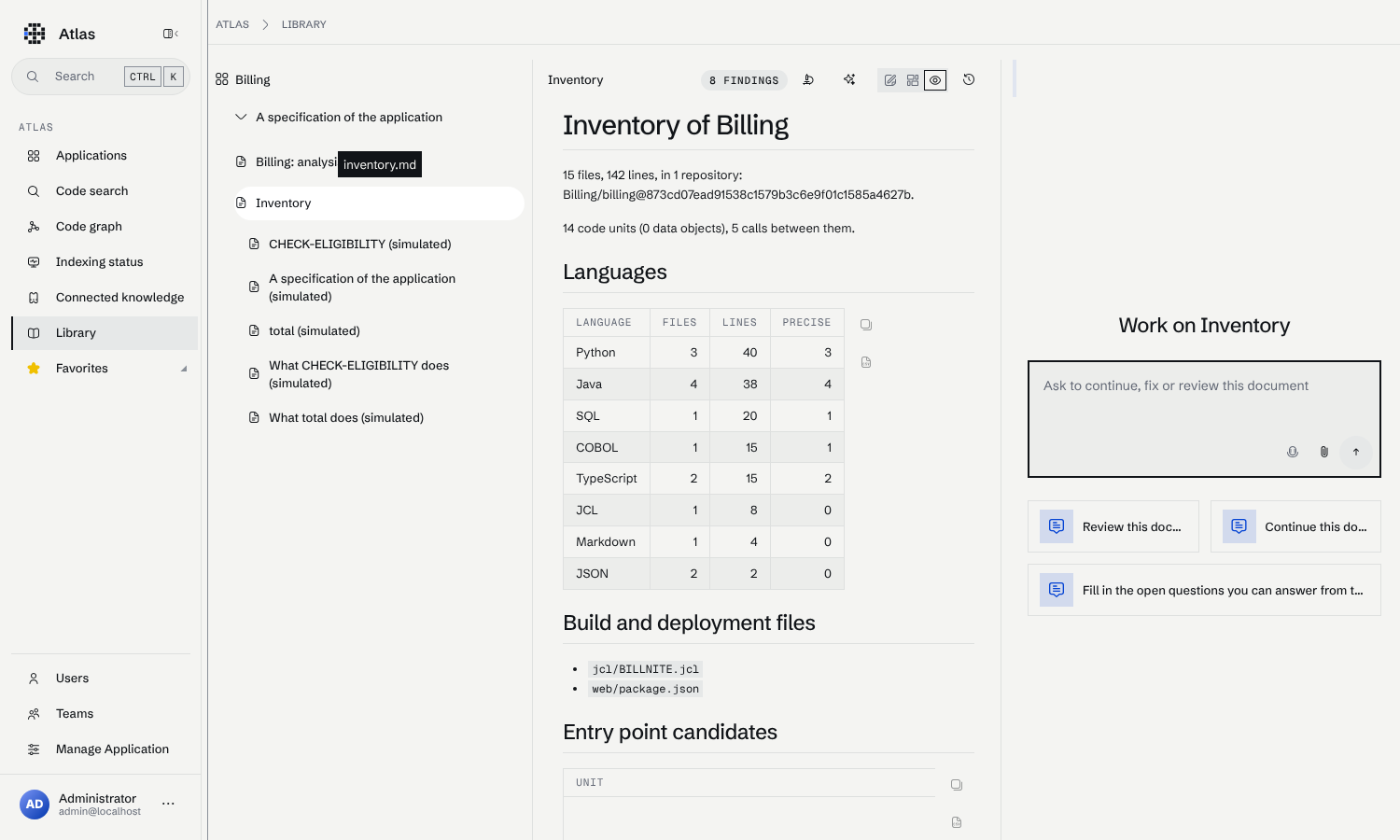
Editing a document
Switch the document from preview to editing and type. Other people with it open see your changes as you make them. The history button lists the revisions and restores one.
Who may edit:
| Read | Edit | |
|---|---|---|
| A member of the application's team, or anyone signed in when the application is open to everyone | Yes | No |
| An admin of the application's team | Yes | Yes |
| A system administrator | Yes | Yes |
See Access.
The assistant beside a document
The pane beside an open document is a conversation with Ask Atlas about that document. It offers to review the document, continue it, or fill in the open questions it can answer from the code, and takes any other request.
When it changes the document, the change appears in the editor as it makes it, typed under the assistant's name, for everyone who has the document open. It edits within your rights: if you may only read the document, so may it. It cannot create or delete documents.
The assistant can read every document of the applications in its scope, under /documents/<application>/<analysis>/, so a request such as "make this specification agree with the workflow documents" works across documents. The pane can be hidden.
Documents and the analysis that wrote them
An analysis keeps writing to its documents while it runs, through the same editing session: its changes land beside yours, not over them, and the stages after yours read the document as it is now. Editing a document while an analysis runs is safe.
The badge above each document counts the findings it cites. The analysis page's Findings tab lists them.