

Chat vs Search
Curiosity Studio offers two primary modes for finding information.
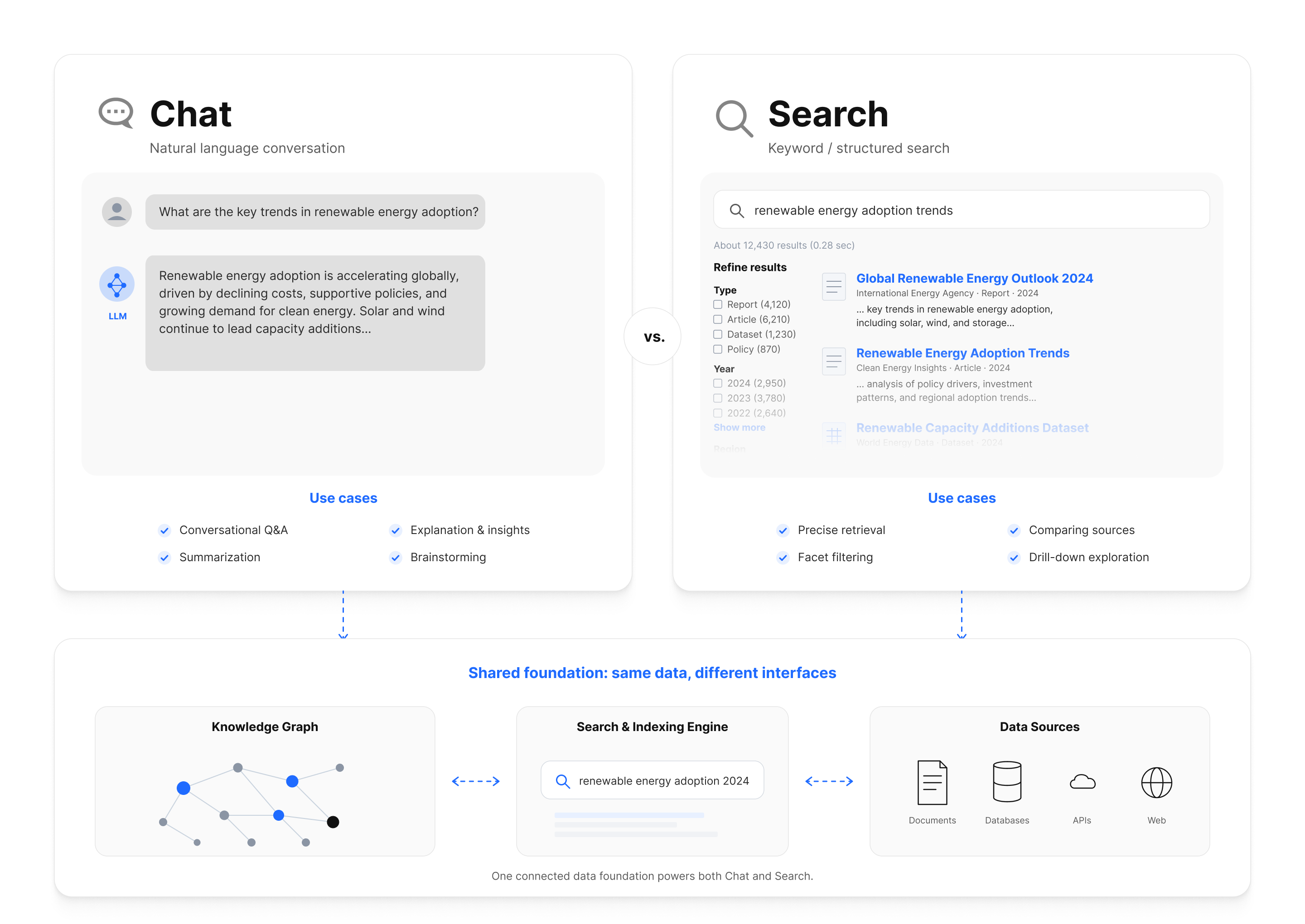
Chat Mode
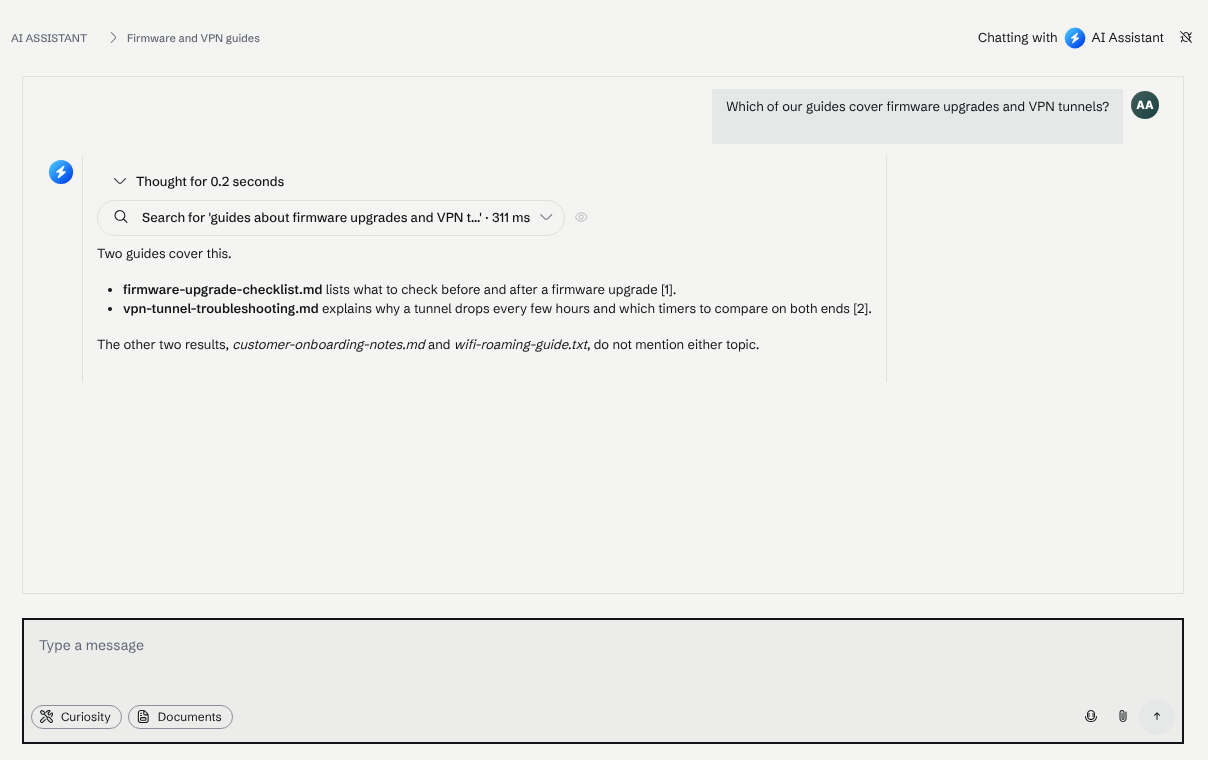
Use Chat mode when you want AI-synthesized answers with citations. The assistant searches your sources, reads relevant documents, and provides a coherent response grounded in your data.
Best for:
- Questions that span multiple documents
- Summarizing information
- Follow-up questions in a conversation
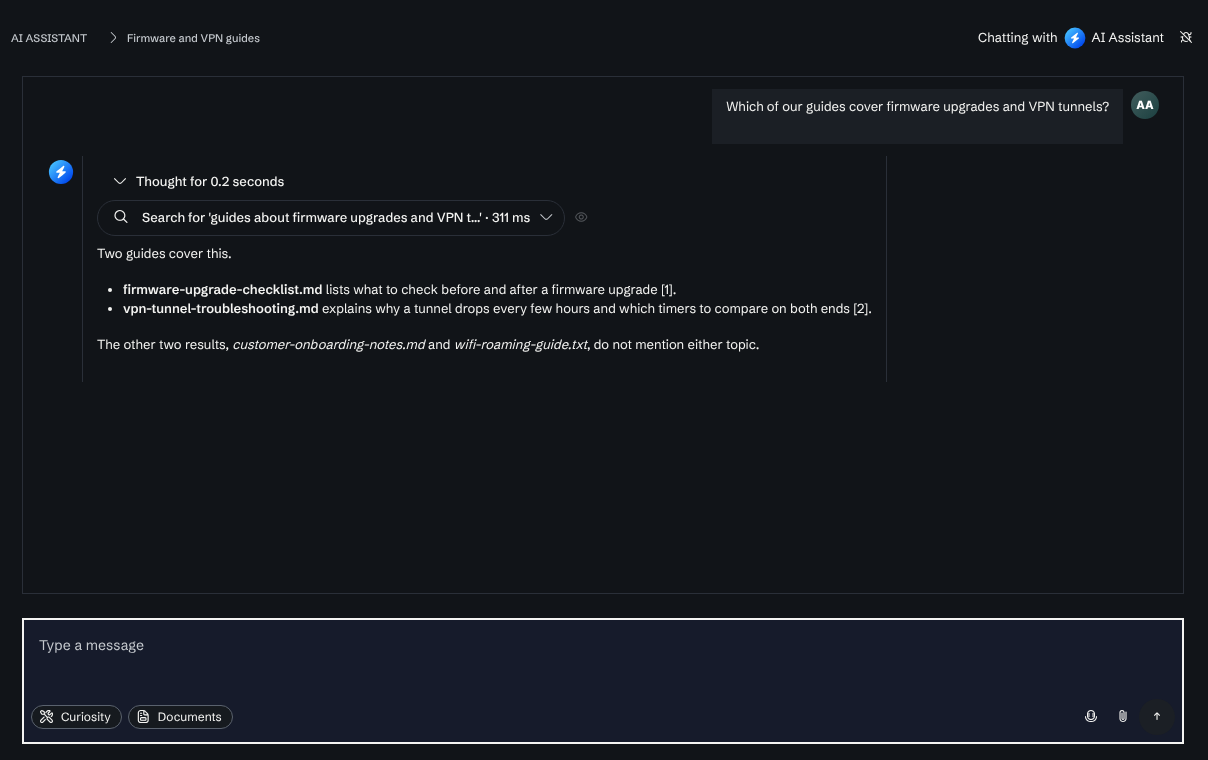
The answer below was written from a search over the workspace's files, and the search it ran is listed above the text.
Search Mode
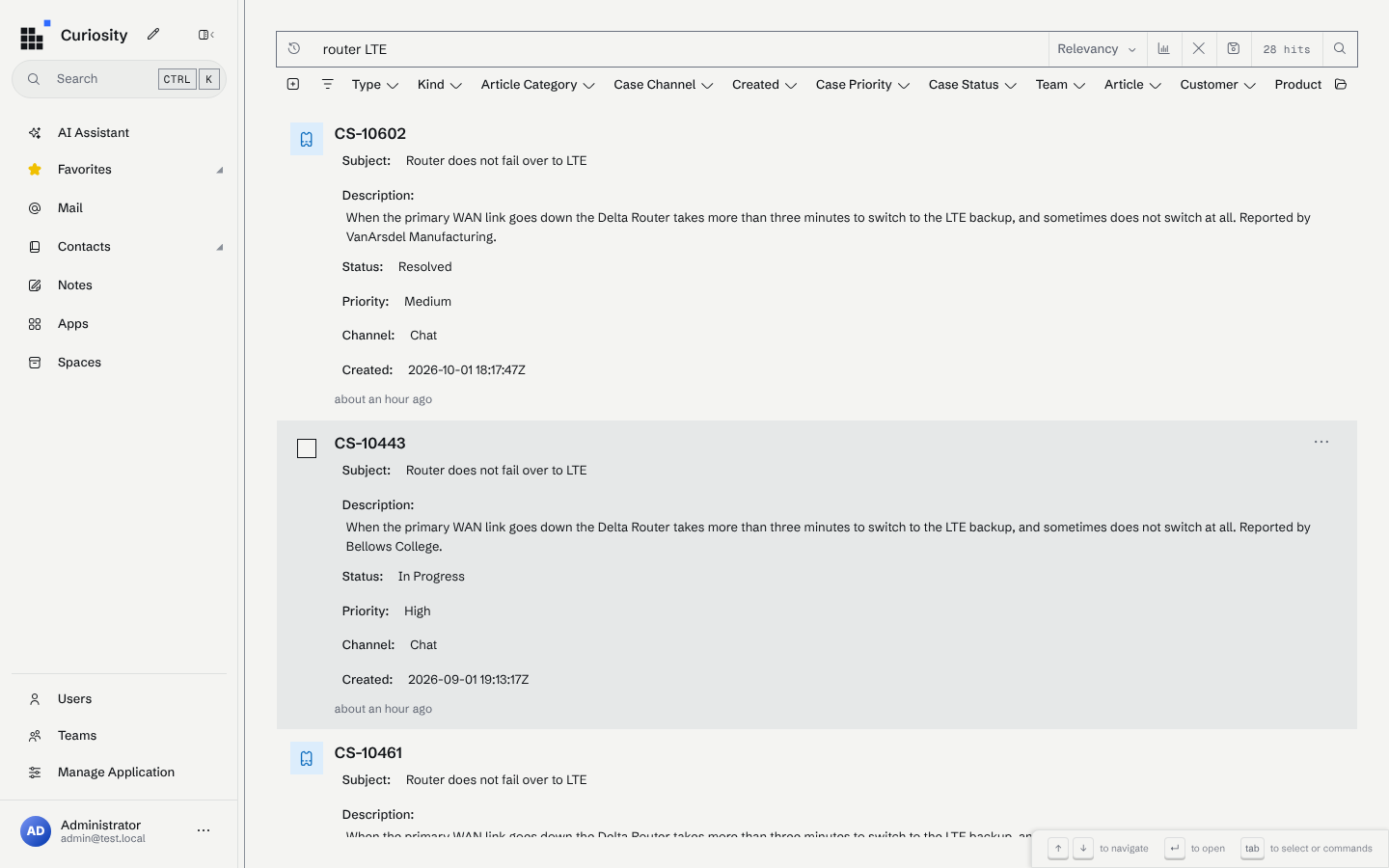
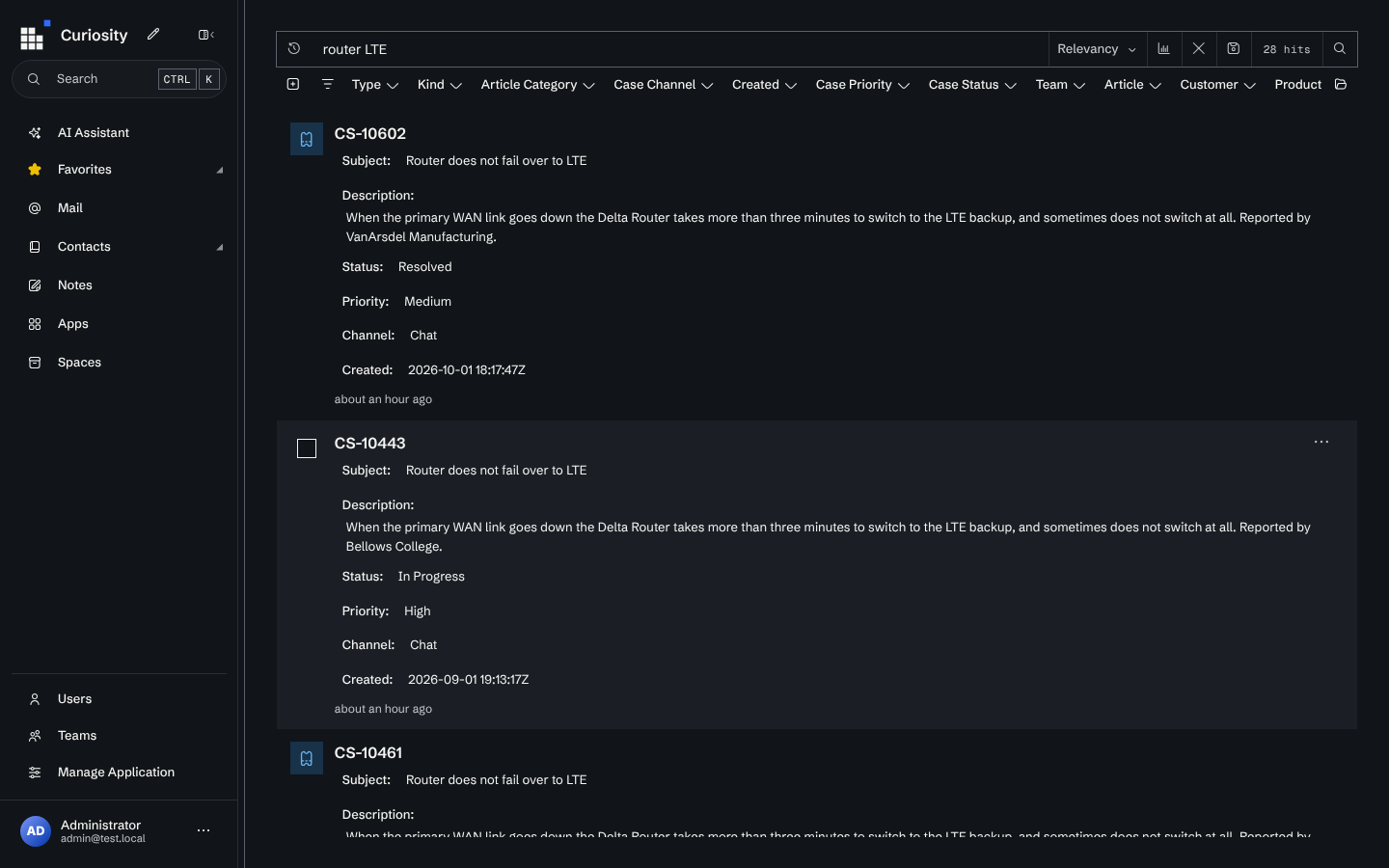
Use Search mode when you want direct links to documents. Results are ranked by relevance (using text and vector indexes) and displayed as a traditional search results list.
Best for:
- Finding a specific document
- Quick document lookup
- Browsing available content using facets
The same workspace searched for router LTE: cases, articles and products come back as a ranked list, with facets across the top to narrow it.
When to Use Each
| Use Chat Mode | Use Search Mode |
|---|---|
| "What were the key decisions from the product meeting?" | "Q3 sales report" |
| "Summarize our refund policy" | "employee handbook" |
| "How do I set up SSO?" | "SSO configuration doc" |