

Quick start
This page starts the Orchestrator on your own machine and creates a first workspace. For a public server with HTTPS, follow Run it on a server afterwards.
Start the Orchestrator
ORC_ADMIN_PASSWORD='choose-a-password' curiosity-orchestrator
It listens on port 8080. Its database goes to ./storage unless ORC_STORAGE names another folder. For anything beyond a try-out, set it:
ORC_ADMIN_PASSWORD='choose-a-password' ORC_STORAGE="$HOME/.curiosity/orchestrator-data" curiosity-orchestrator
Create a workspace
Sign in to the console
Open http://localhost:8080/#/manage and sign in as admin with the password you set. The overview shows the host's CPU, memory and disk, and whether Docker is reachable.
Create the workspace
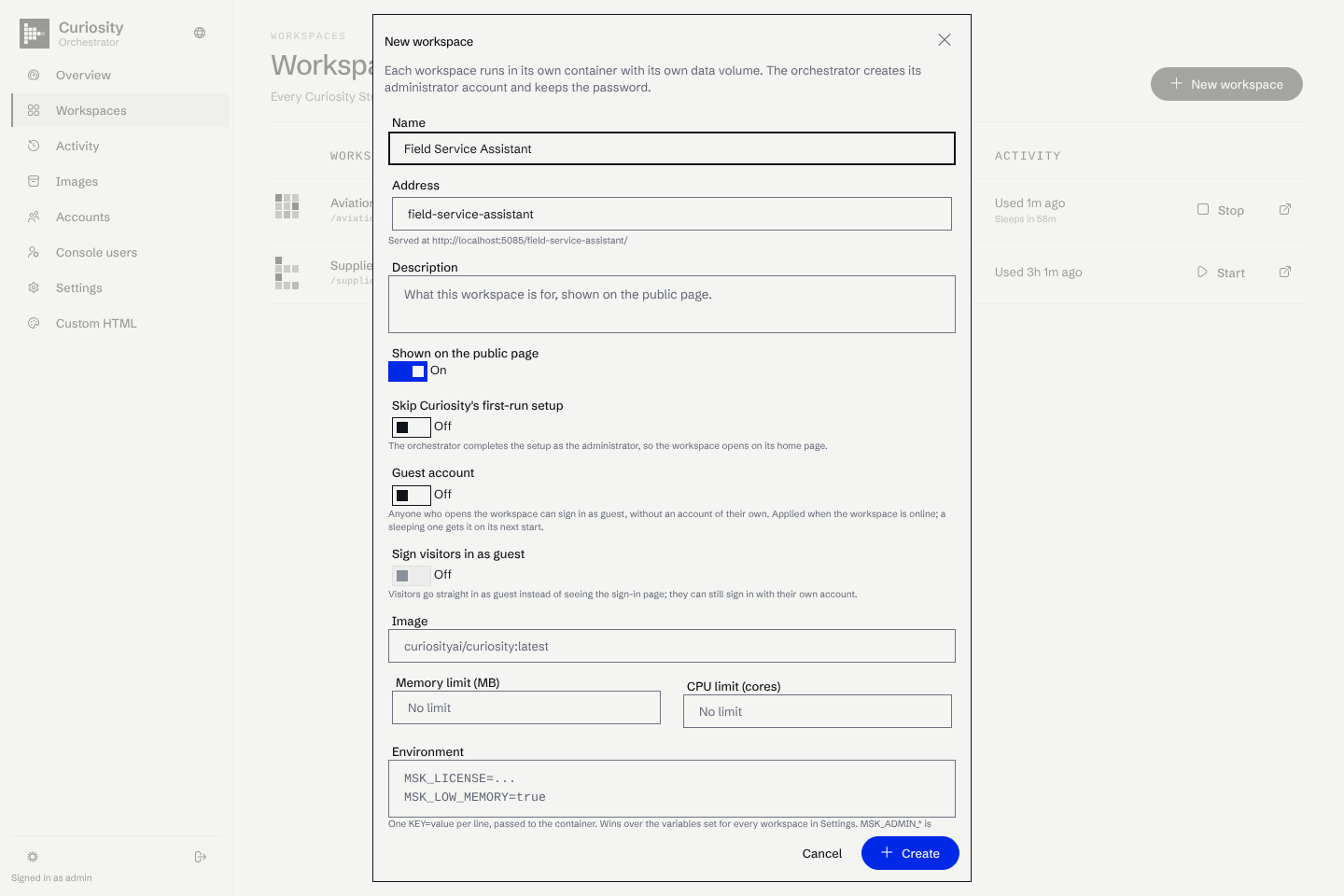
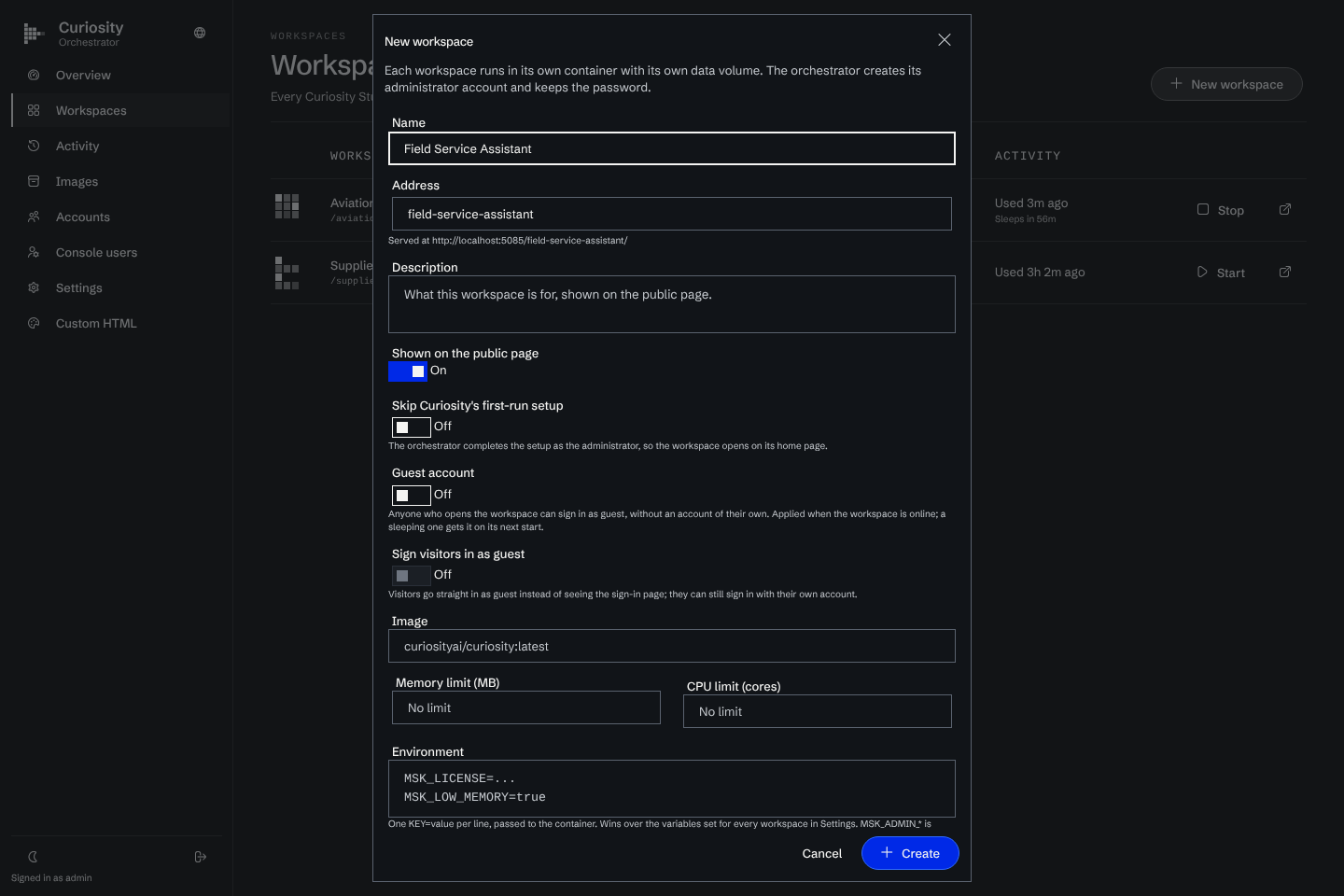
Go to Workspaces, choose New workspace and enter a name. The Orchestrator suggests an address from the name, for example acme. The address is the workspace's slug, and it cannot be changed later.
Wait for the image
The first creation pulls curiosityai/curiosity:latest, which takes a while. The operation log on the workspace page shows each step. A new workspace is started once to be set up, then goes back to sleep unless you chose to start it.
Open it
Go to http://localhost:8080/acme/, or to http://acme.localhost:8080/. Browsers resolve *.localhost to your own machine, so subdomain routing needs no DNS here.
Sign in as administrator
Every workspace gets an admin account with a random password that the Orchestrator keeps. The workspace page has a Sign in as administrator button that opens the workspace already signed in. The Administrator tab reveals and rotates the password.
What happens when nobody is using it
After an hour without traffic, the Orchestrator stops the workspace. Open its address again and a starting page wakes it, then takes you in. See Sleep and wake.