Quick start
This page starts Spark, downloads a small model and sends a chat request. It uses SmolLM2 135M, a 145 MB model that is enough to see every step work.
Start Spark
SPARK_ADMIN_PASSWORD='choose-a-password' SPARK_STORAGE="$HOME/.curiosity/spark-data" spark
Spark listens on port 8080. Its database, models and KV snapshots go to ./storage unless SPARK_STORAGE names another folder.
Add a model
Open the console
Go to http://localhost:8080 and sign in as admin with the password you set.
Search Hugging Face
Open Discover and search for SmolLM2-135M-Instruct. Pick the repository bartowski/SmolLM2-135M-Instruct-GGUF.
Download a file
Choose SmolLM2-135M-Instruct-Q8_0.gguf and start the download. Downloads shows progress and speed. A dropped download resumes from where it ended.
See it in the library
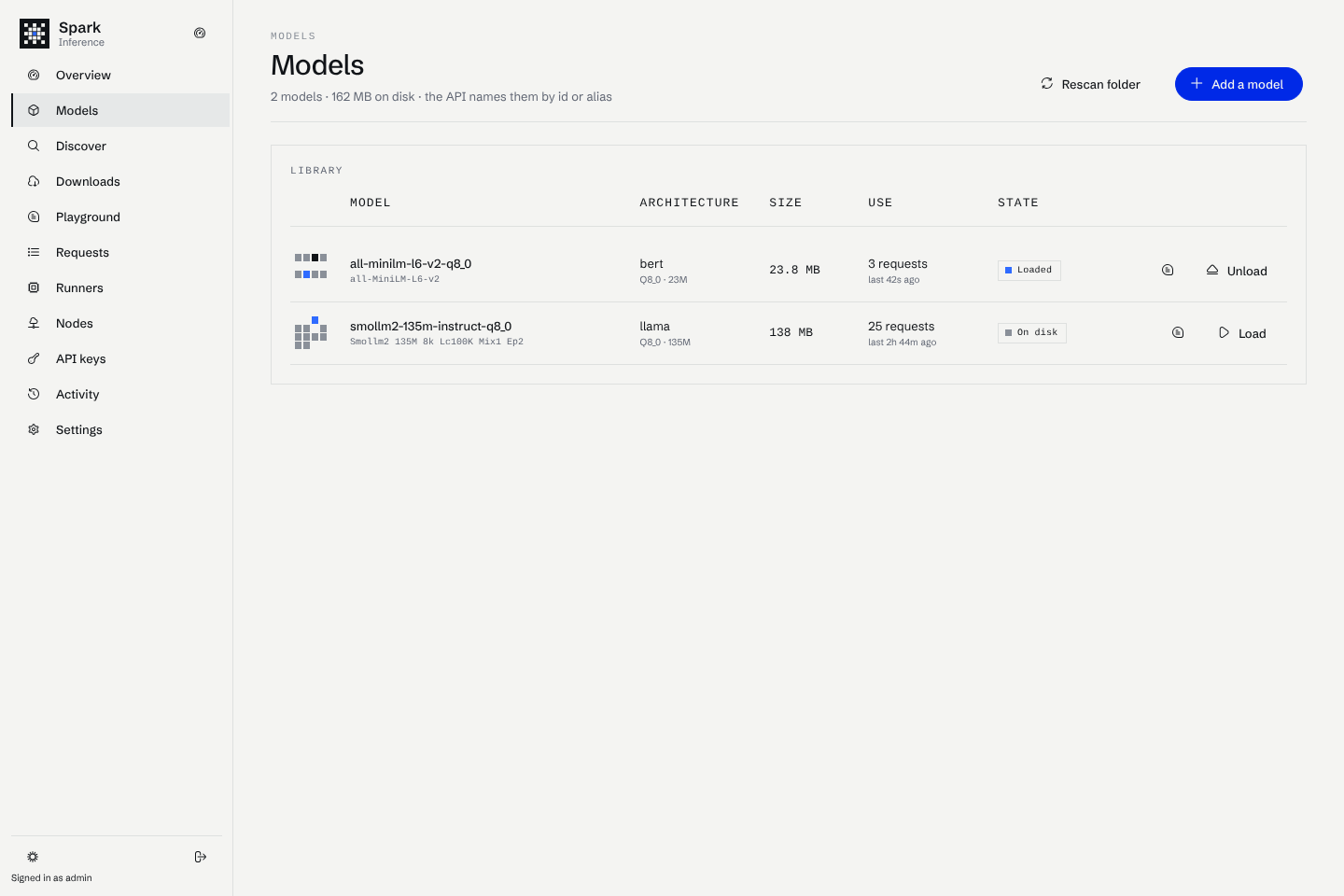
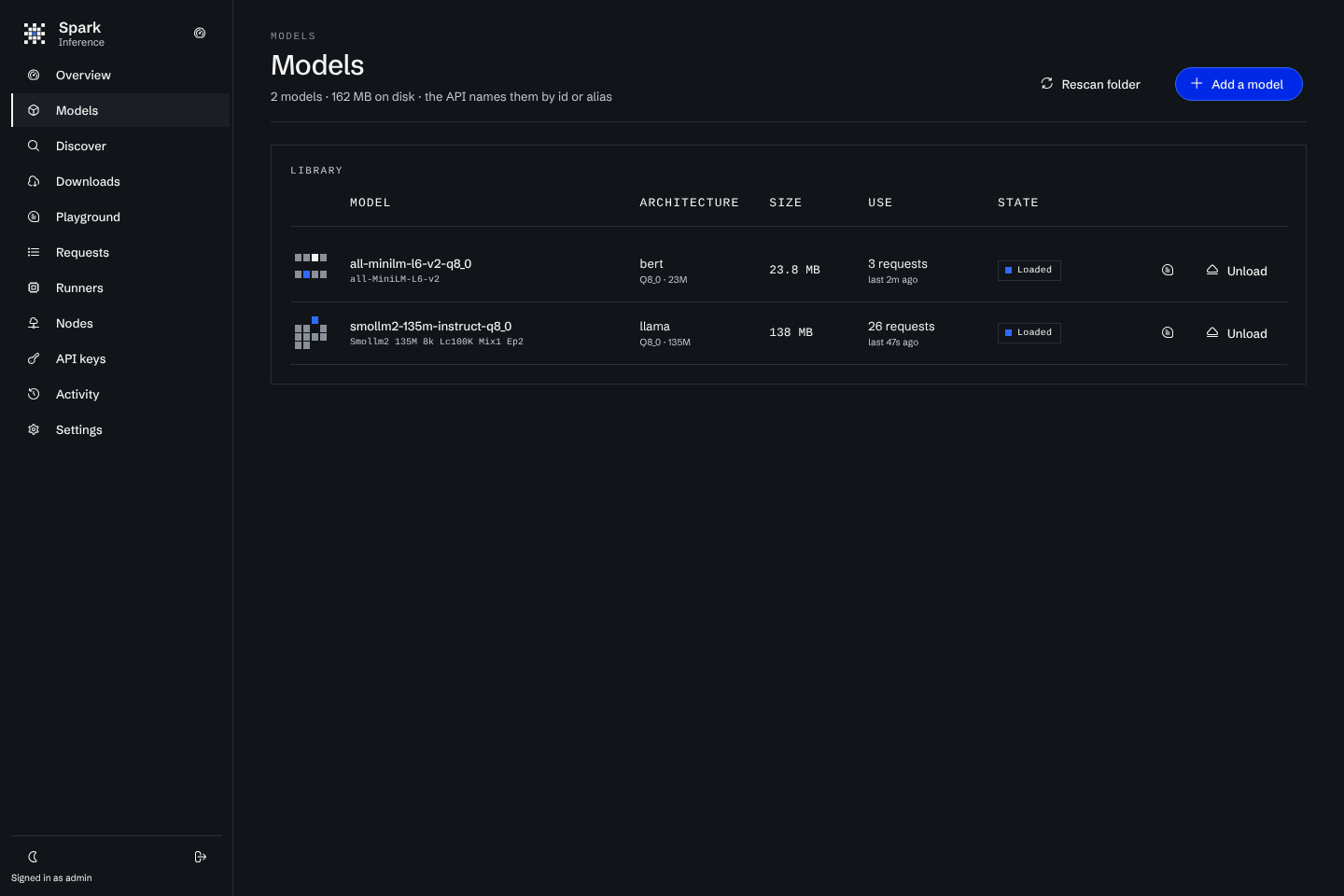
The model appears under Models with the id smollm2-135m-instruct-q8_0.
You can also copy any .gguf file into $SPARK_STORAGE/models. It appears in the library on the next scan.
Create an API key
Open API keys, choose Create a key, and copy the key. It starts with sk-spark- and is shown once. Spark stores only its hash.
Send a request
curl http://localhost:8080/v1/chat/completions \
-H "Authorization: Bearer sk-spark-…" -H "Content-Type: application/json" \
-d '{"model": "smollm2-135m-instruct-q8_0", "messages": [{"role": "user", "content": "Hello!"}], "stream": true}'
The first request loads the model, which takes under a second for this one. Later requests reuse the loaded runner until the model has been idle for SPARK_IDLE_UNLOAD_MINUTES (30).
See what happened
- Requests lists every request with its model, status, token counts and timings. Open one to see the prompt the chat template rendered, the answer and a timeline of each step.
- Runners shows the runner process that holds the model, its memory and its log.
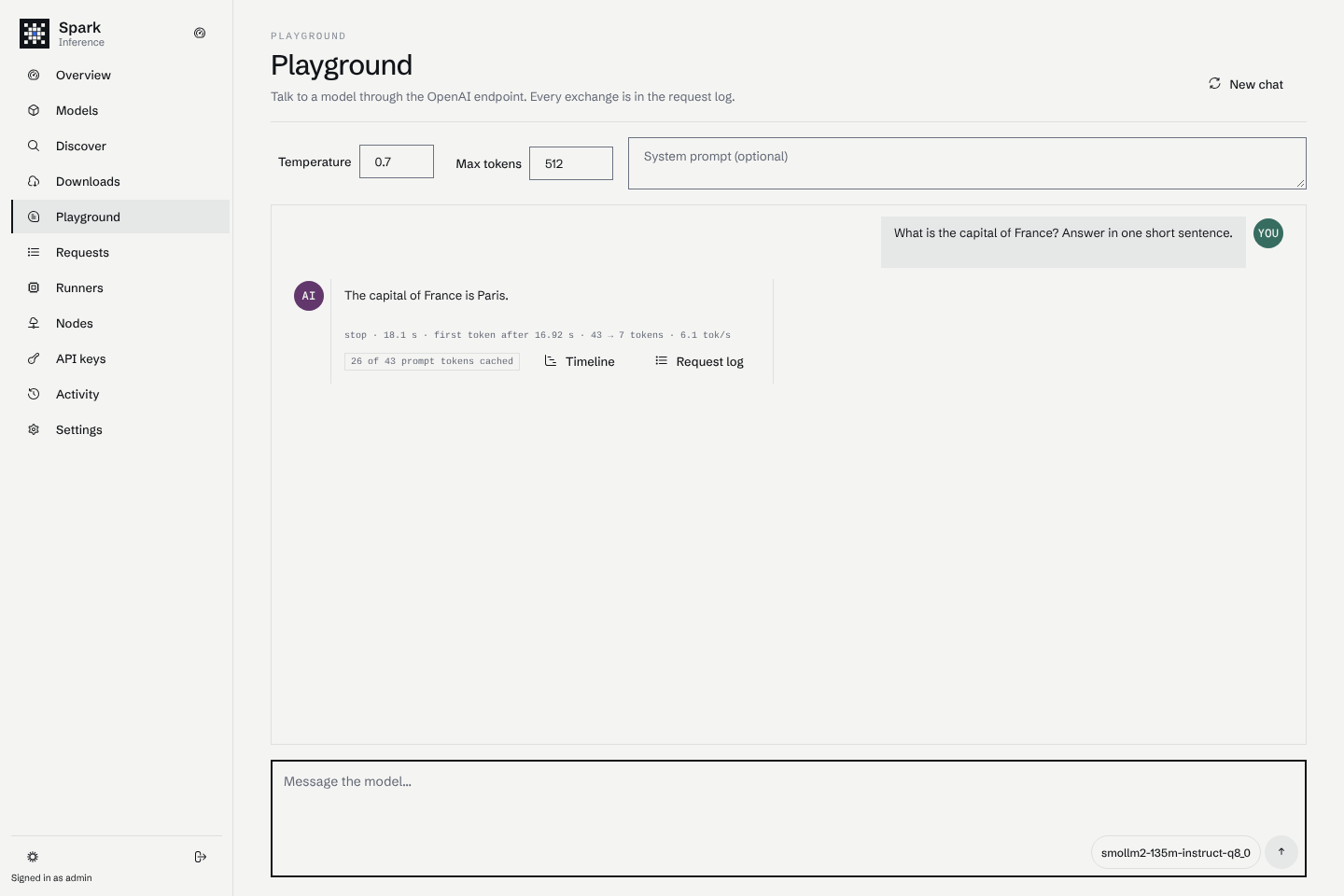
- Playground sends a chat from the console, through the same endpoint.