

What is an agent?
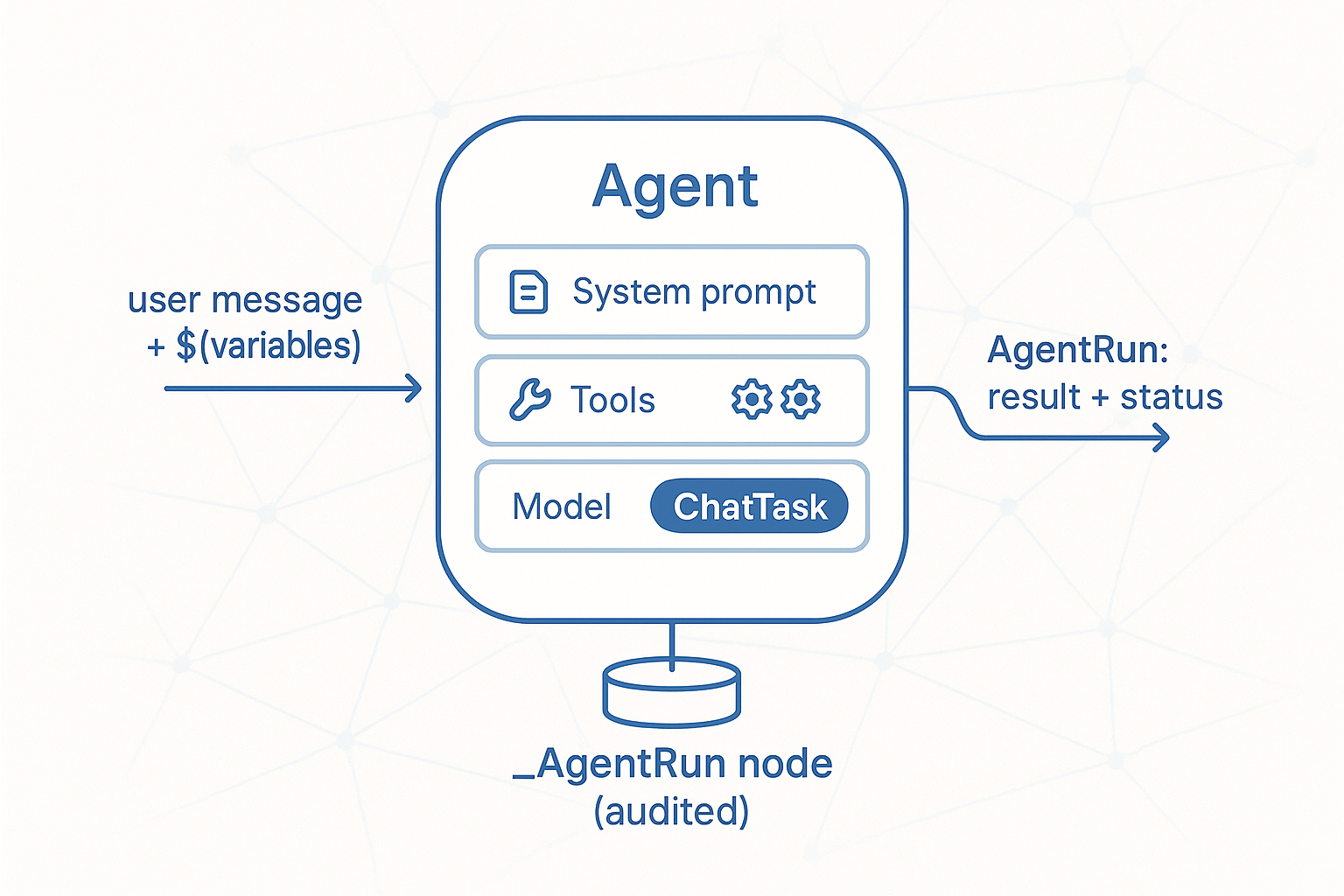
The previous steps showed an LLM answering one question with retrieved context and a few tools. An agent packages that: a saved configuration that pairs a system prompt, a tool set, and a chat model into one re-usable object — stored as an _Agent graph node, callable from any endpoint, tool, or scheduled task.
Where a bare LLM call is "prompt in, text out", an agent is prompt + tools + model + schema. You give it a goal; the model picks tools; the runtime executes them under the user's permissions; you get a structured result back.
The runtime is single-shot and non-streaming, and persists every invocation as an _AgentRun node — so you can audit, replay, or inspect what the model decided.
Three layers, three jobs — pick the right one:
| You need | Use |
|---|---|
| Deterministic, permission-aware logic over HTTP | A custom endpoint |
| A function the chat assistant can call mid-turn | An AI tool (previous step) |
| A re-usable LLM workflow: fixed prompt + tools + model | An agent |
| A task that needs another agent to do part of the work | A sub-agent (later in this track) |
A good rule of thumb: an agent is what you'd ship if a non-engineer asked for "a button that summarises this customer's open tickets and drafts a reply." The behaviour is fixed; only the input changes.