

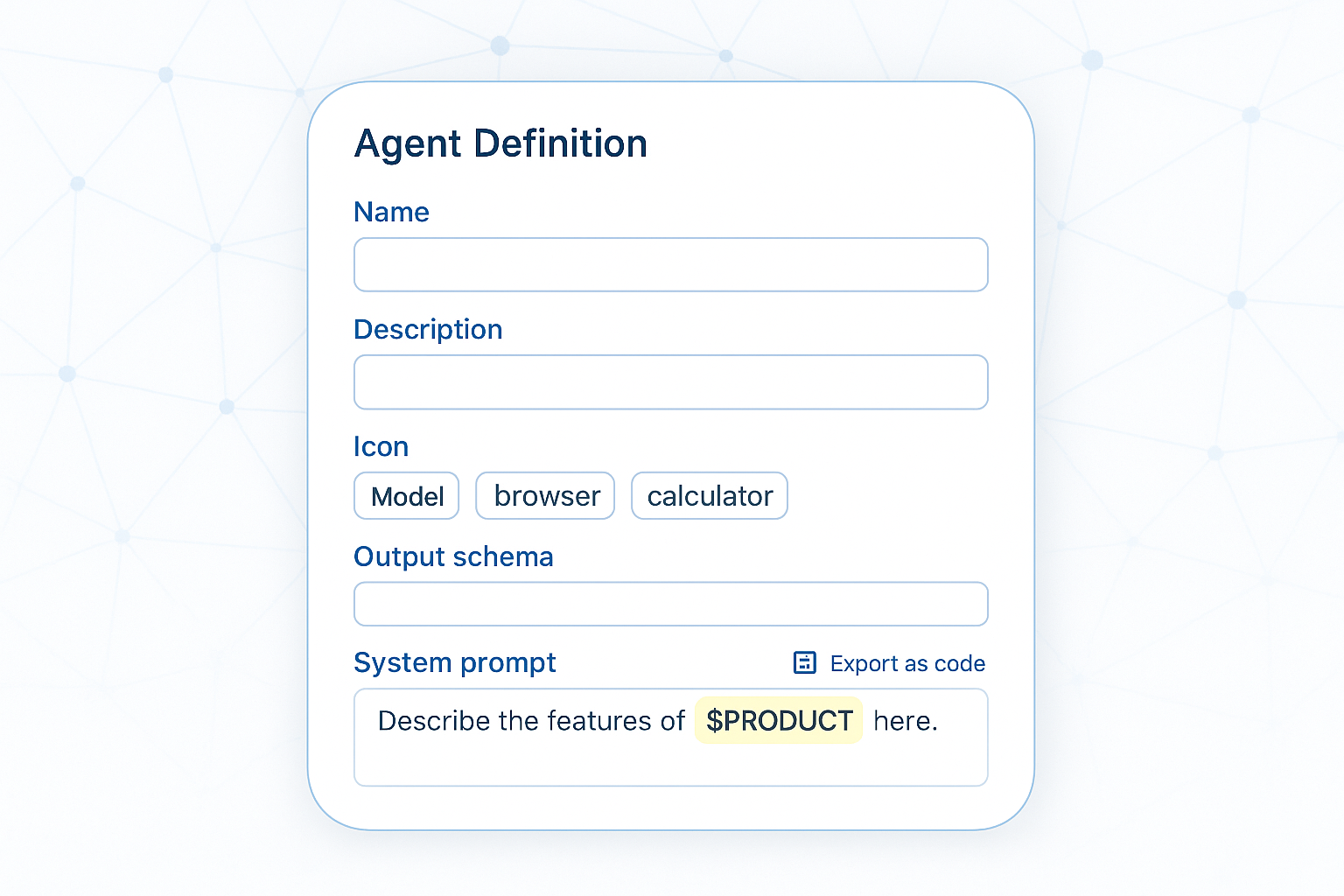
Creating an agent
You author an agent in Management → Agents, or as an exportable code block that lives in git. Either way it ties together the same pieces.
| Field | What it controls |
|---|---|
| Name | Display label; also the tool name when the agent is used as a sub-agent |
| Description | One-liner; becomes the LLM-facing description when called as a sub-agent |
Model (ChatTaskUID) |
The chat model. Empty falls back to the caller's default — always pin one in production |
| System prompt | The instruction text. Supports ${VAR} placeholders |
| Tools | Any subset of the workspace's AI tools — pick the smallest set that does the job |
| Output schema | Optional C# type that forces a JSON-shaped result |
The system prompt is the agent's contract. Two things are agent-specific:
- Name your tools in the prompt ("call
SearchTicketsfirst") — it makes routing reliable. - The prompt is the only place to constrain behaviour — there's no per-turn moderation hook.
Variables bind per call from the variables dictionary; unknown ones are left verbatim:
You triage support tickets for ${PRODUCT}. Respond in ${LOCALE:-en}.

Given the ticket body, call SearchTickets to find similar past cases,
then return a TriageDecision. Never invent resolutions you didn't cite.
Keep variables bounded — enums, IDs, locale codes — not free text. Free text is what the user message is for.
Structured output forces a machine-readable result. Mark a type and name it in the agent's Output schema:
using Mosaik.AI;

[AgentOutputSchema]
public record TriageDecision(
    string Category,        // "Hardware" | "Software" | "Billing" | "Other"
    string Severity,        // "Low" | "Medium" | "High" | "Critical"
    string ProposedAction,
    string[] CitedArticleIds);
The runtime validates the reply against the schema; a malformed one triggers a retry, then Failed. Without a schema you get prose — fine for humans, bad for downstream code.