

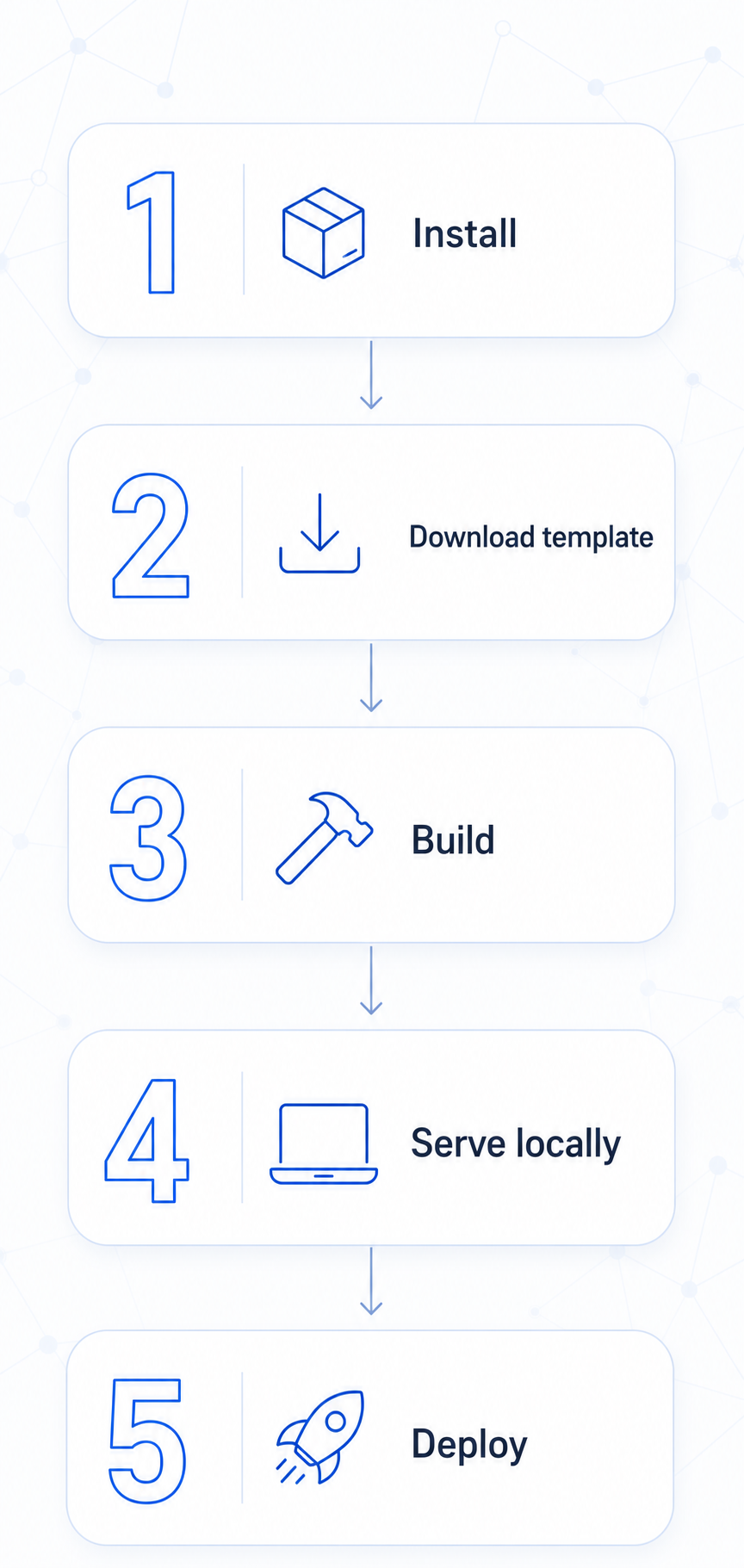
Dev workflow
Five steps from zero to deployed.
1. Install the tools:
dotnet tool install --global Transpose.Compiler
dotnet tool install --global curiosity-cli
2. Download the project template:
In the workspace: Management → Interfaces → Download template. This gives you a pre-wired C# project with the right Transpose and Tesserae references.
3. Build:
dotnet build
# Transpose emits JS into bin/Debug/netstandard2.0/tps/
4. Serve locally (proxies API calls to your workspace):
curiosity-cli serve \
  --server https://your-workspace.example.com \
  --path bin/Debug/netstandard2.0/tps/
Open http://localhost:5000 — you see your UI talking to the real workspace.
5. Deploy:
curiosity-cli upload-front-end \
  --server https://your-workspace.example.com \
  --token  $WORKSPACE_TOKEN \
  --path   bin/Debug/netstandard2.0/tps/