

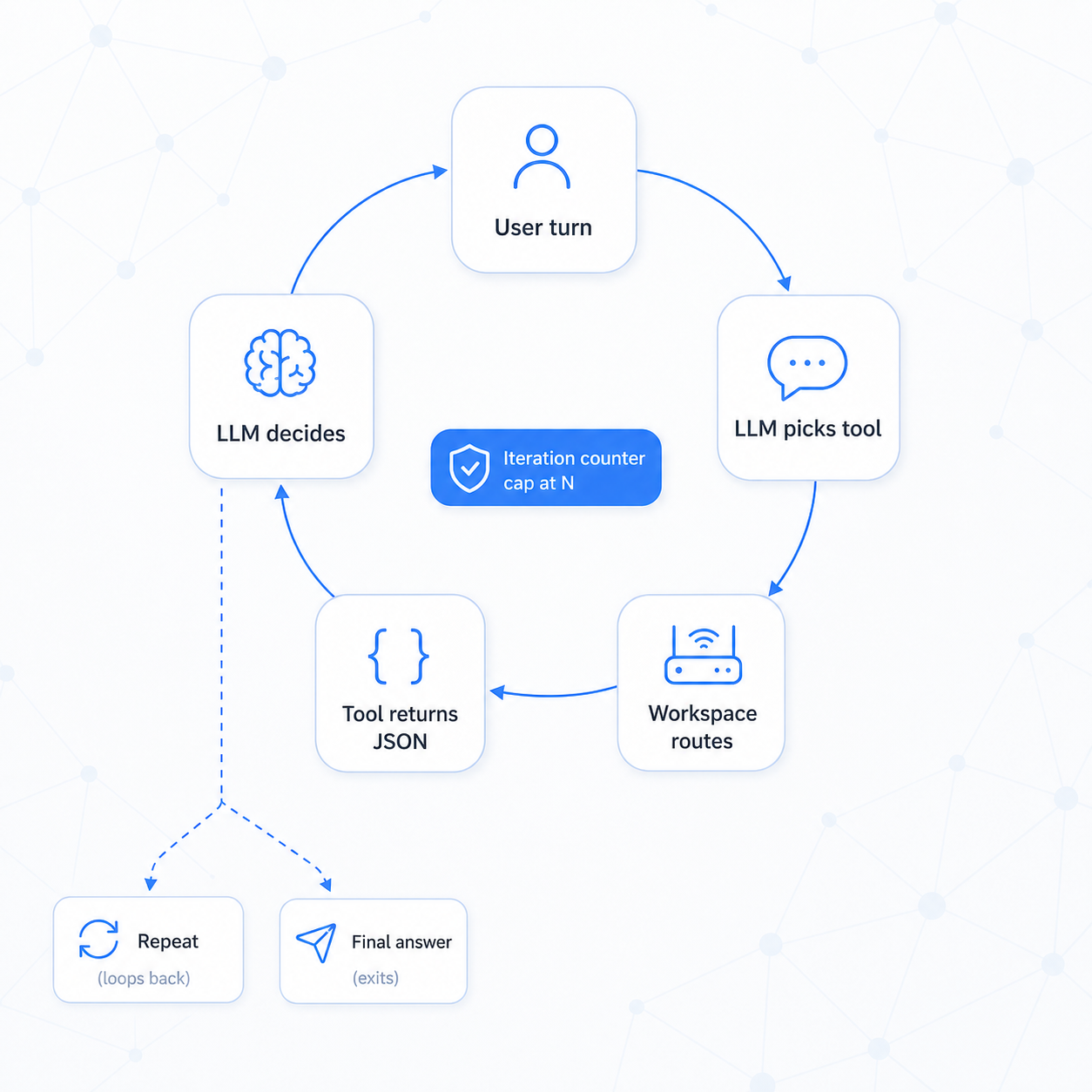
The agent loop
An agent isn't magic — it's an LLM in a loop with access to tools. Understanding the loop is what lets you reason about cost, latency, and failure.
User turn
  → LLM picks next step (a tool call, or the final answer)
  → runtime validates + routes the call, ACL-filtered as CurrentUser
  → tool returns a JSON result
  → LLM receives the result
  → (repeat until the final answer, or the iteration cap / timeout)
  → result persisted to _AgentRun
The whole loop is one RunAgentAsync call — single-shot, non-streaming, with a default 5-minute timeout. Cancel the CancellationToken to abort early.
A worked run — "Why does my MBA-2024 battery drain overnight?":
- LLM calls
SearchTickets("battery drain MBA-2024", limit: 5) - Tool returns 5 tickets; LLM identifies 2 as relevant
- LLM calls
GetResolution(uid: "ticket-42") - Tool returns: "firmware update v3.2 fixes overnight drain"
- LLM composes a cited answer
[1][2] - Total: 3 model calls, 2 tool calls, ~2 seconds
Structured output closes the loop cleanly. When the agent has an OutputSchema, the runtime validates the final reply; a malformed one retries, then ends as Failed. Past a Completed status, downstream code can parse without defensive guards:
var decision = run.Result.FromJson<TriageDecision>(); // guaranteed shape on Completed
Keep the loop tight:
| Lever | Guidance |
|---|---|
| Tool catalog size | Fewer than ~10 tools per agent; overlapping tools cause unreliable selection |
| Tool-result size | Return UIDs and short fields — not whole documents — so prompt budget stays predictable |
| Model by role | Small/fast model for routing, a larger one for synthesis |
| Iteration cap | Uncapped agents can loop on ambiguous tasks — cap at ~8 |