

Explaining & access control
A recommendation you can't explain — or that leaks data the user shouldn't see — is a liability. The engine handles both.
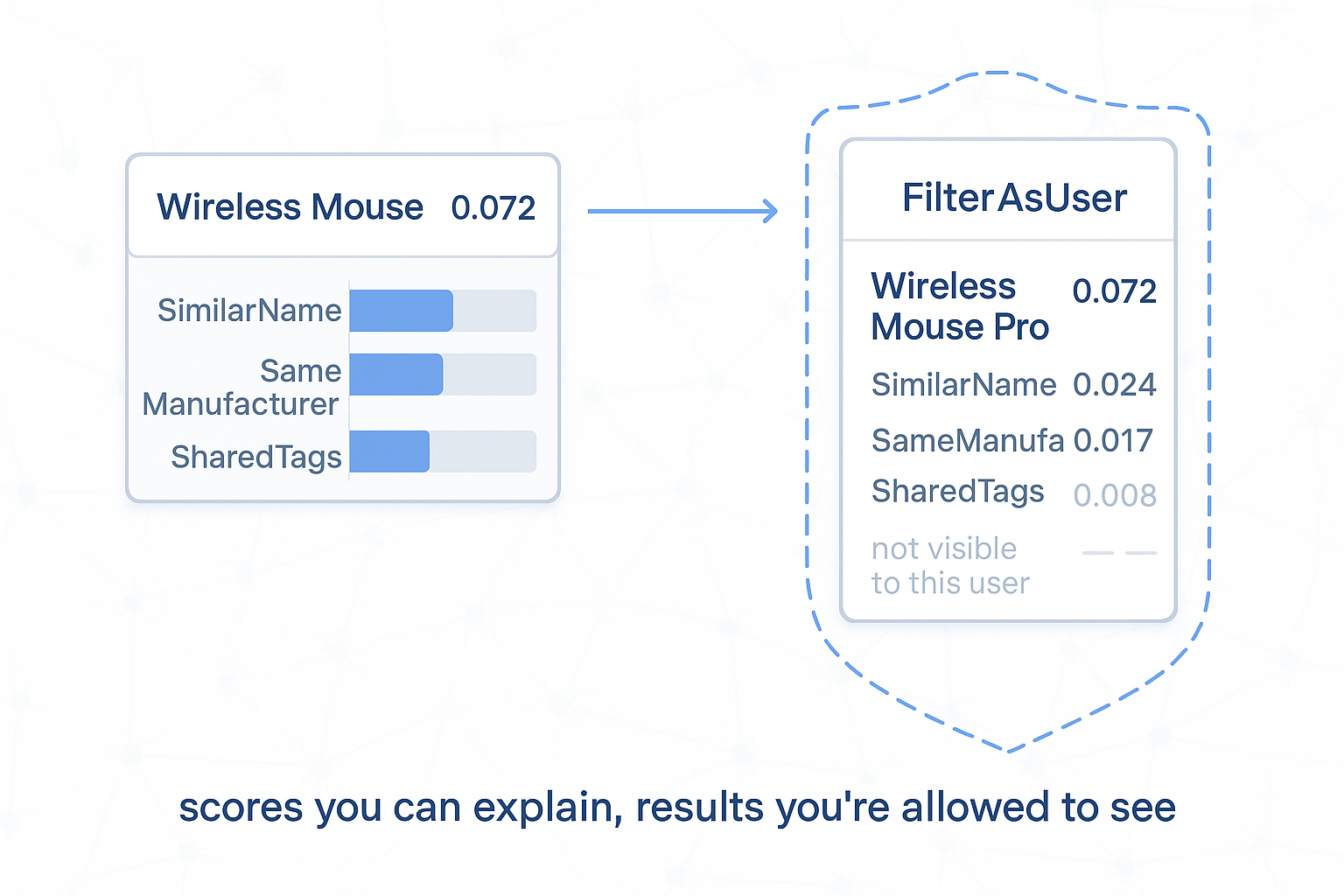
Explain: every result carries its own per-signal breakdown.
Scores maps each UID to a ScoreInfo — the final Score plus a Components map naming how much each signal contributed. The breakdown is tracked by the engine as it fuses, so you read it straight off the result; no extra option to enable.
var hits = result.Scores
    .OrderByDescending(kv => kv.Value.Score)
    .Take(topK)
    .Select(kv =>
    {
        Graph.TryGetReadOnlyContent<Product>(kv.Key, out var node);

        var perSignal = kv.Value.Components
            .ToDictionary(c => c.Key, c => (double)c.Value);

        return new ScoredProduct(node?.GetKey(), node?.Name, kv.Value.Score, perSignal);
    });
SimilarityResult field |
Contents |
|---|---|
Scores |
UID → ScoreInfo (Score + Components) — your page-1 list and the "why" in one |
Timings |
Per-stage wall-clock, when TrackTimings(true) |
Surface Components to the user — "recommended because: same manufacturer, shared tags". For the built-in fuses the components add up to Score; a negative signal appears as a negative entry, so a demotion is just as explainable as a lift.
Access control: signals read the admin-level graph.
result.Scores can contain UIDs the caller is not allowed to see. The engine does not enforce per-user access on results — you must. Two options:
// Option A — scope inside a signal:
.AddSignal("x", s => s.From(ctx => ctx.Graph.Query(userUID) /* … */))

// Option B — filter the whole result (simplest, do this by default):
.FilterAsUser(CurrentUser)
Forgetting FilterAsUser (or a per-signal Query(userUID)) is the most common recommendation bug — it silently recommends items across permission boundaries.